©2022 Pro-Vision Solutions, LLC. Page 19 of 56
Analog HD Low Profile Camera Installation
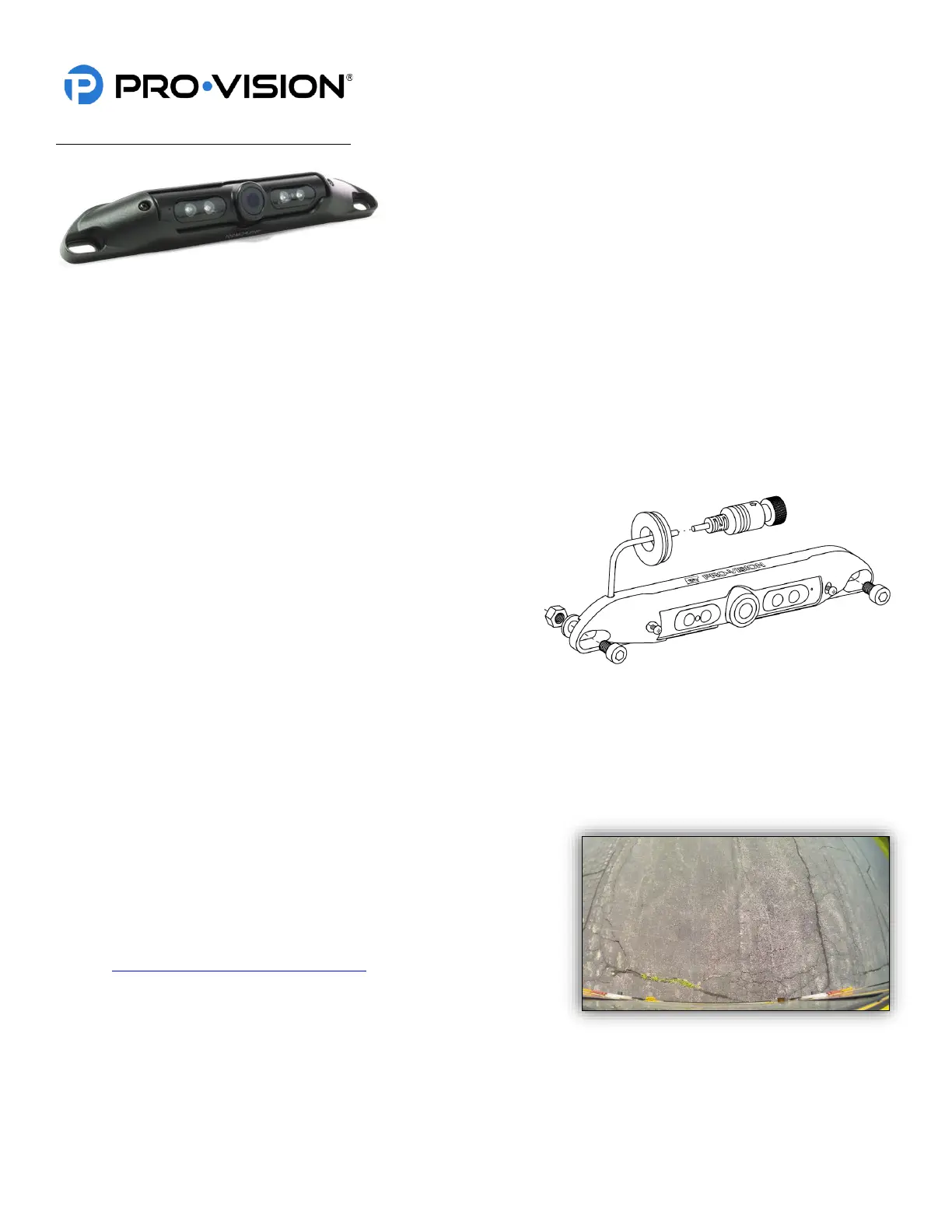
The AHD Low Profile Camera (Kit P/N: DVR-912, Camera P/N: PC-
1912) is designed to be mounted in the rear of the vehicle. It is very low
profile, allowing it to be mounted at the top of the rear for easier wiring
and better field of view. The camera mounting hole pattern matches
that standard 7” on center spacing of US license plates for easy
mounting over license plates for light duty vehicle applications where
space is limited, or drilling holes is not desired. The camera has four (4)
infrared (IR) LED’s that provide illumination during low light/dark conditions. The camera also has a waterproof
microphone built into the camera housing. The camera lens has a wide 145° horizontal and 80° vertical coverage.
Mounting Location:
This camera is often used on the outside rear of light duty vehicles like cars, vans, and SUVs to provide video capture of
backup incidents and observation behind the vehicle. The camera can only be mounted to a horizontal surface, it is
designed to be mounted directly to the mounting surface and can adjust up and down for proper aim. The camera
mounting screw holes spacing allows direct mounting to US license plate bolt pattern.
Installation:
1. Locate the desired mounting location of the camera. It is
recommended to power on the DVR unit and temporarily
connect the camera to it and observe that the view in the
desired mounting location is satisfactory before
proceeding to the next step.
2. When the desired mounting location is found, mark or
measure the two (2) mounting screw hole locations in the
camera. If license plate mounting, skip this step.
3. If the cable will be routed through the vehicle body, it is common to drill a ¾” hole behind the camera where the
cable exits the camera body, mark and drill this hole if needed. Remove any burrs from the hole to prevent
damage to the cable. If license plate mounting, there is a notch in the top left of the camera for the cable to exit
and then route into the body of the vehicle.
4. Route the camera cable into the hole and then install the camera to the marked locations from step 2. Attach the
camera with the supplied mounting hardware.
5. Route and install the extension cable(s) to the cameras final
mounting location and connect it to the camera. Leave enough
slack to allow removal of the camera to simplify service in the
future (typically 4”-6”).
6. Power on the DVR unit and connect to the Wi-Fi to view the
live camera image to properly aim it on the view page. (See
Viewing Cameras on a Smart Device for connection details) To
adjust the camera aim, loosen the two (2) small Phillips head
screws on either side of the camera assembly.
7. After the camera is aimed, tighten the two (2) Phillips’s head
adjustment screws.


 To Next Page
 Loading...