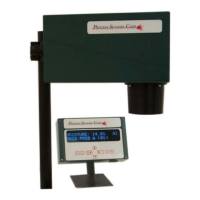
Constit 1 : 3.6% 01
Constit 2 : 25.9% 01
Home Screen for Three Constituents
Constit 1 : 3.6% *
Prod.: Prod A (01)
In the Three Constituent Mode the top line will scroll through the three constituents at 5-second
intervals. An asterisk will be presented in the upper right corner indicating that the sensor is in the Three
Constituent Mode.
The constituents have identical menu structures and access to any of them is gained by selecting the
desired constituent using the Display Rotate key. When in the dual or triple ‘Home Screens’, access to
the menus is denied and only the, Display Rotate, Enter and Prod. Code # key are active.
Display Rotate Key – Single Constituent Mode
When the MCT is measuring a single constituent the Display Rotate Key will act as a ‘Home’ key.
Display Rotate Key – Dual and Triple Constituent Modes
Constit 1: 3.6% 01
Prod: Prod A (01)
Constit 2: 25.9% 01
Prod: Prod A (01)
Pressing the Display
Rotate key
once
will
select the first
(constituent) menu
Pressing Display
Rotate a second time
will select the second
constituent menu
10



 To Next Page