This menu selection allows the operator to correctly calibrate the sensor on the range of products
being measured. When using this sequence, the following information will be required:
1. Calibration Channel (1 through 9) that was used to generate the MCT
readings for each sample.
2. List of MCT readings with the corresponding laboratory determined
moisture values for each sample.
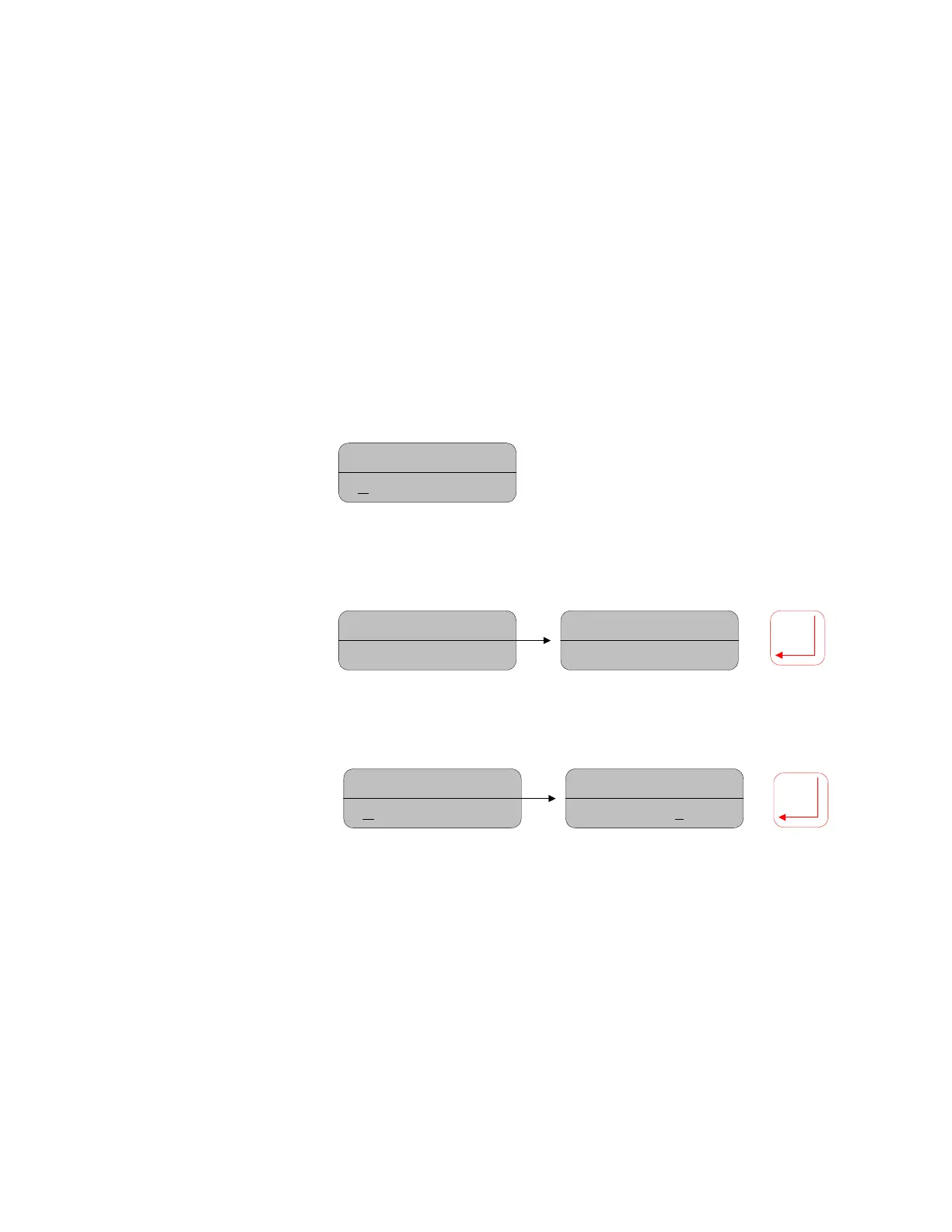
Moisture= 12.89%
C
AL ROUTINE
Move DOWN to
CAL Routine
then
move right to enter
the menu
Moisture= 12.89%
PASSWORD = 0000
Moisture= 12.89%
PASSWORD = 1234
Password:
Move cursor
under digits, move up/
down to set the correct
password, press Enter to
accept and enter the
menu
Number of Data
Pairs:
Move the
cursor to the digits
and use up/down to
set the # of data pairs
being used for the
calibration. Min. is 2,
max. is 25. Move
down to the next
menu choice.
Moisture= 12.89%
D
ata pairs = 00
Moisture= 12.89%
Data pairs = 05
Select the Cal. Code used by the sensor to generate the data pairs:
19



 To Next Page