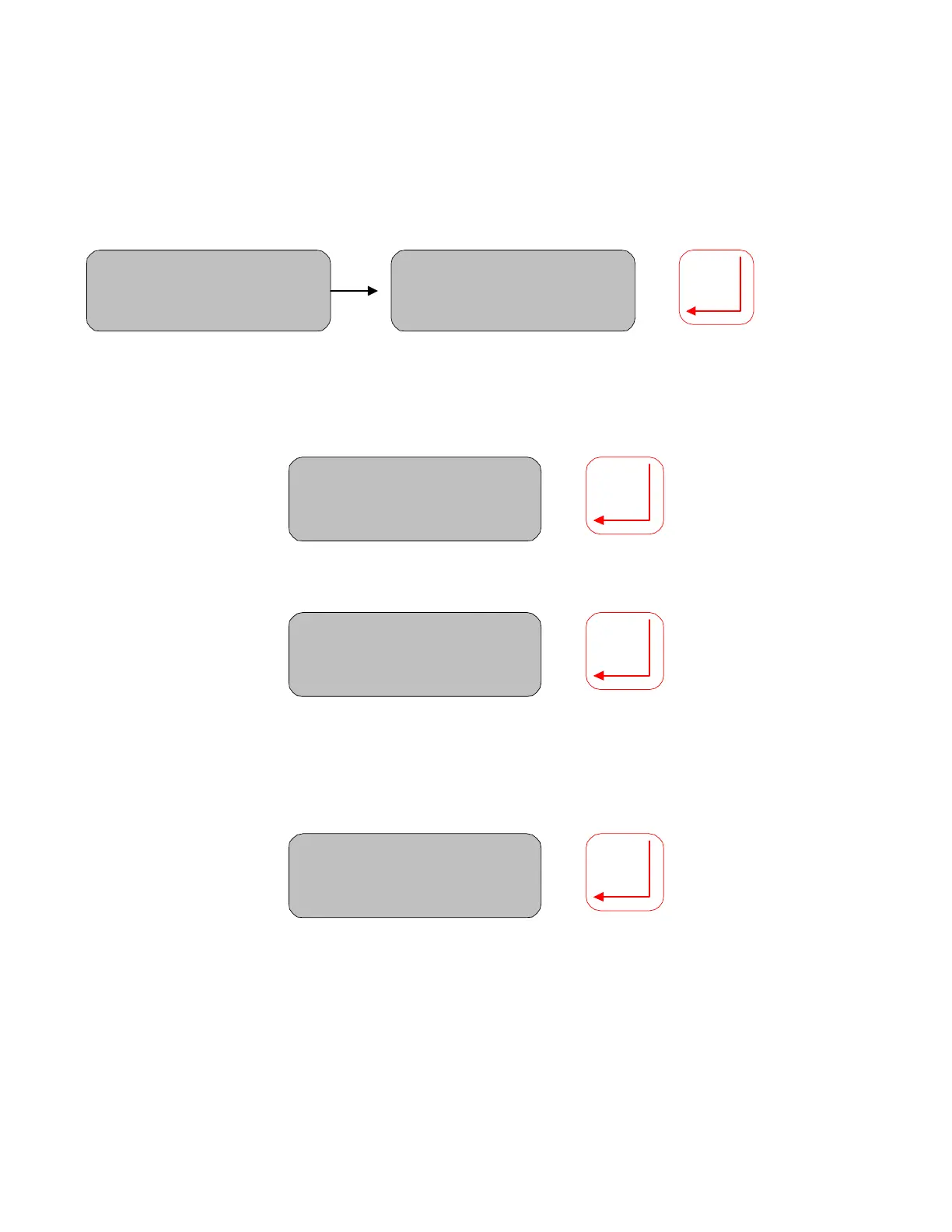
Move the cursor under the Prod. Code value and scroll up/down to set the correct value. Press Enter to
accept. Move DOWN to enter the first data value.
Moisture= 12.89%
Start: PROD A (01)
Moisture= 12.89%
Start: PROD A (03)
Move the cursor under the digits for the first LAB value. Scroll up/down to set the value. Press Enter to
save this value. Move the cursor under the digits and set the value. Press Enter to save.
Moisture= 12.89%
Lab Val 01:2.56
Move DOWN to enter the corresponding MCT value. Press Enter to save the value.
Moisture= 12.89%
MT VAL 01: 3.23
Repeat for all the data pairs
When all pairs have been entered move Down to Calculate. Move the cursor to Y to calculate the
regression coefficients and the new Zero and Span values. Selecting N will abort the calculation.
Moisture= 12.89%
Calculate Y/N
20



 To Next Page