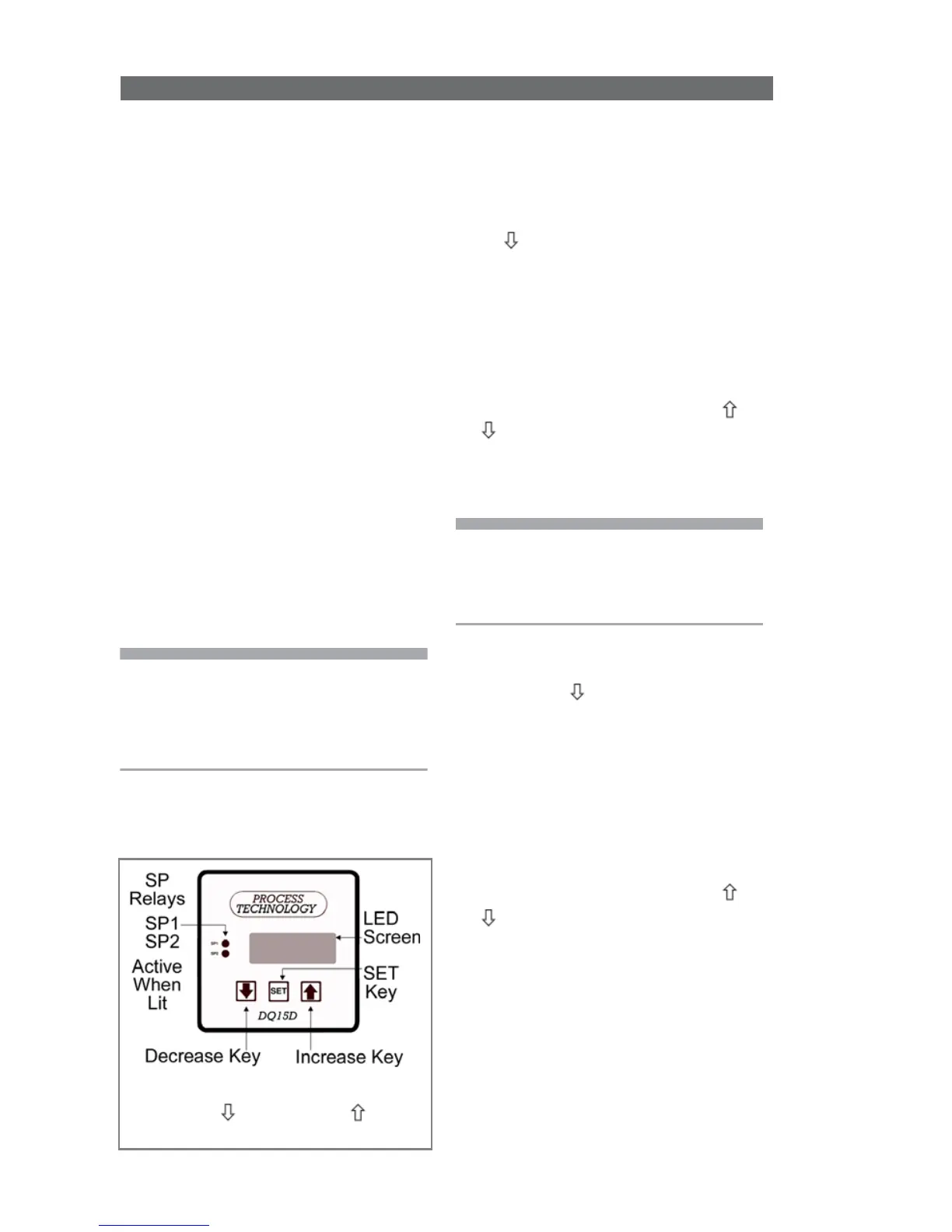
View/Change Set Points
The screen normally displays the
actual process temperature.
SP1 - Heat Set Point
1 To view the SP1 SET POINT value,
press
once and release. For seven
seconds, the letter H and a decimal
point followed by the numeric
SP1
value display. (After seven seconds
the display returns to normal.)
2 To alter the Set Point value,
press
SET
while the Set Point value
displays (value will flash).
3 Once the value flashes, use
or to change the value.
4 Within 5 seconds after changing
the value, press
SET
again to lock
the new value into memory.
Note - If you don’t press
SET
within 5
seconds of changing the value, the
new value will be lost and the Set
Point value will revert to its previous
setting.
SP2 - Cool Set Point
1 To view the
SP2 SET POINT
value, press twice and release.
For seven seconds, the letter C
and a decimal point followed by
the numeric SP2 value display.
(After seven seconds the display
returns to normal.)
2 To alter the Set Point value,
press
SET
while the Set Point value
still displays (value will flash).
3 Once the value flashes, use
or to change the value.
4 Within 5 seconds after changing
the value, press
SET
once more to
lock the new value into memory.
Relay Control Set Points
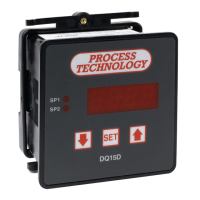
Before operation, you must program
Set Points or temperature limits.
When DQ15D reaches the Set Point
it will energize one or both relays.
• SP1 Heat Set Point for normal
Heating Mode operation. Controls
SP1 relay.
• SP2 Cool Set Point for normal
Cooling Mode operation. Controls
SP2 relay.
• P Power Save Set Point for a
second heating Set Point lower
than SP1 Heat Set Point. Optional;
you must enable Power Save
feature. Controls SP1 relay.
• A Alarm Set Point to establish an
Alarm Condition if temperature
reaches the Alarm Set Point
(higher than SP1 Set Point). The
screen displays a flashing AAA
in an Alarm Condition. Optional;
you must enable Alarm feature.
Controls SP1 and SP2 relays.
Note: The units displayed, °C, °F, Hz,
volts, mA or ohms are established
during the setup of the control.
Values for Set Points can range from
-40 to +999 (DQ15D numeric range).


 To Next Page