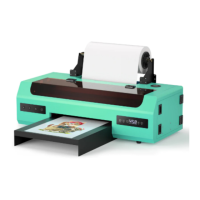
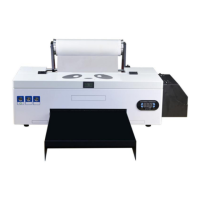
*Due to occasional product upgrades, this manual is for reference only.
5
1. check the machine performance and add inks
Video :https://www.youtube.com/watch?v=7p09Z7PBslM
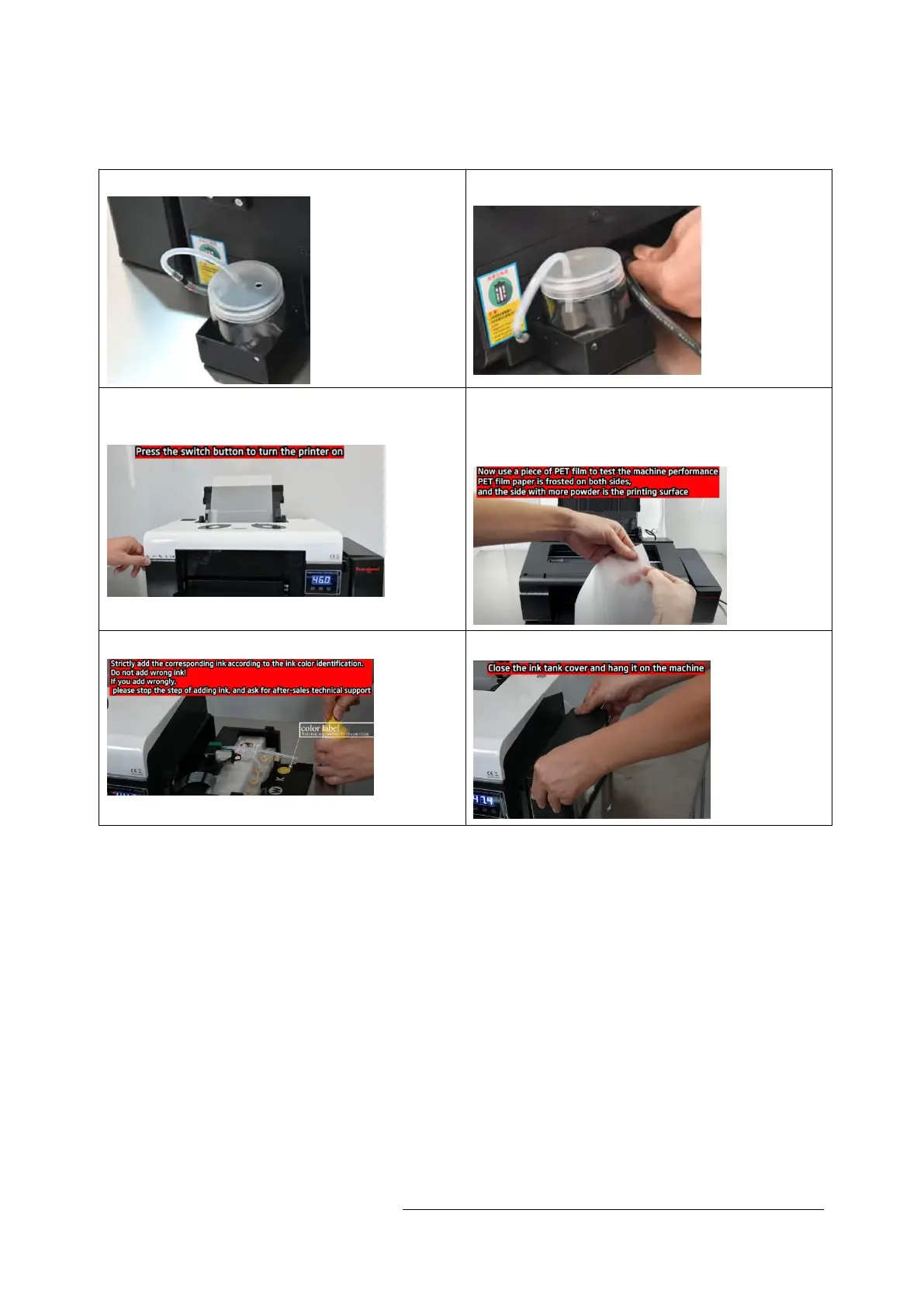
1.1 Install the waste ink bottle 1.2 Plug in the power cord
Turn on the power switch and wait for the
self-test
.
1.4 Use one film to test and print. Note
that the side with more powder is the
printing side.
1.5 Add ink
1.6 Close the ink tank


 To Next Page