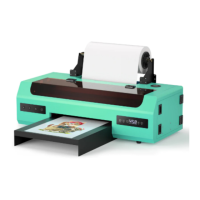
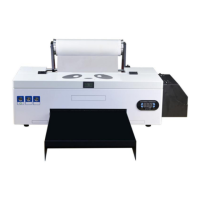
*Due to occasional product upgrades, this manual is for reference only.
7
3. print your image
Video:https://www.youtube.com/watch?v=h00PBRGjz4w
3.1 Load pictures into rip software 3.2 Select Mirror Print
3.3 Coat the printed PET film with hot melt
adhesive powder
3.4 Bake at 120
℃
for 200 seconds
3.5 Press the clothes to be printed at 160 ℃
for 15 seconds
3.6 Press the baked PET film at 160 ℃ for 45 seconds
3.7 Tear off the pet film after it cools down


 To Next Page