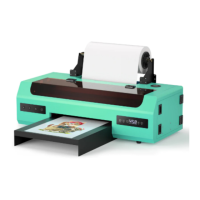
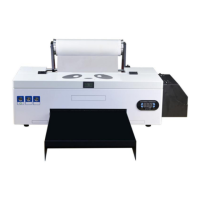
*Due to occasional product upgrades, this manual is for reference only.
6
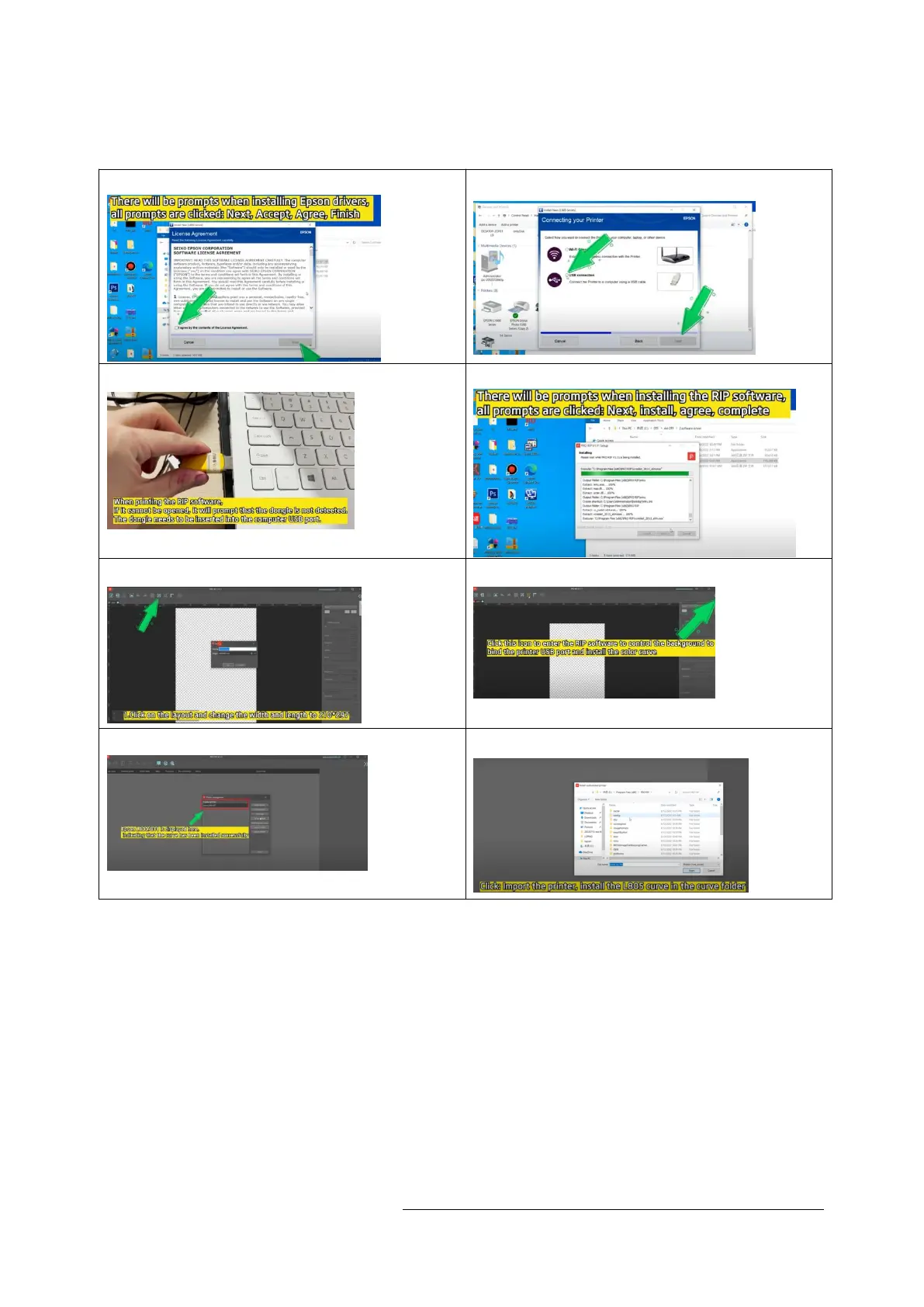
2. Install the driver and PRO RIP Software
Video:https://www.youtube.com/watch?v=tSQJETK8zkk
2.1 Install Driver 2.2 Select USB connection
2.2 Insert USB dongle 2.4 Install PRO RIP software
2.5 Set Print Area Size 2.6 Select the correct printer driver
2.7.Installation curve 2.8.Installation L805 curve


 To Next Page