- 6 -
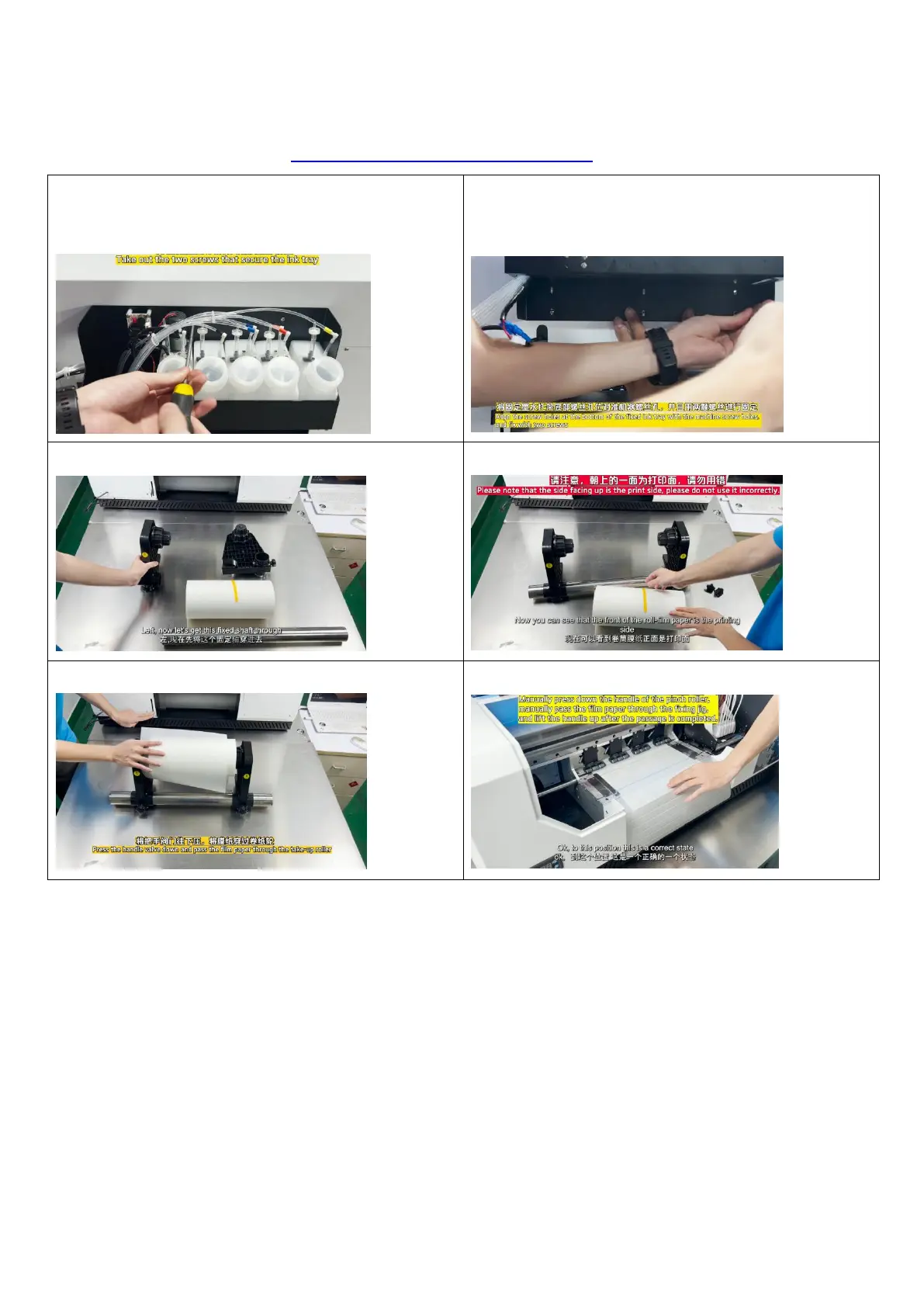
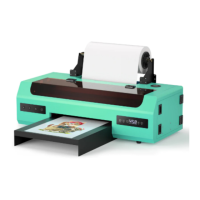
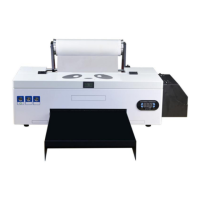
2.Install the ink bottle holder and roll film
Instructional video link:https://youtu.be/nm68F8RyBpY
1. Take out the 2 screws that fix the ink tray 2. Align the screw holes of the fixing ink bracket with
the screw holes of the machine, and fix them with 2
screws
3. Assemble the reel stand 4. Make sure the PET film is installed correctly
5. Pass the film paper through the printer 6. Pull the membrane paper to the correct position


 To Next Page