PRODIGY Pocket® Blood Glucose Meter PRODIGY
Pocket® Blood Glucose Meter
Owner’s Manual Owner’s Manual
42
You will have to use a new test strip.
If you have trouble lling the test strip, please
contact Customer Care at 1.800.243.2636 for
assistance.
Caution:
DO NOT:
• Smear or scrape the blood onto the
test strip.
• Apply blood to the test strip when the
test strip is out of the meter.
• Put blood or foreign objects into the test
strip port.
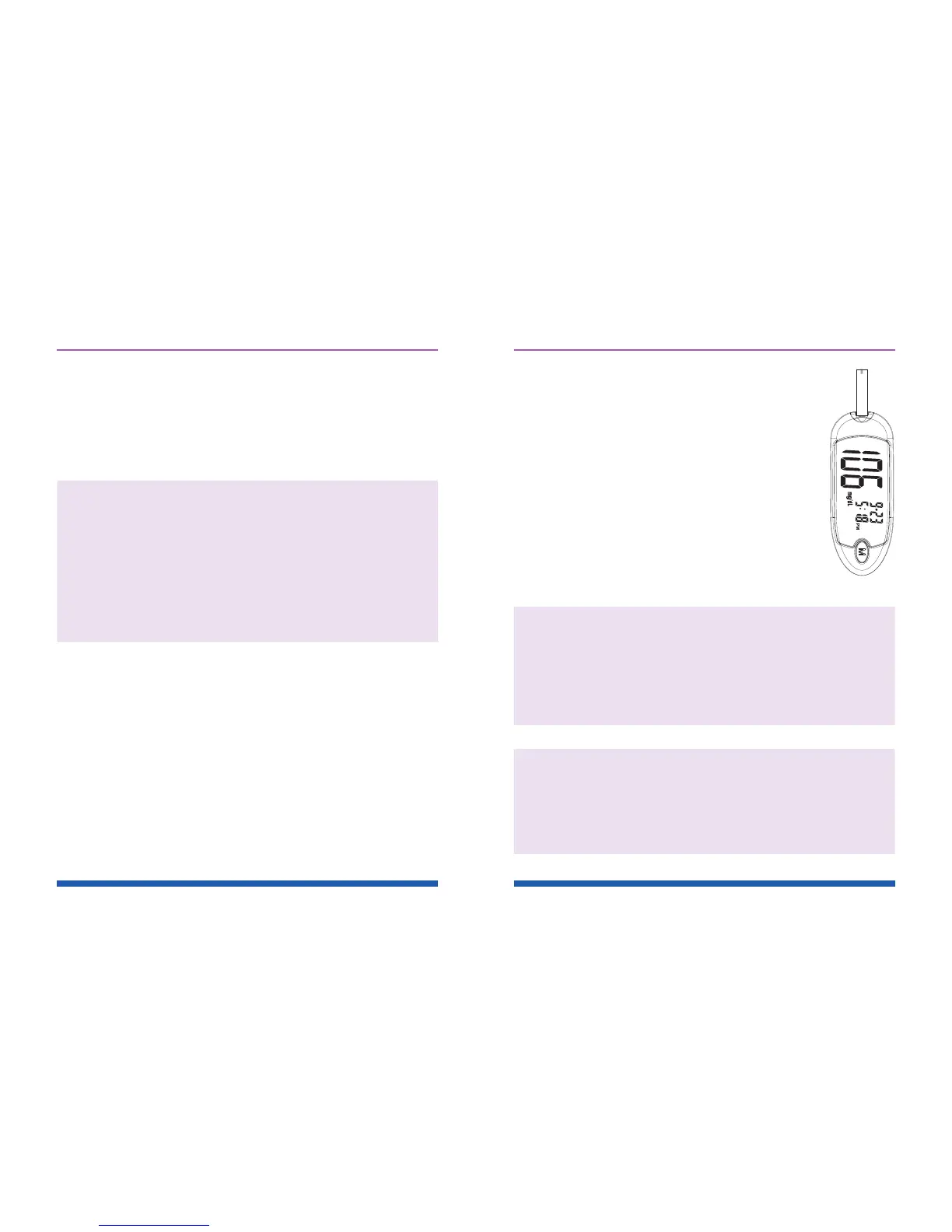
Figure 34
43
STEP 3: Read Your Result
After the meter counts down from 6 to 1,
your blood glucose test result appears
along with the unit of measure, date
and time. This blood glucose result
is automatically stored in the meter
memory. Turn the meter off by removing
the test strip. Discard the used test strip
carefully to avoid contamination. See
Figure 34.
Important: If you do not apply a blood
sample within three (3) minutes, the meter will
automatically turn off. You must remove the test
strip and re-insert it again to turn on the meter
and restart the test procedure.
Caution: If you cannot test due to a problem
with your testing supplies, contact Customer
Care at 1.800.243.2636. Failure to test could
delay treatment and/or lead to serious medical
conditions.



 To Next Page