EasyManua.ls Logo

Prodigy Preferred - User Manual

Prodigy Preferred
46 pages
Print Icon
To Next Page IconTo Next Page
Loading...
Blood Glucose Monitoring System
Owners Manual

Questions and Answers

Summary

Important Safety Instructions

Important Health-Related Information

About Alternate Site Testing (AST)

Introduction to the Prodigy Preferred Meter

Intended Use

System intended for in vitro diagnostic use for testing blood glucose with fresh capillary whole blood.

Test Principle

Explains how the meter measures blood glucose using electrical current from test strips.

Contents of the Prodigy Preferred Meter

Setting Up the Prodigy Preferred Meter

Key Functions of the Meter

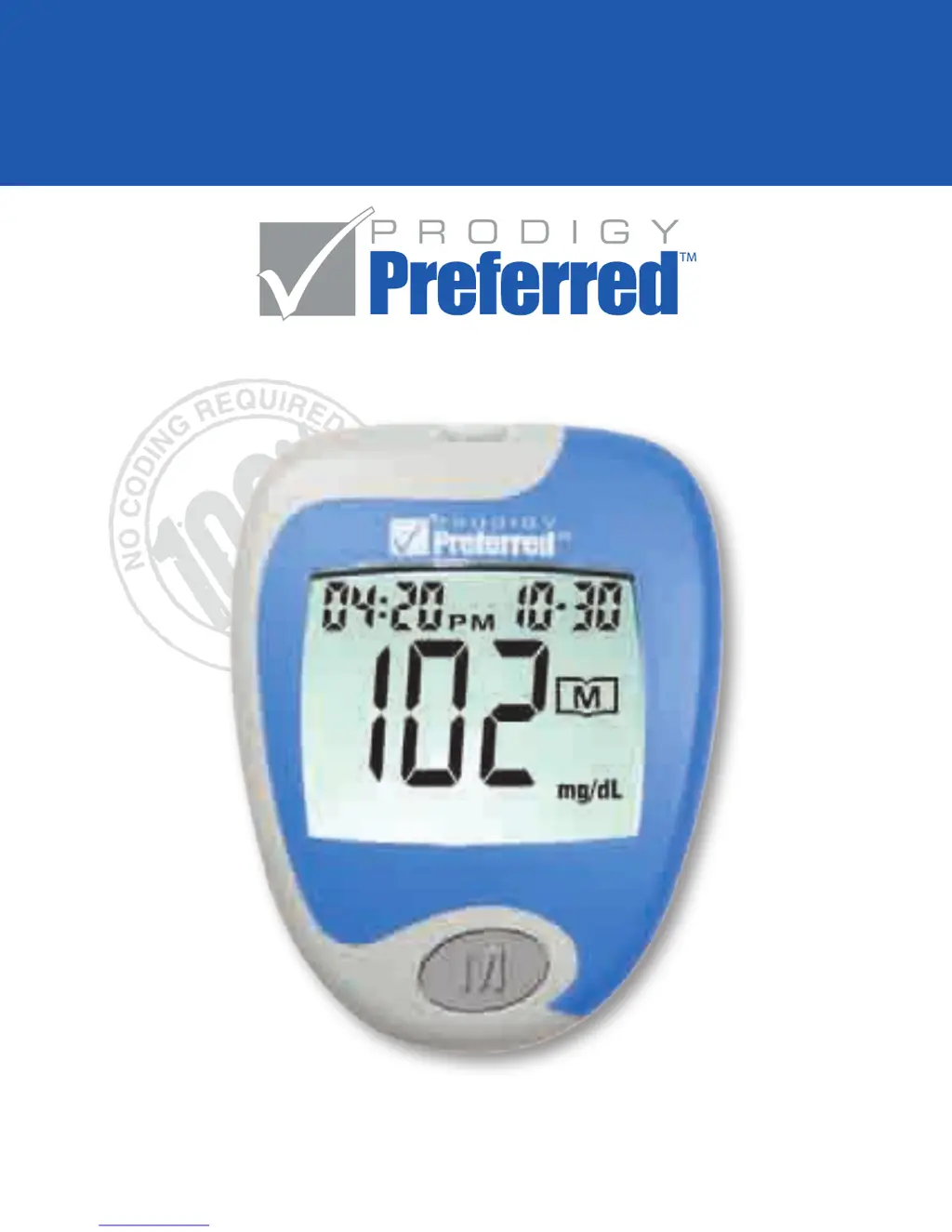
Identifies key components like Test Slot, LCD Display, Main Button, Set Button, and Data Port.

Meter Display

Key Functions of the Test Strip

Important Test Strip Information

Set-Up Steps

Control Solution Testing

About Prodigy Control Solution

Explains Prodigy control solution is a red liquid that reacts with test strips to produce a test result.

Why Perform A Control Solution Test?

To ensure meter/strips work properly and to practice testing without using own blood.

Important Control Solution Test Information

Performing a Control Solution Test

Blood Glucose Testing

Preparing the Lancing Device

Details steps for assembling and setting the lancing device for blood sampling.

Getting a Blood Sample

Instructions on washing hands and selecting/lancing a puncture site for blood samples.

Performing a Blood Glucose Test

Using the Meter Memory

Viewing Results on a Personal Computer

Caring for Your Prodigy Preferred Meter

Maintenance

General advice on keeping the meter clean and storing it properly to prevent damage.

Battery

Explains how the meter indicates low battery power and the messages displayed.

Battery Replacement

System Troubleshooting

Special Messages

Explains special messages like "Lo" and "HI" and their meanings.

Error Messages

Lists common error codes (E-b, E-U, E-E) and their descriptions and actions.

Troubleshooting Guide

Provides probable causes and actions for meter not displaying messages or test not starting.

Control Solution Test Out of Range

Lists probable causes and actions when control solution tests yield out-of-range results.

Information about Your Prodigy Preferred Meter

Comparing Meter and Laboratory Results

Guidelines for comparing meter test results with laboratory results for accuracy.

Specifications

Performance Characteristics

Expected Test Results

Accuracy of Meter Measurements

Symbols Information

Prodigy Preferred Specifications

General IconGeneral
Test Time6 seconds
Memory120 test results with date and time
BatteryOne 3-volt lithium battery CR2032
Measuring Range20-600 mg/dL
Operating Conditions50-104°F (10-40°C), 10-90% RH
Storage Conditions10-90% relative humidity
Blood Sample Size0.6 microliters
Sample Size0.6 microliters

Related product manuals