EasyManua.ls Logo

Prodigy Pocket - User Manual

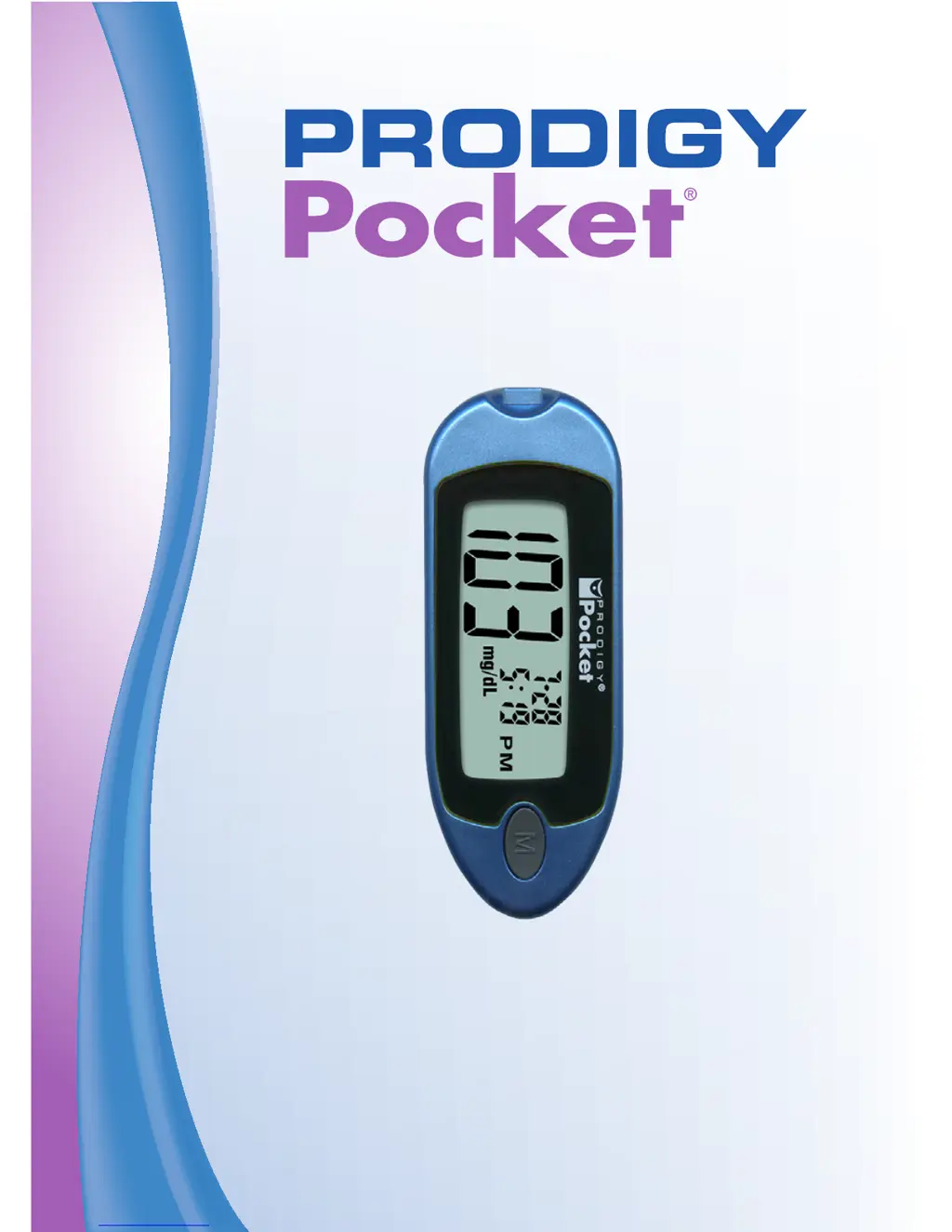
Prodigy Pocket
72 pages
Print Icon
To Next Page IconTo Next Page
Loading...
Blood Glucose Monitoring System
Owners Manual

Table of Contents

Questions and Answers

Summary

Important Safety Instructions

General Safety Precautions

Essential safety guidelines for using the blood glucose monitoring system.

Choking Hazards and Biohazards

Warnings about test strip choking hazards and biohazardous materials.

Understanding Test Results and AST

Alternate Site Testing (AST) Overview

Introduction to testing blood glucose at sites other than fingertips.

Guidelines for Alternate Site Testing (AST)

When to Use Alternate Site Testing

Conditions and timing suitable for performing AST.

About Prodigy Test Strips

Test Strip Storage and Handling

Important information on storing and handling test strips for accuracy.

Meter Introduction and Principle

Test Strip Handling Precautions

Further precautions for handling test strips and vial storage.

Setting Up Your Prodigy Pocket Meter

Meter Display and Initial Setup

Meter Setup Procedure

Step-by-step guide to setting up the meter, including battery insertion.

Setting the Year

Instructions for setting the current year on the meter.

Setting Date and Time

Setting the Month and Date

Steps to correctly set the month and date on the meter.

Setting the Hour and Minutes

Instructions for configuring the hour and minute settings.

Meter Settings Configuration

Setting the Unit of Measure

How to select between mg/dL and mmol/L measurement units.

Deleting Meter Memory

Procedure for clearing stored test results from the meter's memory.

Control Solution Testing

Control Solution Handling and Usage

Important information and cautions for using control solutions.

Performing Control Solution Tests

Control Solution Test Procedure Steps

Step-by-step instructions for performing a control solution test.

Applying Control Solution and Checking Results

Control Solution Application

Correct method for applying control solution to a test strip.

Troubleshooting Control Solution Results

Contacting Customer Care for Assistance

Information on when and how to contact Prodigy Customer Care.

Performing a Blood Glucose Test

Lancing Device Preparation

Detailed steps for preparing the lancing device before use.

Lancing Device Safety Warnings

Critical warnings regarding lancet sharing and reuse to prevent infection.

Obtaining a Blood Sample

Getting a Blood Sample

Steps for collecting a blood sample for glucose testing.

Applying Blood to Test Strip

Reading Results and Handling Test Issues

Using Meter Memory

Advanced Meter Functions and Care

System Care and Battery Information

Battery Replacement and Troubleshooting Introduction

Troubleshooting System Messages

Introduction to special and error messages for problem identification.

Meter Error Messages

More Meter Error Messages

Troubleshooting Guide Overview

Introduction to the guide for resolving meter issues.

Troubleshooting Common Meter Issues

Meter Does Not Display Message

Solutions for when the meter shows no response after strip insertion.

Test Does Not Start After Sample Application

Troubleshooting steps when the test fails to initiate after applying blood.

Troubleshooting Control Solution Issues

Test Does Not Start After Sample Application (cont.)

Further troubleshooting for tests not starting after sample application.

Control Solution Test Out of Range

Addresses issues where control solution results are outside the expected range.

Information About Meter Accuracy

Expected Test Results and Unexpected Findings

Unexpected Test Results

Information on what to do when test results are unexpected.

Low Blood Glucose Test Results

Guidance for interpreting and responding to low blood glucose readings.

High Blood Glucose Test Results

Guidance for interpreting and responding to high blood glucose readings.

Meter Measurement Accuracy

Warranty Information

Prodigy Pocket Specifications

General IconGeneral
Device TypeBlood Glucose Meter
DisplayLCD
Test Time6 seconds
Measurement Range20-600 mg/dL
Memory120 test results
Battery Type2 AAA batteries
Operating Conditions50-104°F (10-40°C), 10-90% relative humidity
Storage Conditions10-90% RH

Related product manuals