PRODIGY Pocket® Blood Glucose Meter PRODIGY
Pocket® Blood Glucose Meter
Owner’s Manual Owner’s Manual
24
With the correct year on
the display, (See Figure 9)
press the “SET” button
and the date will appear
on the display with the month
segment ashing.
See Figure 10.
STEP 4: Set the Month
Press and release the “M”
button to advance the
month. With the correct month
on the display, press the “SET”
button and the date segment
will start ashing. See Figure 11.
STEP 5: Set the Date
Press and release the
“M” button to advance
the date. With the correct
date on the display, press
the “SET” button and the
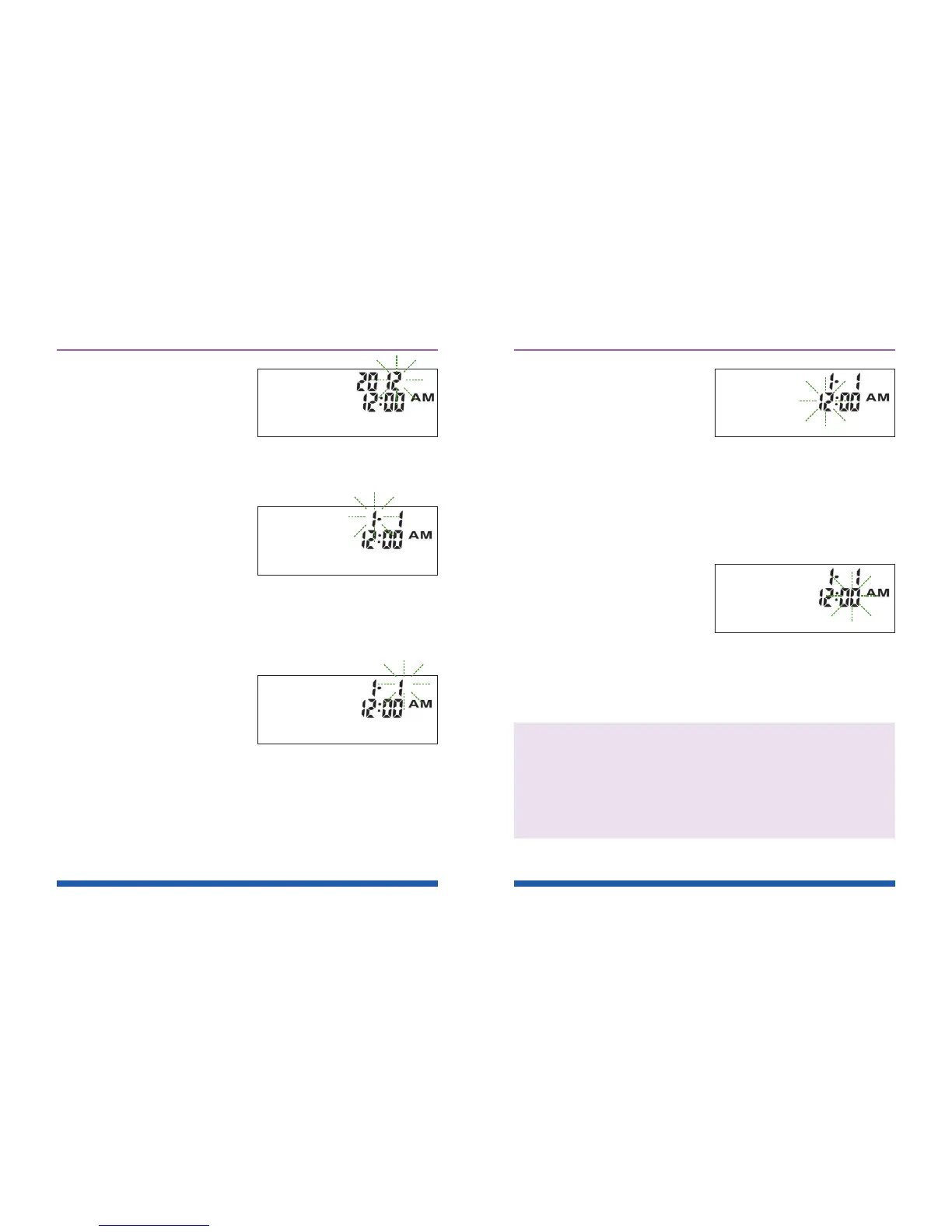
time will appear on the display with the hour
segment ashing. See Figure 12.
Figure 9
Figure 10
Figure 11
25
STEP 6: Set the Hour
Press and release the
“M” button to advance
the hour. With the correct
hour on the display, press
the “SET” button and the minutes
segment will start ashing.
See Figure 13.
STEP 7: Set the Minutes
Press and release the “M”
button to advance the
minutes. With the correct
minute on the display, press the
“SET” button and the current unit of
measurement will start ashing.
Important: Day averages are calculated from
results obtained during the 7, 14 and 28 days
preceding the current date and time settings.
When the date and time are changed, the 7,
14 and 28–day averages may change.
Figure 12
Figure 13



 To Next Page