PRODIGY Pocket® Blood Glucose Meter PRODIGY
Pocket® Blood Glucose Meter
Owner’s Manual Owner’s Manual
26
STEP 8: Unit of Measure
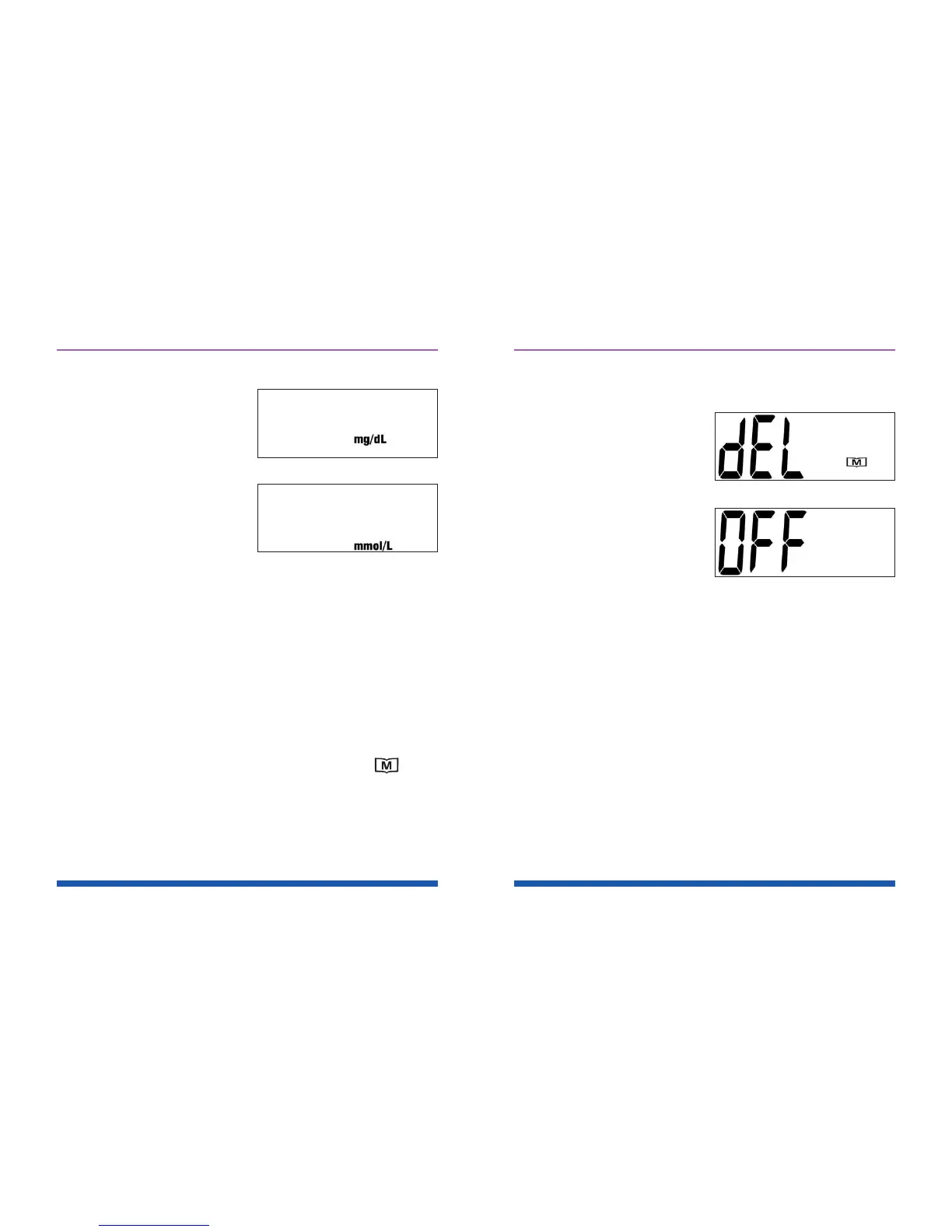
Press and hold the “M”
button until the unit of
measurement you are
choosing appears on the
display.
See Figures 14 and 15.
Your meter can display
test results in milligrams
per deciliter (mg/dL) or
millimoles per liter (mmol/L).
• The mg/dL unit is standard in the United
States.
• The mmol/L unit is standard in Canada.
Press the “SET” button and “dEL” will be displayed.
See Figure 16
STEP 9: Delete Memory
When the “dEL” symbol and the ashing “ ”
symbol appear on the display, you can choose to
clear the memory. If you do not want to clear the
memory, press the “SET” button again to skip
this step. If you want to clear ALL memory, press
and hold the “M” button for four (4) seconds.
Figure 14
Figure 15
27
The “- - -” image will appear on the LCD screen to
indicate that all memory has been deleted.
Setup is now completed.
“OFF” is displayed and
the meter turns off.
See Figure 17
Figure 16
Figure 17



 To Next Page