Prodys S.L. Tel: +34 91 6896880 Fax: +34 91 6943777 Email: sales@prodys.net Web: www.prodys.com
Page 15
III.3 Bottom side (Factory default switch)
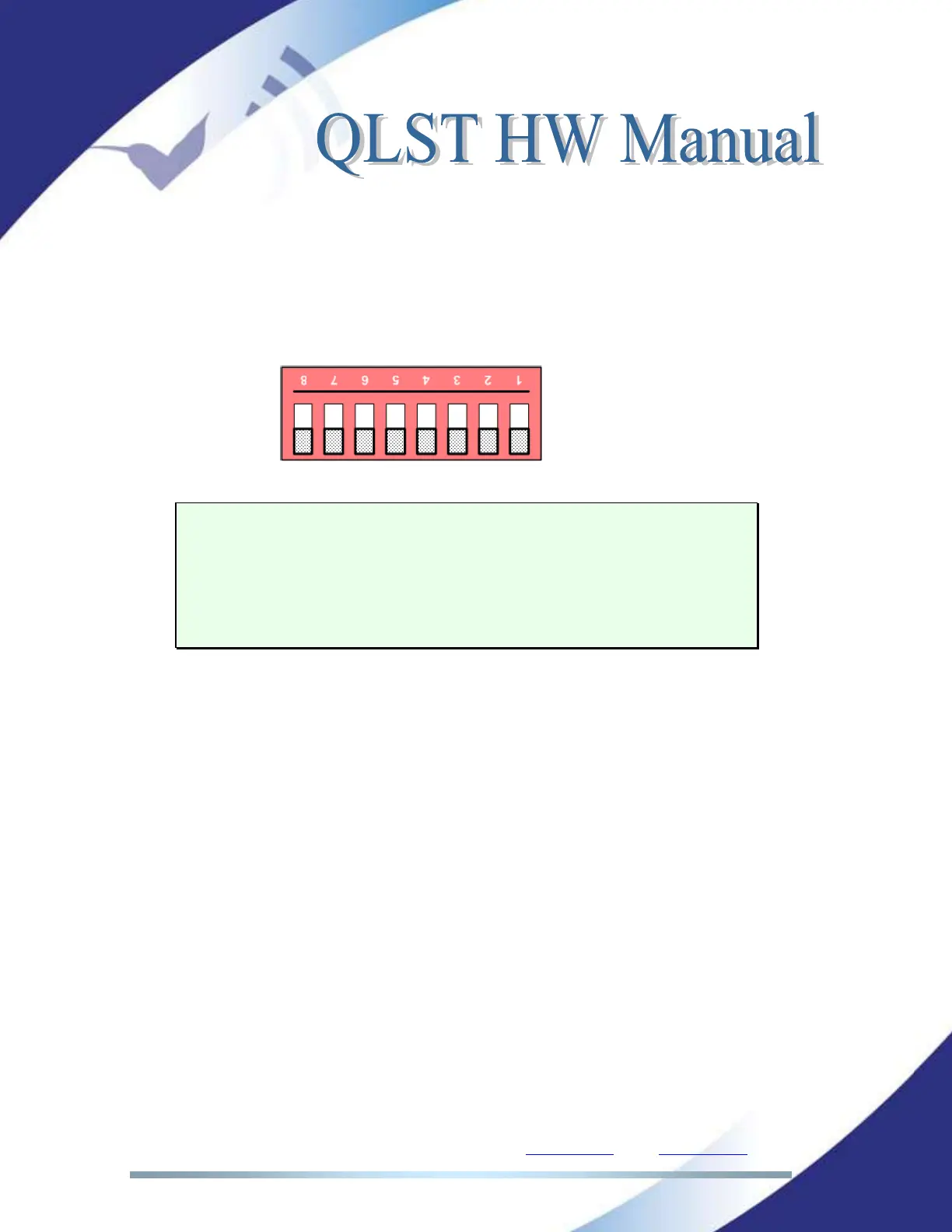
At the bottom side, a small open gap, allows access to an octal microswitch.
By default all the switches must be in OFF position according the picture.
Switch number 7 will restore the default factory configuration if
set ON before a power cycle.
The IP address is changed to a DHCP IP configuration. In case a
DHCP server is not available on the network the address is set to
192.168.100.100 and the net mask to 255.255.255.0.
After the factory default setting the switch number 7 must return to the OFF
position for usual operation.



 To Next Page