Prodys S.L. Tel: +34 91 6896880 Fax: +34 91 6943777 Email: sales@prodys.net Web: www.prodys.com
Page 7
Installation Guide
This chapter describes the QLST hardware installation.
II.1 Initial checks
Before unpacking the unit, please check its packaging for any signs of damage or
mishandling during transportation. Report any damage to the shipping company
immediately. Unpack the unit carefully, if you find any damage or the unit does
not work correctly, you should contact Prodys or its distributor as soon as
possible.
II.2 Setting the IP address
QLST default IP configuration is DHCP, so if a codec is booted when connected
to a network with a DHCP server, this will assign a free IP address to the codec
in the established DHCP range.
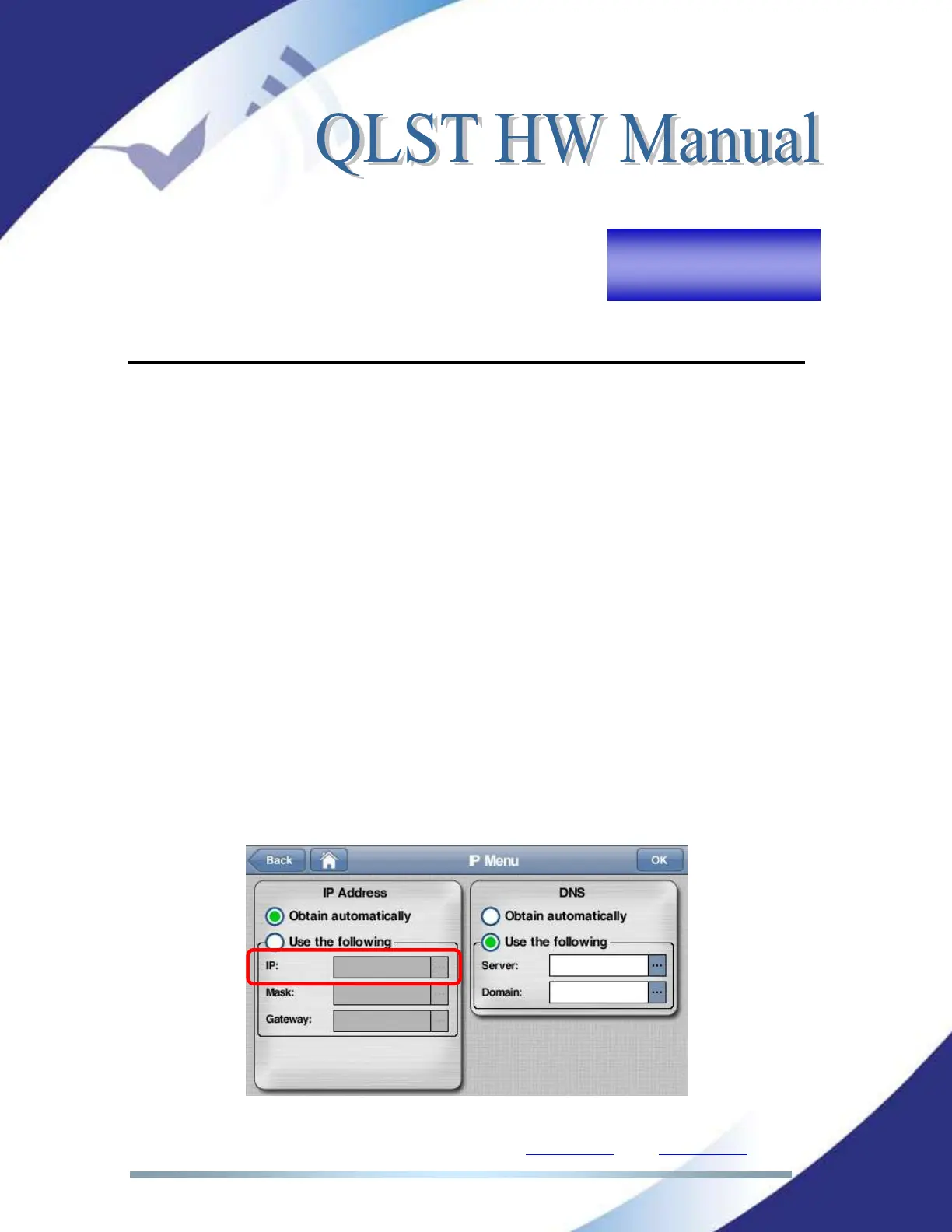
When the user has a touch panel connected to the QLST, it’s very easy to find
out the IP address assigned by the DHCP server. It can be found in the “IP “ field
of Quantum Lite’s ‘Menu->Conf->Interfaces->Lan->IP’ menu:
Picture 2. QLST IP menu.



 To Next Page