Prodys S.L. Tel: +34 91 6896880 Fax: +34 91 6943777 Email: sales@prodys.net Web: www.prodys.com
Page 9
FRONT AND REAR PANELS
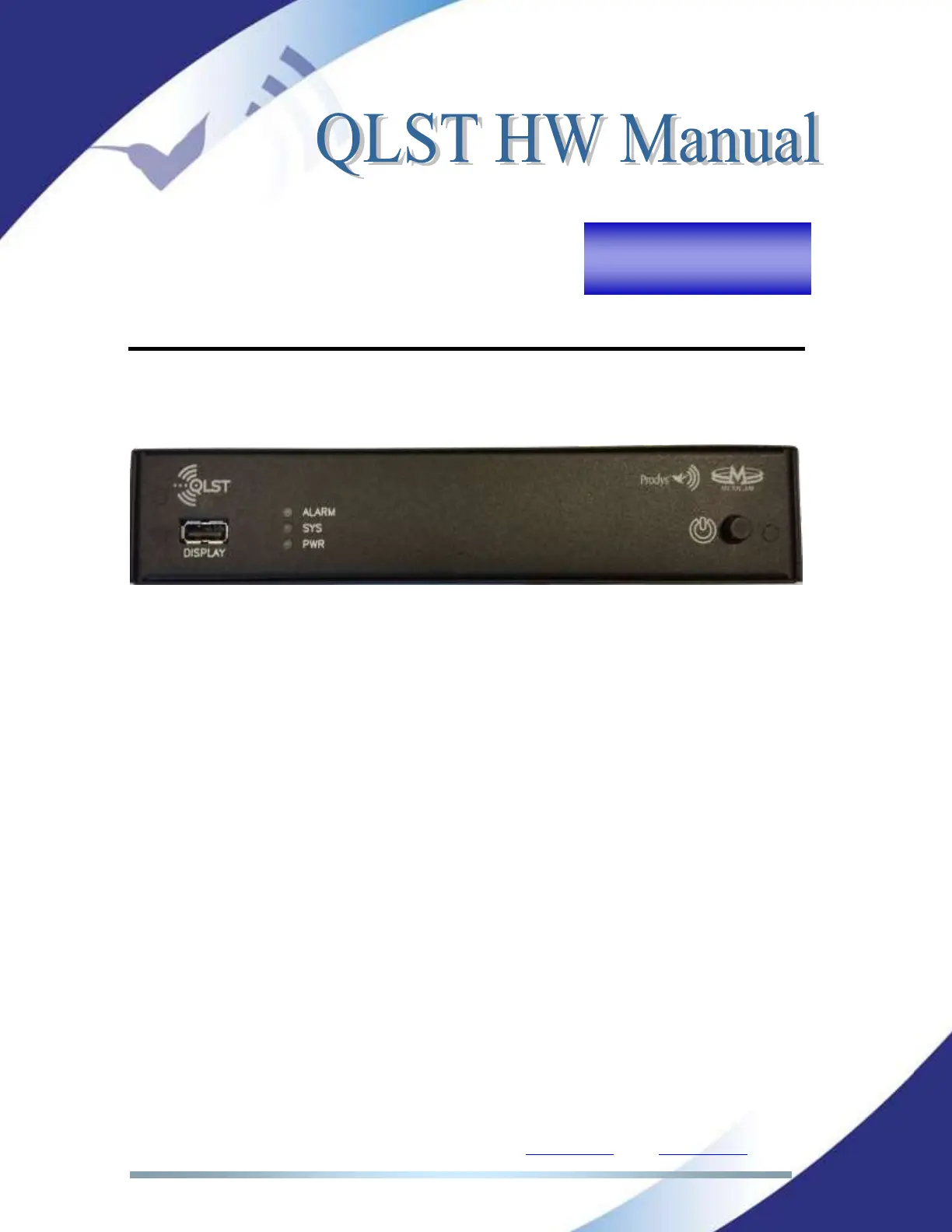
III.1 Front Panel
Picture 4. QLST front panel.
III.1.1 ON/OFF Button
This button turns the power on /off.
III.1.2 USB Display connector
This connector allows the user to plug and unplug the touch panel (hot insertion
is allowed).
Take into account that the touch panel menu orientation can be rotated 180º. To
rotate the display, click on ‘Menu->Conf->System->Display->Rotate Display’.
III.1.3 LEDs
There are three LEDs in the front panel
ALARM: (Blinking red) An alarm event is taking place.
SYS: (Green) The codec is on and working.
PWR: (Blue) Power is on.



 To Next Page