Prodys S.L. Tel: +34 91 6896880 Fax: +34 91 6943777 Email: sales@prodys.net Web: www.prodys.com
Page 8
Many times there is no visualization method available, so it’s important to follow
these steps to install the QLST:
1. Switch on the codec with the RJ45 cable directly connected between the
codec LAN1 connector and the computer.
2. Once the codec boots, without any DHCP server replying, it will set to the
default IP address 192.168.100.100
3. By means of your PC, IP address within the range 192.168.100.xxx,
connected to the LAN1 connector of the QLST and access its control
webpage with a browser at the address 192.168.100.100.
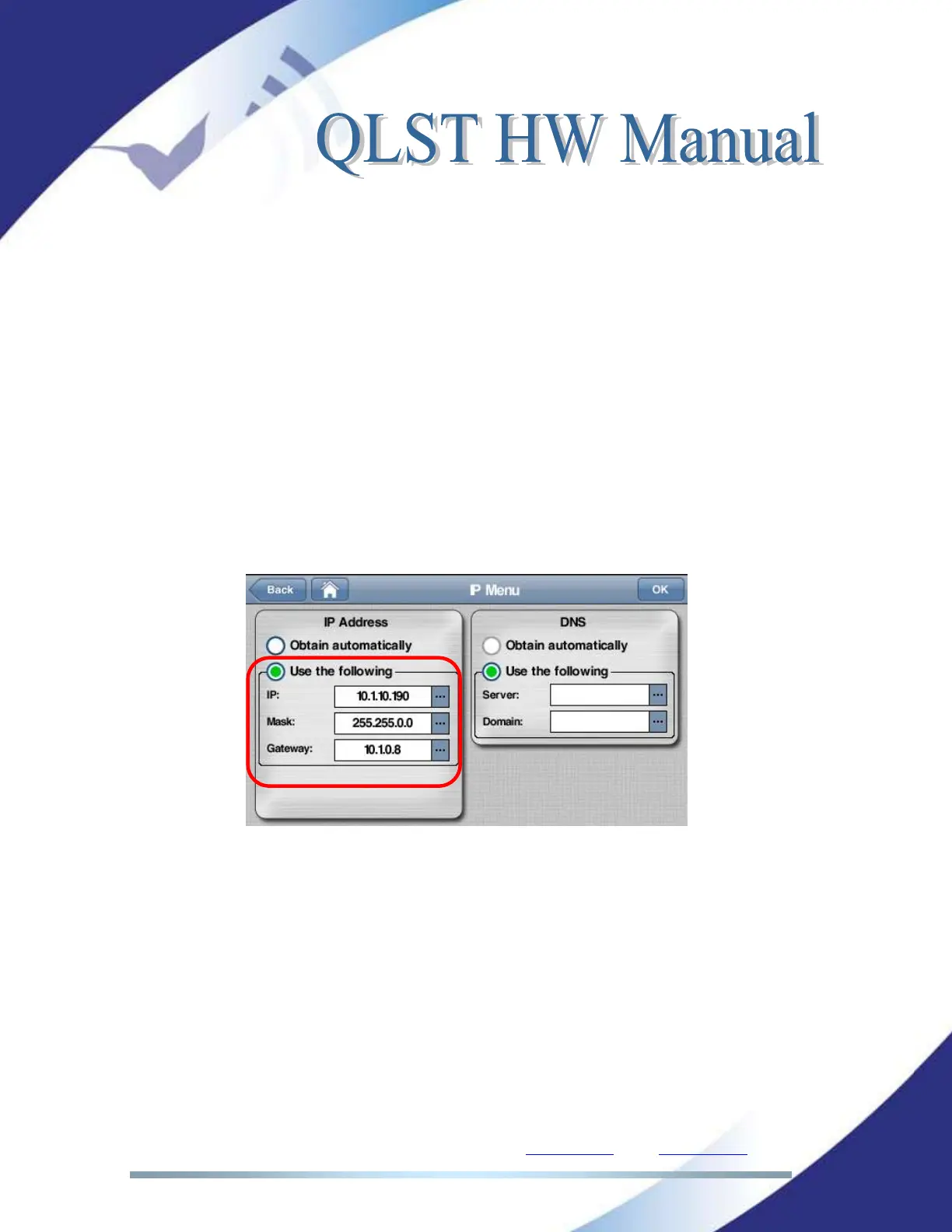
4. Change the codec IP address manually selecting “Use the following” in the
aforementioned menu.
Picture 3. Setting the local IP.



 To Next Page