DSO26 User Manual
11
OPERATING THE DSO26
If you want to use the Proel EDGE and TFL presets you can skip this section and jump
directly to ‘Load a Xover’ page 26.
Preliminary Set-up
The procedure below should be followed when first installing a DSO26.
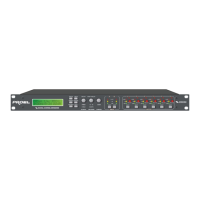
Design your crossover! To do this, press MENU, and use the BACK or NEXT key to
select ‘X-over sub-menu’ and then press ENTER. Use the BACK or NEXT key to
select ‘Design a X-over’ and then press ENTER. Finally, use the BACK or NEXT
key to select the desired configuration and follow the set-up wizard to finalise your
design.
Note that when in a menu, ENTER is always used to confirm selections. The
current selection is marked with an asterisk ‘*’.
Use the GAIN keys on each output channel with the BACK and NEXT keys to select
the high pass filters, low pass filters, parametrics etc. Note that when designing a
new crossover, the high and low pass filters will be set to default values. See
appendix 2 for more information.
Use the GAIN keys on each input channel with the BACK and NEXT keys to select
the gain and delay available on each input.
Note that if no action is taken in menu mode, the unit will return to normal ‘default’
mode after about twenty (20) seconds. Repeat the above directions to return to
menu mode.


 To Next Page