EXAMPLE: Program a 16 steps chase with channel 1-32 at full in sequence into Flash button 25
of Page 1.
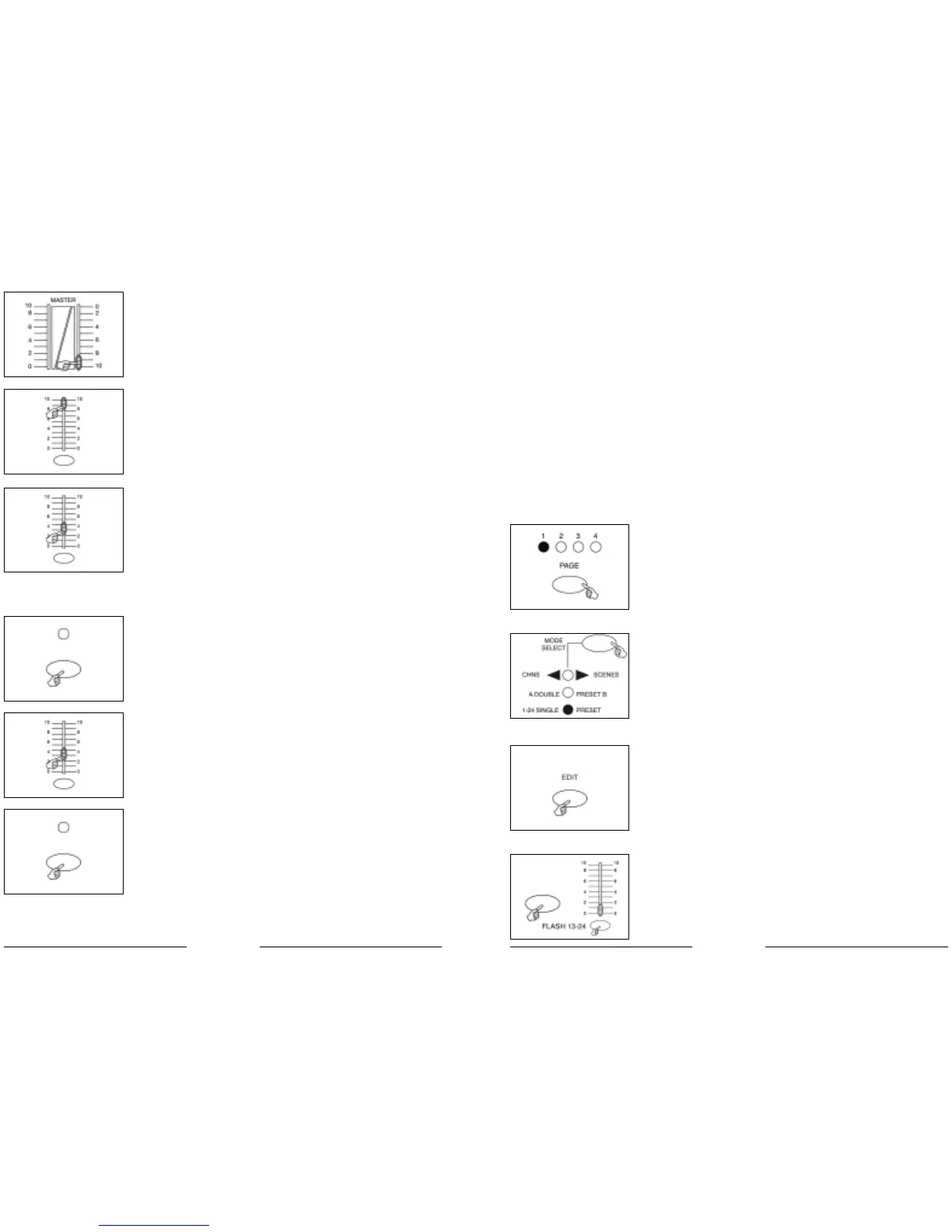
1. Record enable.
2. Push Master A & B to maximum position and Fade slider to top.
3. Tap the Mode Select button to select 1-48 Single mode.
4. Push Channel slider 1 to the top position, its LED light at full intensity.
5. Tap the Record button to program this step into memory.
6. Repeat steps 4 and 5 until you've programmed Channel sliders 1-16.
7. Tap the Page button causing Page 1 LED lights.
8. Tap the Flash button 25 while holding down the Record button, all LEDs will flash indicating
you've programmed the chase into memory.
2.2 Editing
2.2.1 Edit Enable
1. Record enable.
2. Use the Page button to select the page the program you wish to
edit is on.
3. Tap the Mode Select button to select CHNS SCENES.
4. Press and hold down the Edit button.
5. While holding down the Edit button, tap the Flash button that cor-
responds to the program you wish to edit.
6. Release the Edit button, the relevant scene LED should light indi-
cating you are in the Edit mode.
EDIT
3114
3. Portare il MASTER SLIDER B al massimo (completamente verso il bas-
so).
4. Portare lo slider del canale desiderato (25-48) al massimo per av-
viare il programma, e il programma dissolverà in base all’attuale
tempo di dissolvenza. È possibile premere e mantenere premuto
il pulsante F
LASH (25-48) attinente per dare l’avvio al programma.
5. Manovrare lo slider del canale per regolarne l’output del pro-
gramma corrente.
Funzionamento di un programma in Audio
1. Utilizzare il microfono interno o collegare la fonte audio al jack A
U-
DIO RCA.
2. Selezionare il proprio programma come descritto sopra.
3. Premere il pulsante A
UDIO fino a quando il relativo LED non si ac-
cenderà, indicando che la modalità Audio è attiva.
4. Utilizzare lo slider AUDIO LEVEL per regolare la sensibilità della mu-
sica.
5. Per tornare alla modalità normale, premere il pulsante A
UDIO una
seconda volta in modo che il relativo LED si spenga e la modalità
A
UDIO venga disattivata.
AUDIOAUDIO


 To Next Page
 Loading...