17
Follow your progress with the display.
See step 5 on page 14.
Measure your heart rate if desired.
See step 6 on page 15.
When you are finished exercising, remove the
key from the console.
See step 7 on page 15.
H
OW TO USE A PULSE PROGRAM
Pulse program 9 will keep your heart rate near a target
heart rate setting that you select. Pulse program 10 will
automatically adjust the speed and incline of the tread-
mill to keep your heart rate within a preset range dur-
i
ng your workout.
Follow the steps below to use a pulse program.
Put on the optional chest pulse sensor.
You must wear the optional chest pulse sen-
sor (see page 24) to use a pulse program.
Insert the key into the console.
See HOW TO TURN ON THE POWER on
page 14.
Select a pulse program.
To select a pulse program, press the Programs
button repeatedly until “P9” or “P10” appears in
the upper left corner of the display.
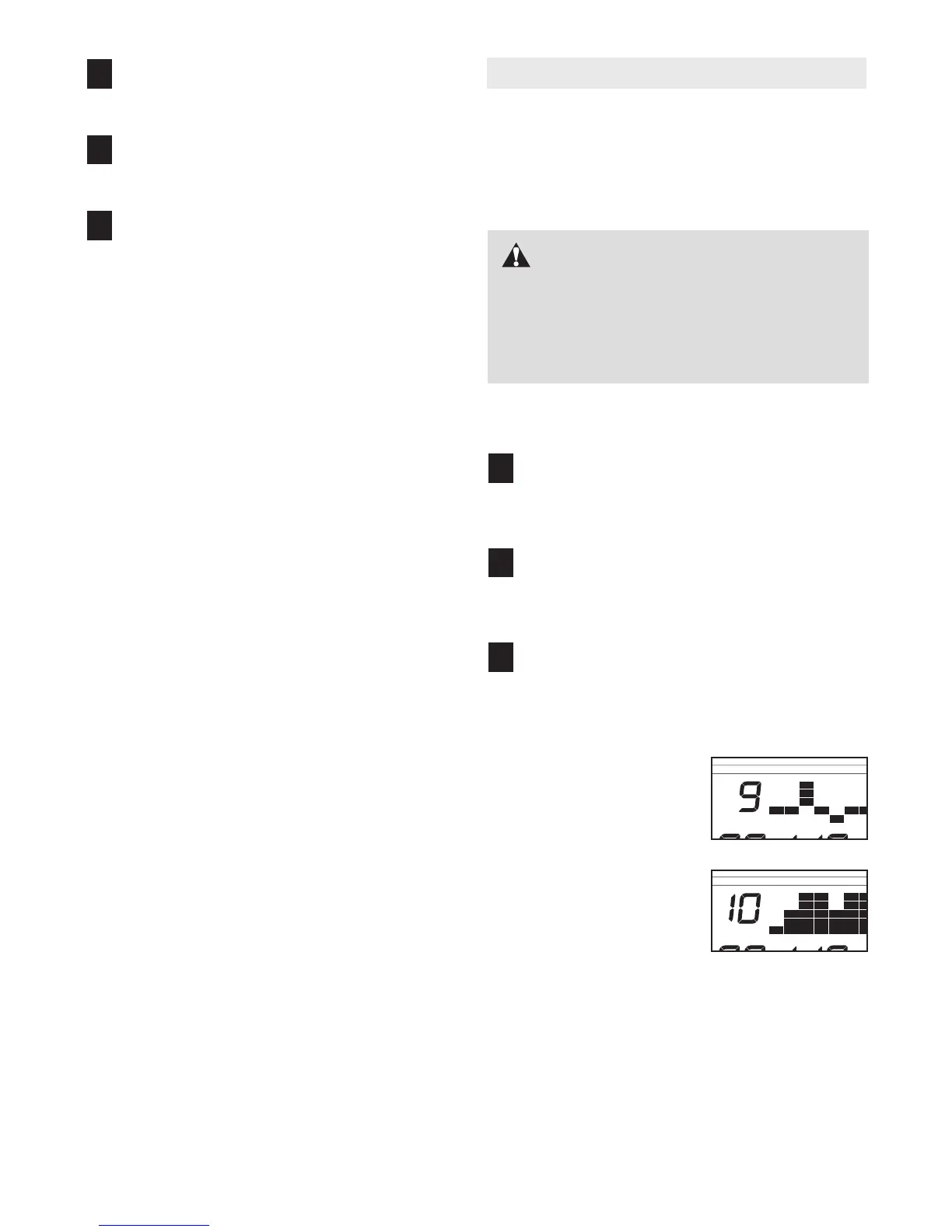
If pulse program 9 is
selected, a graphic rep-
resenting your heart-
beat will appear in the
matrix in the display.
If pulse program 10 is
selected, a profile of
the target heart rate set-
tings of the program will
scroll across the matrix.
3
2
1
6
5
4
CAUTION: If you have heart prob-
lems, or if you are over 60 years of age and
have been inactive, do not use the pulse pro-
grams. If you are taking medication regularly,
consult your physician to find whether the
medication will affect your exercise heart rate.





 To Next Page