20. When using iFIT.com CDs and videos, an 23.
electronic "chirping" sound will alert you
when the speed and/or incline of the treadmill
is about to change. Always listen for the 24.
"chirp" and be prepared for speed and/or in-
ciine changes, in some instances, the speed
and/or incline may change before the per = 25.
sonal trainer describes the change.
21. When using iFIT.com CDs and videos, you can
manually override the speed and incline set=
tings at any time by pressing the speed and in=
cline buttons. However, when the next "chirp"
is heard, the speed and/or incline will change
to the next settings of the CD or video program.
22. Always remove iFIT.com CDs and videos from
your CD player or VCR when you are not
using them.
28.
Inspect and properly tighten all parts of the
treadmill every three months.
Never drop or insert any object into any open-
ing.
DANGER: A waysunplugthepower
cord immediately after use, before cleaning
the treadmill, and before performing the main-
tenance and adjustment procedures de-
scribed in this manual. Never remove the
motor hood unless instructed to do so by an
authorized service representative. Servicing
other than the procedures in this manual
should be performed by an authorized service
representative only.
The treadmill is intended for in-home use
only. Do not use the treadmill in any
commercial, rental, or institutional setting.
WARNING: Before beginning this or any exercise program, consult your physician. This
is especially important for persons over the age of 35 or persons with pre-existing health problems.
Read all instructions before using. Sears assumes no responsibility for persona! injury or property
damage sustained by or through the use of this product.
SAVE THESE iNSTRUCTiONS
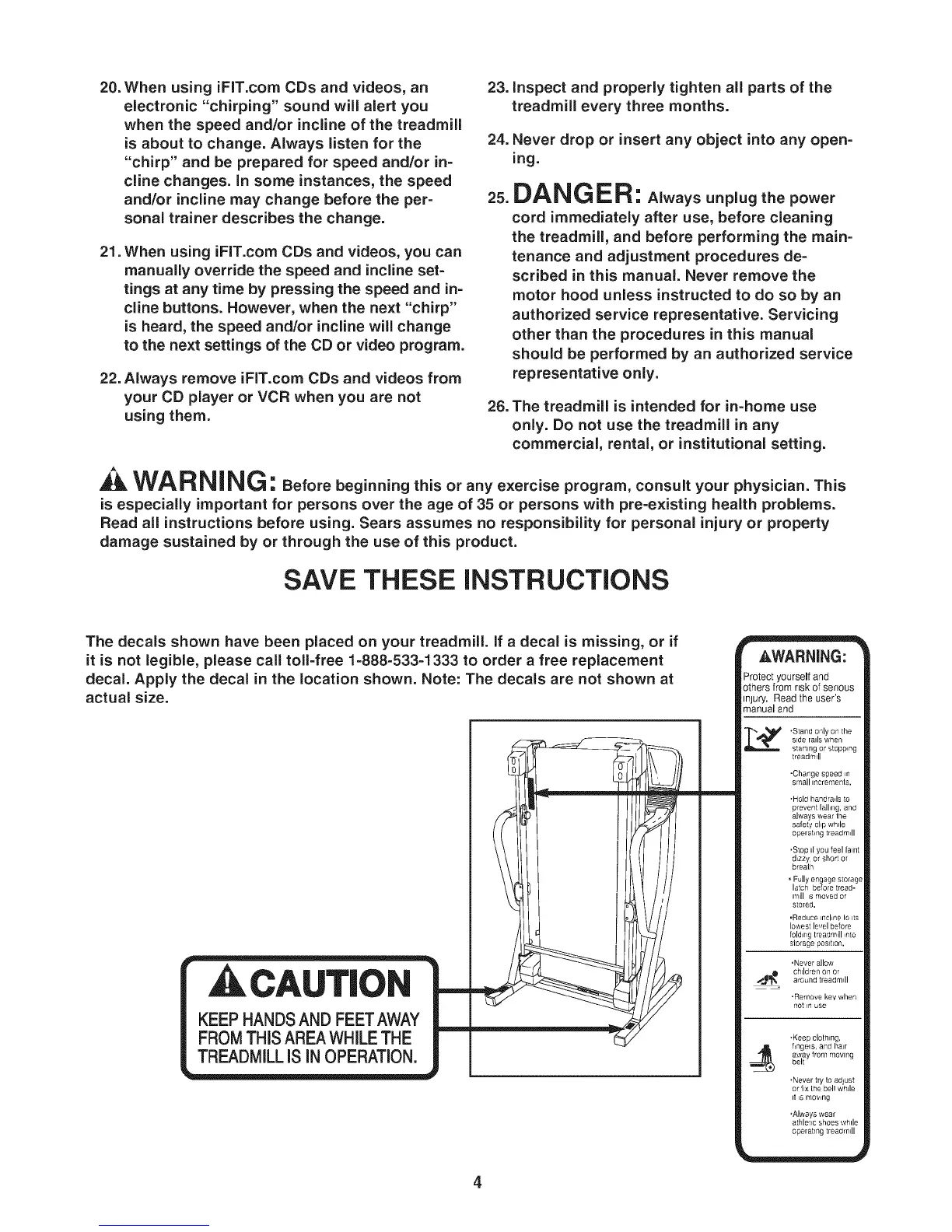
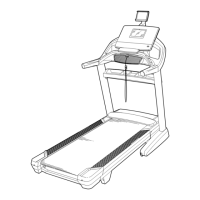
The decals shown have been placed on your treadmill, if a decal is missing, or if
it is not legible, please call toll=free 1=888=533=1333 to order a free replacement
decal. Apply the decal in the location shown. Note: The decals are not shown at
actual size.
AkCAUT|ON
KEEP HANDSAND FEETAWAY
FROMTHiS AREA WHILETHE
TREADMILL iS iN OPERATION.
4
Protect yourself and
others from nsk ofsenous
Injury. Read the user's
manual and
_L_ Stand only on the
side rails when
starting or stopping
treadrt
.Change speed _n
small increments.
•Hold handra4s to
prevent {all_ng, artd
always wear the
safety clip while
operahng treadm41
*Stop II you feel {alnt
dizzy or short oT
breath
, Fully engage storage
latch before tread-
mill is moved or
stored.
.Reduce inclLne 1o its
lowest le,,el before
folding treadm41 _nto
storage pOSltLOn,
.Never allow
,._._1_ ch,ldren on or
around treadmill
.Remove key when
not in use
.Keep clothing,
fingels and IlaLr
away from moving
belt
.Never try to adjust
or fix the bell while
it IS moving
*Always wear
athletic shoes while
operating treadmill


 To Next Page