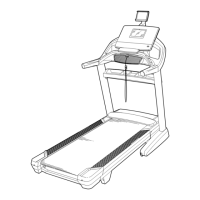
4. 4
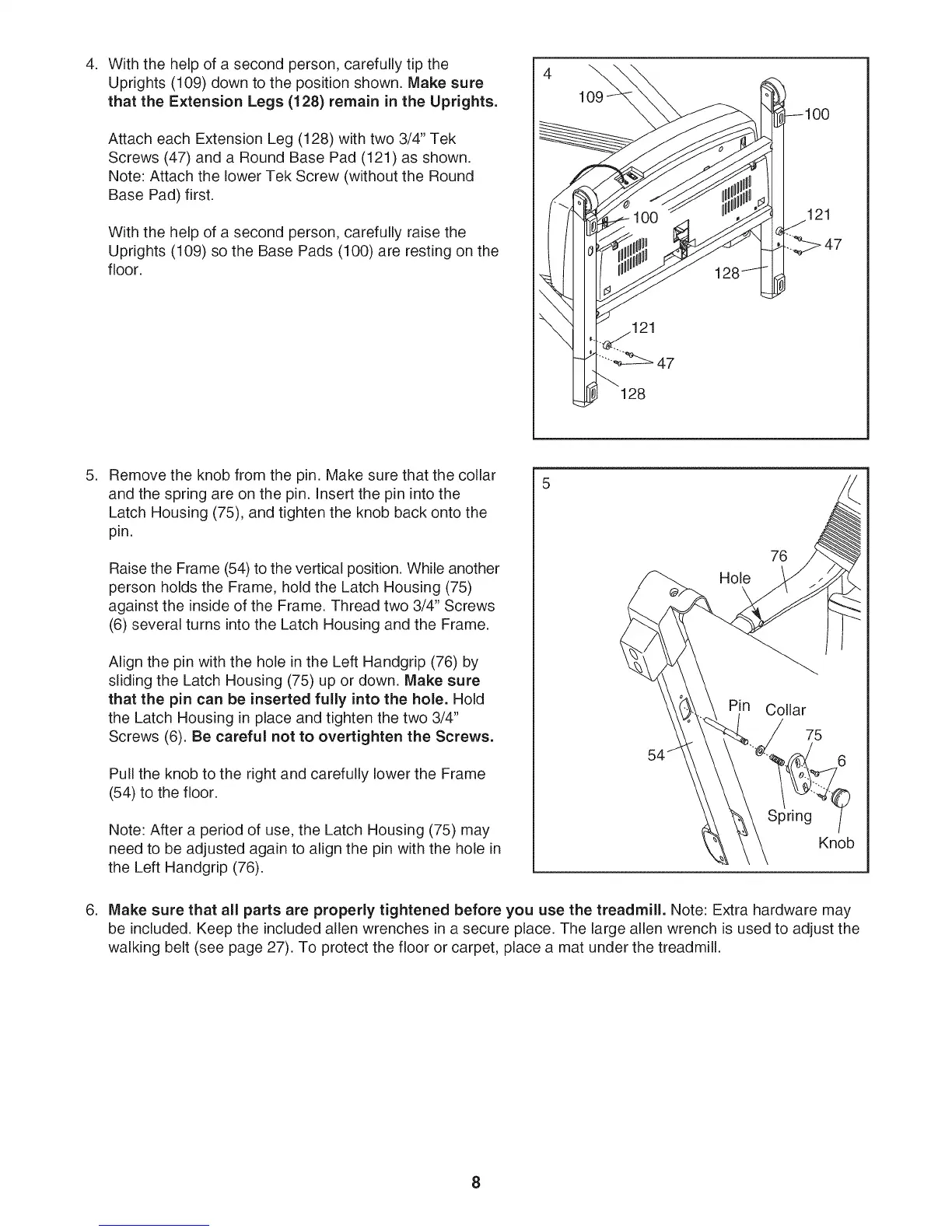
With the help of a second person, carefully tip the
Uprights (109) down to the position shown. Make sure
that the Extension Legs (128) remain in the Uprights.
Attach each Extension Leg (128) with two 3/4" Tek
Screws (47) and a Round Base Pad (121) as shown.
Note: Attach the lower Tek Screw (without the Round
Base Pad) first.
With the help of a second person, carefully raise the
Uprights (109) so the Base Pads (100) are resting on the
floor.
\
21
128
.
.
Remove the knob from the pin. Make sure that the collar
and the spring are on the pin. Insert the pin into the
Latch Housing (75), and tighten the knob back onto the
pin.
Raise the Frame (54) to the vertical position. While another
person holds the Frame, hold the Latch Housing (75)
against the inside of the Frame. Thread two 3/4" Screws
(6) several turns into the Latch Housing and the Frame.
Align the pin with the hole in the Left Handgrip (76) by
sliding the Latch Housing (75) up or down. Make sure
that the pin can be inserted fully into the hole. Hold
the Latch Housing in place and tighten the two 3/4"
Screws (6). Be careful not to overtighten the Screws.
Pull the knob to the right and carefully lower the Frame
(54) to the floor.
Note: After a period of use, the Latch Housing (75) may
need to be adjusted again to align the pin with the hole in
the Left Handgrip (76).
Hole
76
Collar
75
Spring
Knob
Make sure that all parts are properly tightened before you use the treadmill. Note: Extra hardware may
be included. Keep the included allen wrenches in a secure place. The large allen wrench is used to adjust the
walking belt (see page 27). To protect the floor or carpet, place a mat under the treadmill.
8


 To Next Page