EasyManua.ls Logo

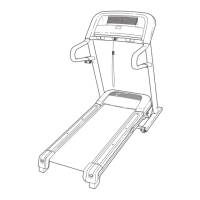
ProForm 590QS 831.299243 - User Manual

ProForm 590QS 831.299243
26 pages
Print Icon
To Next Page IconTo Next Page
Loading...
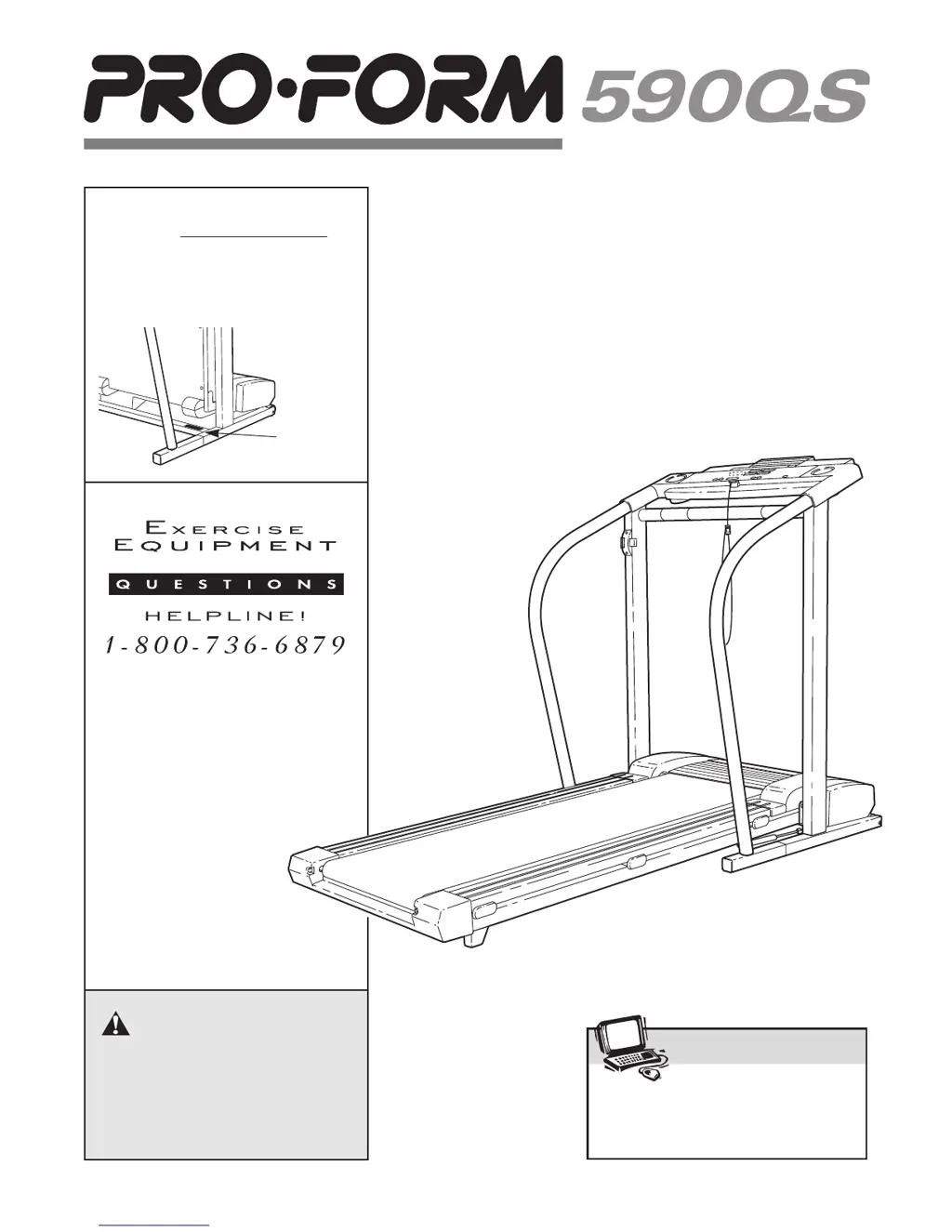
USER'S MANUAL
¨
CAUTION
Read all precautions and instruc-
tions in this manual before using
this equipment. Save this manual
for future reference.
Serial
Number
Decal
Model No. 831.299243
Serial No.
Find the serial number in the location
shown below. Write the serial number
in the space above for reference.
Visit our website at
www.proform.com
new products, prizes,
fitness tips, and much more!
SEARS, ROEBUCK AND CO.
HOFFMAN ESTATES, IL 60179

Questions and Answers

  • K
    Kenneth MacdonaldJul 30, 2025
    What to do if ProForm 590QS 831.299243 turns off during use?
    • R
      Rebecca SmithJul 30, 2025
      If your ProForm Treadmill's power turns off during use, first, check the circuit breaker located on the treadmill frame near the power cord. If tripped, wait five minutes, then press the switch back in. Ensure the power cord is securely plugged in and that the on/off switch is in the 'on' position. Also, remove and fully reinsert the key into the console. If the treadmill still won't run, please call our toll-free HELPLINE.
  • O
    owilsonAug 13, 2025
    How to fix ProForm 590QS 831.299243 Treadmill that won't turn on?
    • M
      Melanie WeaverAug 14, 2025
      If your ProForm Treadmill power does not turn on, ensure the power cord is plugged into a surge suppressor and that the surge suppressor is plugged into a properly grounded outlet. After plugging in, ensure the key is fully inserted into the console. Check the circuit breaker near the power cord; if the switch protrudes, wait five minutes, then press it back in to reset it. Also, verify the on/off switch near the power cord is in the 'on' position.

Summary

Safety and Precautions

General Operating Safety

Details critical safety measures for treadmill operation, including user weight, environment, and proper usage.

Safety Warnings and Decals

Highlights specific safety warnings and identifies key warning decals placed on the treadmill.

Getting Started

Before You Begin

Introduces the PROFORM 590QS treadmill and labels its main components in a diagram.

Assembly

Operation and Console Usage

Powering and Plugging In

Instructions for safely connecting the treadmill power cord to a grounded outlet using a surge suppressor.

Console Overview and Operation

Explains the console layout, displays, and how to operate the treadmill in manual mode.

Console Operation Details

Manual Mode Operation

Step-by-step guide to operating the treadmill in manual mode, including starting, stopping, and speed adjustments.

Measuring Your Pulse

Instructions on how to use the treadmill's pulse sensor to monitor heart rate during exercise.

Connecting Devices and iFit

Connecting External Devices

Guides for connecting the treadmill to CD players, stereos, computers, and VCRs for audio output and iFit programs.

Using iFit.com Programs

Steps for using iFit.com CD, video, and internet programs for guided workouts.

Console Modes and iFit Internet

How to use iFit.com internet programs and access console information/demo modes.

Folding, Moving, and Lowering

Folding and Storage Procedures

Instructions on how to properly fold, move, and lower the treadmill for storage and use.

Troubleshooting

Conditioning Guidelines

Exercise Intensity and Workout Structure

Explains exercise intensity, heart rate zones, and the recommended structure for workouts.

Suggested Stretches

Provides illustrated instructions for performing basic stretches to improve flexibility.

Parts and Support

Parts Identification and Exploded View

Lists treadmill components and references an exploded drawing for visual identification.

Customer Assistance and Warranty

Information on seeking help, ordering parts, and the product's 90-day warranty.

ProForm 590QS 831.299243 Specifications

General IconGeneral
DisplayLCD
Motor Power2.5 HP
Running Area20" x 55"
Incline0-10%
Speed0-10 mph
FoldingYes

Related product manuals