HOW TO USE PROGRAMS DIRECTLY FROM [] Follow the desired links on our intemat site to
select a program.
OUR INTERNET srrE
Our new internet site at www.iFit.com allows you to
access a large selection of programs that interactively
controlyourtreadmill to help you achieve yourspecific
exercise goals. In addition, you can play iFit.com audio
and video programs directly from the internet. By
addingan optional upgrade module to the console, you
can use virtually endless features on ourinternet site.
Explorewww.iFit.comfor details. To purchase an up-
grade module, call toll-free f-800-735-0768.
To use programs from our internet site, the treadmill
mustbe connected to your home computer. See HOW
TO CONNECT YOUR COMPUTER on page 14. In ad-
dition, you musthave at least a 56K modem and an
accountwith an internet service provider.A listof addi-
tional system and software requirements will be found
on our internet site.
Next, make sure that the I
on/off switchnear the
power cord isin the on po- On
Position
sition.In addition, make
sure that the power cord is
pmpedy plugged in (see
HOW TO PLUG IN THE POWER CORD on page 8).
Followthe steps below to use a program from our
intemet site.
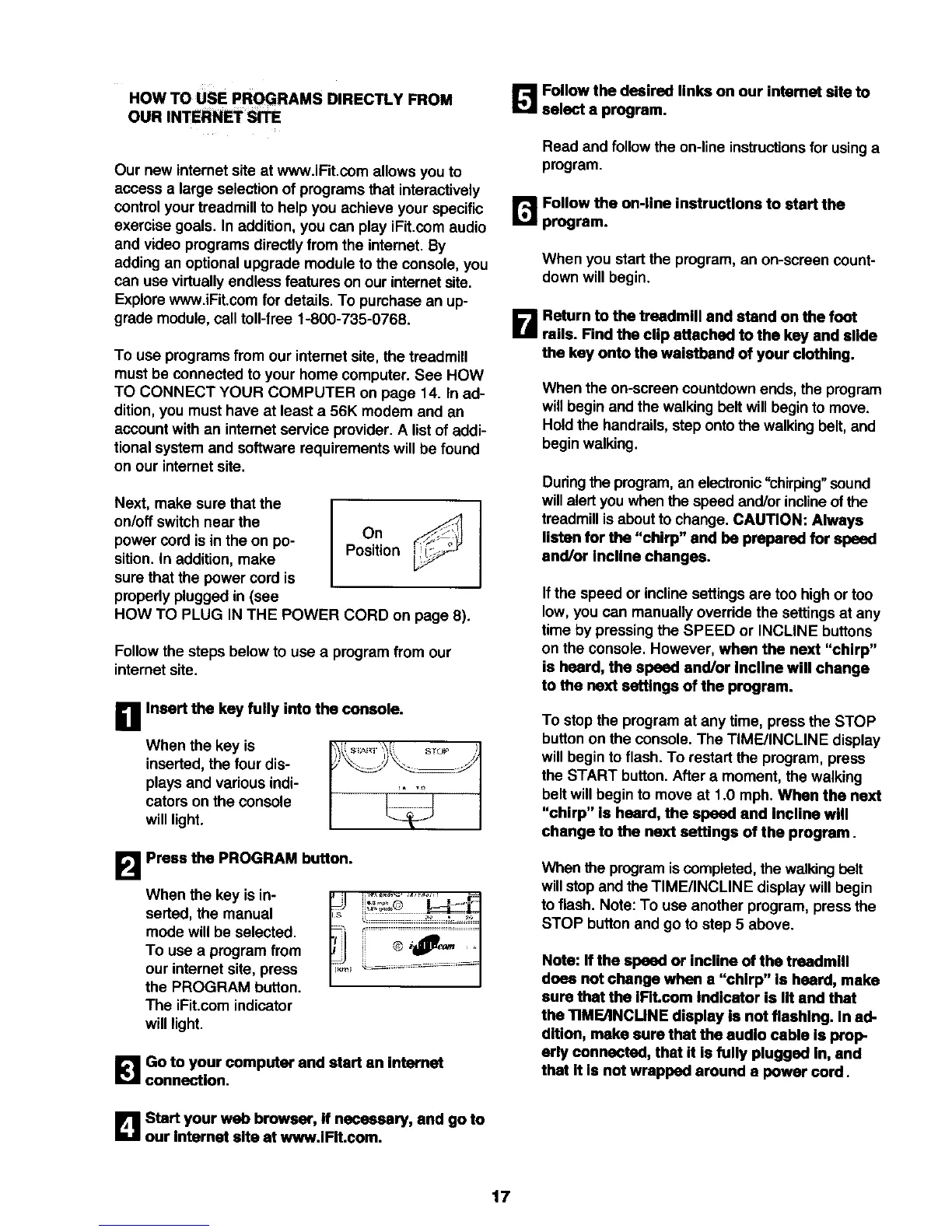
D Insert the key fully into the console.
When the key is _i!"_')' _1
inserted,the four dis- "__
plays and various indi- , ,o
cators on the console _ I
will light.
B Press the PROGRAM button.
When the key is in-
serted, the manual
mode will be selected.
To use a program from
our internet site, press
the PROGRAM button.
The iFit.com indicator
will light.
_lGo to your computer and start an internnt
connection.
B Start your web browser, If necessary, and go to
our internet site at www.iFIt.com.
Read and follow the on-line instructionsfor usinga
program.
r_ Follow the on-line instructions to start the
program.
When you start the program, an on-screen count-
down will begin.
D Return to the treadmill and stand on the foot
rails. Find the clip attached to the key and slide
the key onto the waistband of your clothing.
When the on-screen countdownends, the program
will begin and the walking belt will begin to move.
Hold the handrails,step ontothe walking belt, and
begin walking.
During the program, an electronic"chirping" sound
willalert you when the speed and/or inclineofthe
treadmillisaboutto change. CAUTION: Always
listen for the "chirp" end be prepared for speed
and/or Incline changes.
Ifthe speed or incline settings are too high or too
low, you can manually override the settings at any
time by pressing the SPEED or INCLINE buttons
on the console. However, when the next "chirp"
is heard, the speed and/or Incline will change
to the next settings of the program.
To stop the program at any time, press the STOP
buttonon the console. The TIME/INCLINE display
will begin to flash. To restart the program, press
the START button.After a moment, the walking
beltwill begin to move at 1.0 mph. When the next
"chirp" Is heard, the speed and Incline will
change to the next settings of the program.
When the programis completed, the walkingbelt
willstopand the TIME/INCLINE display willbegin
to flash. Note: To use another program, press the
STOP button and go to step 5 above.
Note: If the speed or incline of the treadmill
does not change when a "chirp" is heard, make
sure that the IRt.com indicator is lit and that
the TIMEANCUNE display is not flashing. In ad-
dition, make sure that the audio cable is prop-
erly connected, that it is fully plugged In, and
that It Is not wrapped around a power cord.
17






 To Next Page