EasyManua.ls Logo

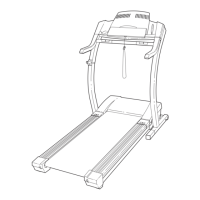
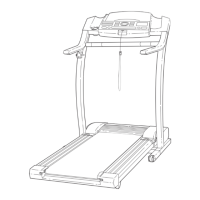
ProForm 745CS 831.299463 - User Manual

ProForm 745CS 831.299463
30 pages
Print Icon
To Next Page IconTo Next Page
Loading...
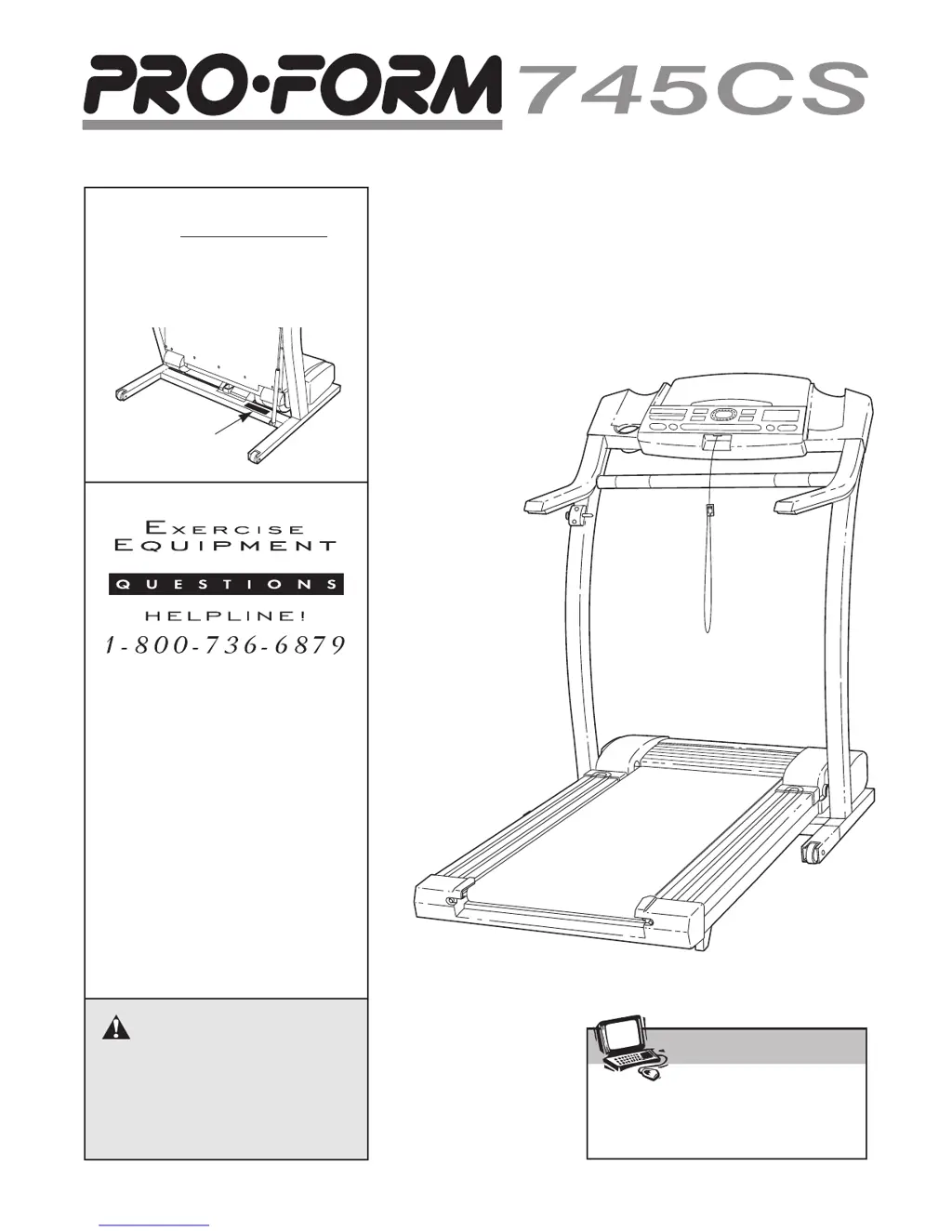
USER'S MANUAL
¨
CAUTION
Read all precautions and instruc-
tions in this manual before using
this equipment. Save this manual
for future reference.
Serial
Number
Decal
Model No. 831.299463
Serial No.
Find the serial number in the location
shown below. Write the serial number
in the space above for reference.
Visit our website at
www.proform.com
new products, prizes,
fitness tips, and much more!
SEARS, ROEBUCK AND CO.
HOFFMAN ESTATES, IL 60179
Patent Pending

Questions and Answers

  • M
    Mary KelleyJul 26, 2025
    What to do if my ProForm Treadmill turns off during use?
    • M
      Matthew RichardsonJul 26, 2025
      If your ProForm Treadmill turns off during use, first, check the circuit breaker located on the treadmill frame near the power cord. If tripped, wait five minutes, then press the switch back in. Ensure the power cord is securely plugged in and the on/off switch is in the 'on' position. Also, remove and reinsert the key fully into the console. If the issue persists, further assistance is needed.
  • C
    Catherine VargasAug 5, 2025
    How to fix ProForm 745CS 831.299463 Treadmill if the power does not turn on?
    • T
      Thomas RogersAug 5, 2025
      If your ProForm Treadmill power does not turn on, ensure the power cord is plugged into a surge suppressor, and the surge suppressor is plugged into a grounded outlet using a UL 1449 listed TVSS with specific voltage (400 volts or less) and joule (minimum 450 joules) ratings. Note: GFCI-equipped outlets are not compatible. Also, ensure the key is fully inserted into the console, the on/off switch is in the 'on' position, and check the circuit breaker; if tripped, wait five minutes before resetting it.
  • T
    torresaustinAug 15, 2025
    How to troubleshoot ProForm Treadmill speed display not functioning properly?
    • D
      Denise TuckerAug 15, 2025
      If the speed display on your ProForm Treadmill console isn't working correctly, remove the key and unplug the power cord. Take off the hood and find the Reed Switch and Magnet on the left side of the Pulley. Turn the Pulley to align the Magnet with the Reed Switch, ensuring a gap of about 1/8 inch. Adjust the Reed Switch if needed, then reattach the hood and test the treadmill.

Summary

IMPORTANT PRECAUTIONS

ASSEMBLY

OPERATION AND ADJUSTMENT

Power Cord Connection Safety

Instructions for safely connecting the power cord and surge suppressor.

CONSOLE DIAGRAM

HOW TO TURN ON THE POWER

HOW TO USE THE MANUAL MODE

HOW TO USE PERSONAL TRAINER PROGRAMS

USING INTERNET PROGRAMS

CONSOLE MODES AND ACCESSORIES

FOLDING AND MOVING THE TREADMILL

Folding for Storage

Step-by-step guide on folding the treadmill for storage.

Moving the Treadmill

Instructions on how to safely move the folded treadmill.

LOWERING THE TREADMILL FOR USE

TROUBLE-SHOOTING

Power and Console Display Issues

Solutions for power, speed display, and operational problems.

Walking Belt and Incline Functionality

Solutions for walking belt and incline system malfunctions.

CONDITIONING GUIDELINES

PART LIST

ProForm 745CS 831.299463 Specifications

General IconGeneral
BrandProForm
Model745CS 831.299463
CategoryTreadmill
LanguageEnglish

Related product manuals