A1 AirTTL
14
www.profoto.com
Operation
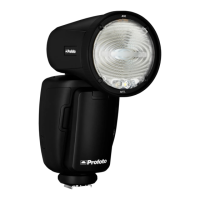
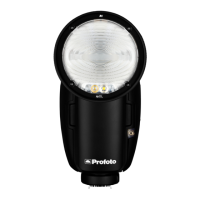
Mounted in the camera hot shoe, the A1 unit acts both as an on-camera
flash and as a wireless extension of your camera to your Profoto off-
camera flashes, combining TTL (Through-The-Lens) exposure control
with the option to manually adjust and sync your Profoto flashes.
Power on/off
• Push the ON/OFF button [12] to switch on the A1.
• Push and hold the ON/OFF button [12] to switch off the A1.
When the A1 is switched off, the current settings (except for TTL) are
stored and will apply when the unit is switched on again.
To save battery, the A1 automatically enters standby mode after a
period of inactivity (selectable via the standby setting) and switches
off completely after 90 minutes. These functions can be deactivated
via the standby setting.
In standby mode, the display [9] and test button [12] are switched off. To
return to operational mode, push any of the A1 buttons or use the camera.
Note:
When the standby and auto power off functions are deactivated, the batteries will drain
in approx. 8 hours of inactive use.
Mode selection (TTL or Manual)
Use the mode switch [10] to select TTL or or MAN mode. The mode
switch is only active for the on-camera unit. When the A1 is used off-
camera, the function of the switch is disabled and the on-camera unit
will dictate to all off-camera units if TTL or manual mode is used.
• TTL mode: The camera dictates the light output of the flashes.
The relation between the energy levels for group A-C and flash
exposure compensation can be set up from the A1.
• MAN mode: The light output for group A, B and C can be
controlled manually from the A1.
Note:
By pressing a group twice all groups will be selected and highlighted. All settings done
will now apply to all groups A, B, C, D, E and F.


 To Next Page