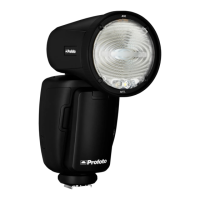
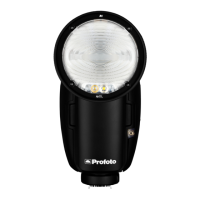
A1 AirTTL
15
www.profoto.com
Energy scale
The A1 unit has a relative f-stop scale to indicate the energy level. Full
energy, 100% is always shown as 10.0. Decreasing 1-fstop means
reducing the energy to half, hence energy 9.0 is 50% of total energy.
Energy can be adjusted in precise 0.1 f-stop increments.
Operation in TTL mode (Automatic mode)
Adjustment of energy level relations
In TTL mode the camera dictates the light output of the flashes. If more
than one light is used the relationship between the energy levels of
group A, B and C can be adjusted. This can, for example, be used to
achieve more light on one side of the object.
1. Press the A, B or C group button [11] to select the corresponding
group.
2. When a group is selected, do one or more of the following:
• Use the dial [13] to set the relative light output for the selected
group, in relation to the other groups. The relations can be set
to +/- 2 f-stops for each group A, B or C.
• Press the MODEL button [15] to turn on/off the modeling light
in the selected group.
• Press and hold the group button [11] to turn on/off the lamp
heads in the selected group. (If the heads in a group are turned
off, the relation value for that group will display ‘--’.)
• The display automatically returns to the main menu after a few
seconds.
Note:
If flashes without Profoto AirTTL support are used in combination with Profoto AirTTL
flashes in TTL mode, the flash outputs of the non-TTL flashes are added to the total
flash exposure. Such flashes can for instance be used to manually set the exposure
on the background.
If a Profoto AirTTL compatible flash is set to group D, E or F, it will be synchronized but not
part of the TTL calculation. The flash outputs of these flashes are added to the total flash
exposure and can for instance be used to manually set the exposure on the background.


 To Next Page