A1 AirTTL
19
www.profoto.com
Activate/deactivate flash head
The flash head can be deactivated without turning off the power of the
A1 unit. This is used when the A1 should work as a remote control for
off-camera flashes but no flash itself.
Press and hold the MODEL button [15] to turn on/off the A1 lamp head.
When the A1 lamp is off, ‘--’ is shown in the center of the display [9].
Note:
The A1 flash head can also be activated/deactivated in the settings menu.
Manual zoom
The beam angle from the flash can be adjusted at any time to match
your preferences. You can for example narrow the light to highlight part
of the image.
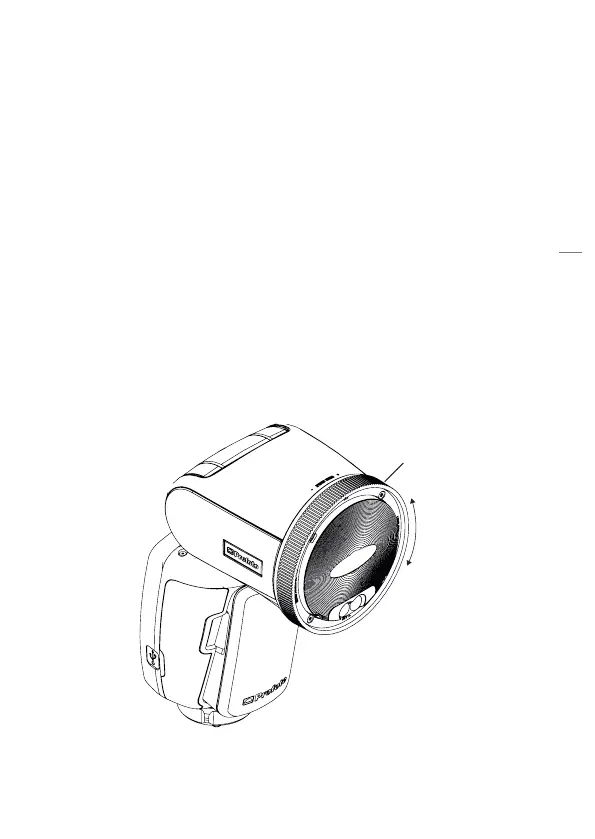
Rotate the Zoom ring [2] on the flash head clockwise or counter
clockwise to change the beam angle.
Zoom ring


 To Next Page