11
CHARGING INSTRUCTIONS
STEP 1 – CHECK THE ELECTROLYTE LEVEL
Prior to charging the battery, remove the vent caps and check the electrolyte level (not
required on sealed & maintenance free batteries). The electrolyte should be 6mm (1/4”)
above the battery’s plates. If low, top up with distilled water to the correct level and
refit the vent caps.
STEP 2 – CONNECT TO BATTERY
There are three options for connecting to battery.
Step 2A – Connecting to a battery that is out of the vehicle
Step 2B – Connecting to a battery fitted to a vehicle
Step 2C – Permanent hard wiring connection to a battery
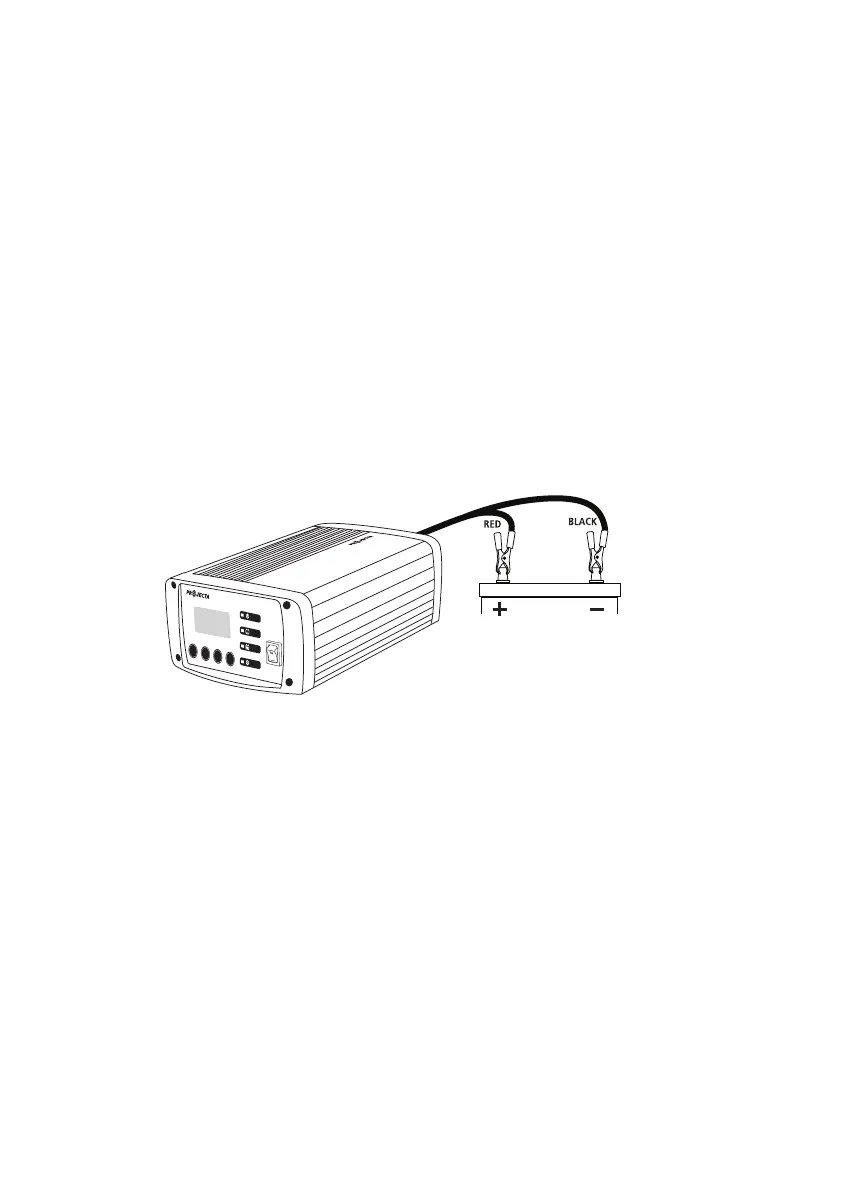
STEP 2A – BATTERY OUT OF VEHICLE
Connect the RED lead (battery clip) from the charger to the Positive (+) battery post.
Connect the BLACK lead (battery clip) from the charger to the Negative (-) battery post.
ON
OFF
CHARGE
RATE
BATTERY
TYPE
RECONDITION
VOLT/AMP
POWER ON
ABSORPTION
BULK
CHARGE
FULLY
CHARGED
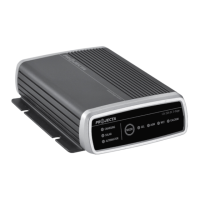
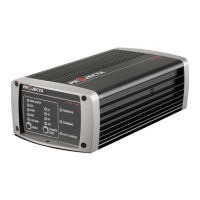
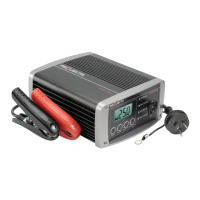
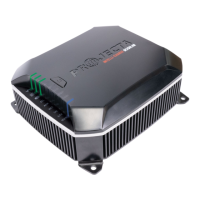
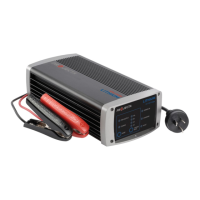
IC35
12V 35A 7-STAGE
INTELLI-CHARGE
12V
35A BATTERY CHARGER
Connection out of vehicle


 To Next Page
 Loading...