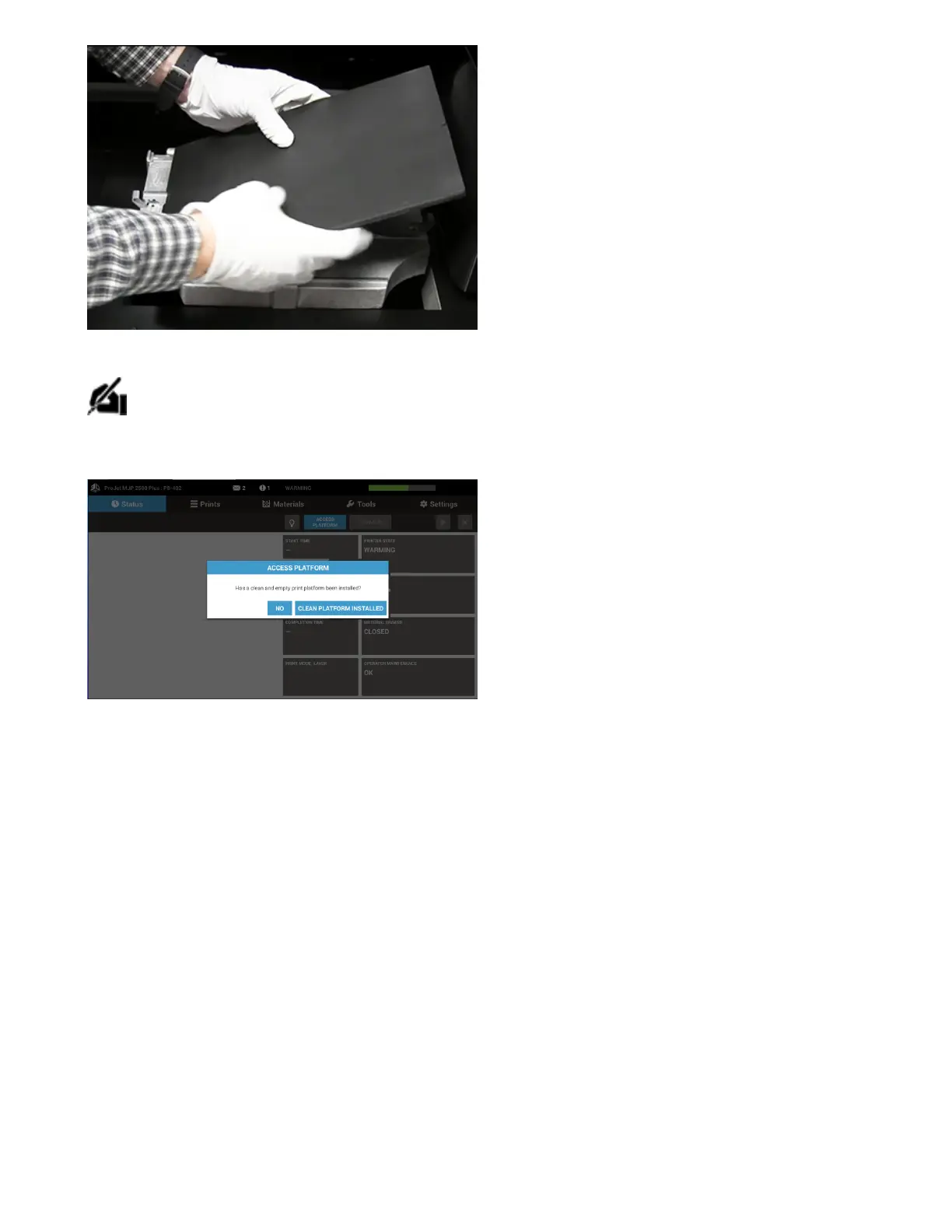
. A message will display (see below) asking user to conrm that the platform is clean, verify the platform is clean.
NOTE: Always be sure you are installing a room temperatureprint platform that is clean on both sides to avoid any printing issues. Also,
conrm that the print platform is free fromdamagedue toany drops or dings. Protruding metal on the platform may come in contact
with the printhead and cause severe damage.
DEMO PRINT
To downloada demoprint, click ConnectorRCL(zip) and open 3DSprint software. Refer
tohttp://infocenter.3dsystems.com/projetmjp2500/user-guide/steps-printing-your-rst-print



 To Next Page