EasyManua.ls Logo

ProLights ECL Series - User Manual

ProLights ECL Series
40 pages
Print Icon
To Next Page IconTo Next Page
Loading...
ECLTU
ECLDY
ECLMP1
ECLMP2
ECLL19
ECLL26
ECLL36
ECLL50
MANUALE UTENTE
USER MANUAL
ECL
IT - EN
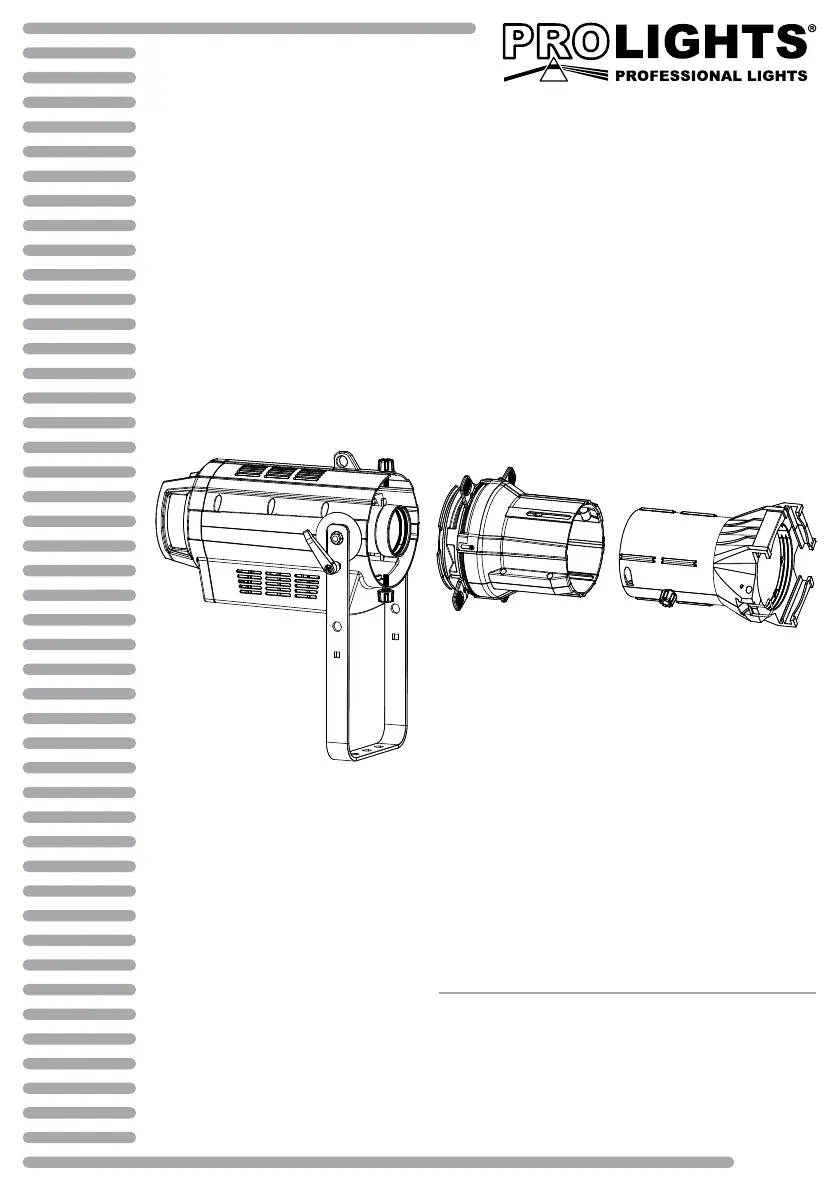
LED PROFILER

Questions and Answers

Summary

Safety Information

General Instructions

Safety guidelines for operation, voltage, servicing, modifications, and earthing.

Warnings and Installation Precautions

Precautions for damage, maintenance, safety rope, ventilation, and handling.

Product Introduction and Specifications

Product Description

Overview of the ECL LED profiler, its features, and applications.

Technical Specifications

Detailed specs for light source, optics, electronics, and features.

Product Configurations

Configuration No 1

Details ECLTU/ECLDY with 19° and 26° optics, including illuminance data.

Configuration No 2

Details ECLTU/ECLDY with 36° and 50° optics, including illuminance data.

Operating Elements and Connections

Physical Component Identification

Labels and descriptions of the ECL fixture's external parts and controls.

Rear Panel Connectivity

Details on power and DMX input/output connectors on the rear panel.

Installation and Mounting

Mounting Procedures

Instructions for setting up, securing, and adjusting the projector's mounting bracket.

Functions and Settings

Operation and Basic Controls

Connecting power, using control panel buttons, and basic operation.

Menu Structure and Settings

Detailed breakdown of the menu system for configuring the fixture.

Operational Modes

Auto Show, Static, Master/Slave, and Linking modes explained.

DMX Configuration and Control

Settings for DMX channels, addressing, and operating modes.

Fixture Settings and Information

Adjusting dimmer curves, backlight, fan mode, and accessing fixture data.

Maintenance and Troubleshooting

Unit Maintenance and Cleaning

Guidelines for cleaning the fixture and ensuring its housing and cables are in good condition.

Fuse Replacement

Step-by-step instructions for safely replacing a blown fuse.

Troubleshooting Common Problems

A table listing common issues, their possible causes, and solutions.

ProLights ECL Series Specifications

General IconGeneral
Light SourceLED
ControlDMX
CoolingFan
Input Voltage100-240V, 50/60Hz
HousingDie-cast aluminum
ConnectorsPowerCON, XLR
Control ProtocolDMX512
Power SupplyInternal
Power Consumption150W

Related product manuals