EasyManua.ls Logo

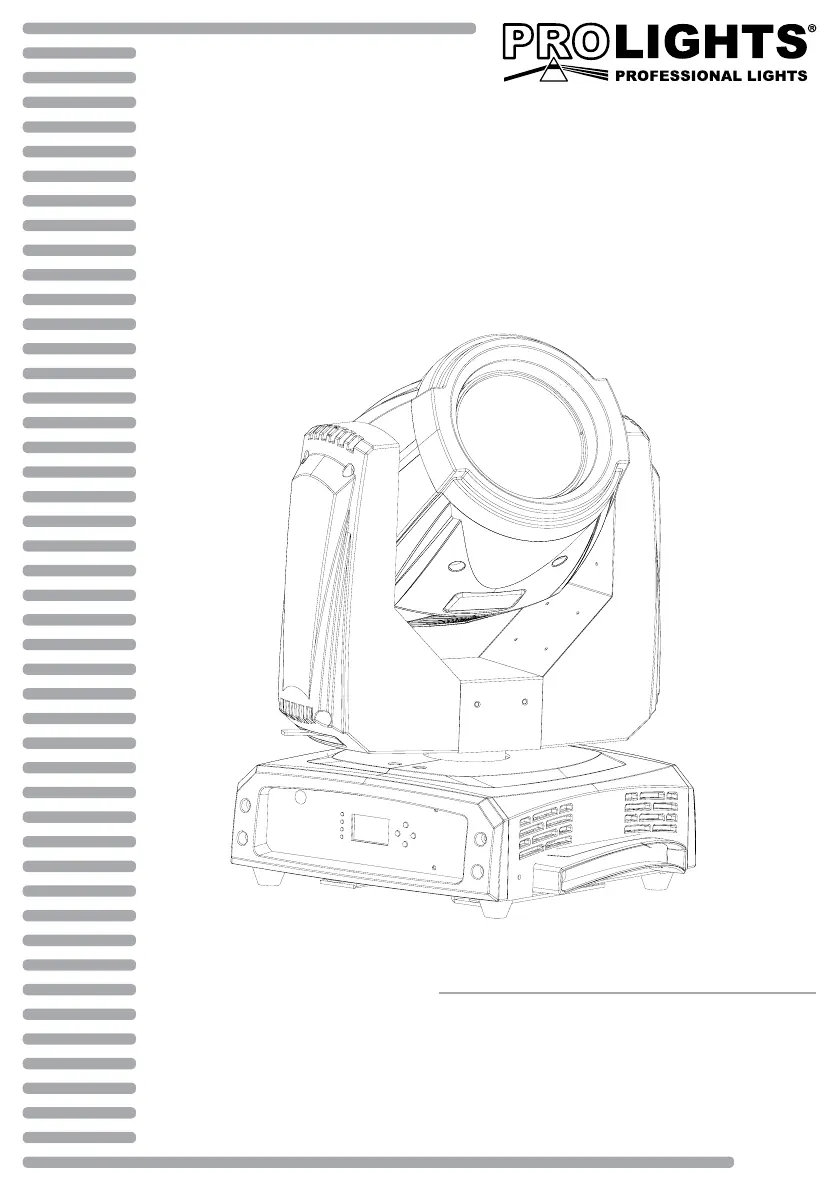
ProLights UNICO - User Manual

ProLights UNICO
64 pages
Go to English
Print Icon
To Next Page IconTo Next Page
Loading...
MANUALE UTENTE
USER MANUAL
UNICO
IT - EN
MOVING HEAD

Table of Contents

Questions and Answers

  • A
    amy20Aug 1, 2025
    What to do if ProLights UNICO Lighting Equipment fixture does not power up?
    • L
      leblanckennethAug 1, 2025
      If your ProLights Lighting Equipment fixture doesn't power up, start by checking for power at the power outlet. It's possible there's no power reaching the fixture. If there is power, inspect the power cord for any signs of damage or looseness. As a last resort replace internal power supply.
  • A
    Adrian MartinezAug 10, 2025
    Why is the light intensity low on my ProLights UNICO Lighting Equipment?
    • S
      Shannon WilliamsAug 10, 2025
      If you're experiencing generally low light intensity with your ProLights Lighting Equipment, regularly clean the fixture. Low intensity can be caused by a dirty or misaligned lens assembly. Also, ensure that the lens assembly is installed properly.
  • K
    Kathy FordAug 21, 2025
    What to check if ProLights UNICO Lighting Equipment does not respond to DMX?
    • M
      Marcus WilliamsAug 21, 2025
      If your ProLights Lighting Equipment fixture isn't responding to DMX, check the DMX cables. It's possible that damaged DMX cables or bouncing signals are the cause. Also, the wrong DMX addressing can be the cause.

Summary

Safety Precautions

General Safety Instructions

Essential safety guidelines for using the unit and handling electrical hazards.

Installation Safety Warnings

Safety measures for installation, including electrical shock and fire prevention.

Introduction

Detailed Technical Specifications

Detailed technical data including lamp, optics, dimmer, color system, and effects.

Operating Elements and Connections

Identification of control panel interface, buttons, display, and connector ports.

Installation Guide

Functions and Settings

DMX Configuration and Control

Setting DMX modes, addressing, and mapping channels to functions.

Maintenance and Care

Troubleshooting and Error Handling

Common issues, remedies, error messages, and their explanations.

ProLights UNICO Specifications

General IconGeneral
TypeMoving Head
Color SystemRGBW
Pan Range540°
Tilt Range270°
Beam Angle / Zoom5° - 50°
EffectsPrism, Frost
ControlDMX512, RDM

Related product manuals