13
UNICO
3.4 DMX MODE
• Press the MENU button and select, via the directional buttons, the [DMX FUNCTIONS] menu choice, then
press the ENTER button to conrm the choice.
• Select the [DMX Address] menu voice and conrm the choice by pressing the ENTER button.
• Edit the DMX address value into the [1 - 512] range using the UP/DOWN buttons.
• Press the ENTER button to conrm the DMX address value.
• Press the MENU button to go back or waiting for one minute for automatic exit from the menu.
3.5 CONFIGURATION AND DMX ADDRESSING
The UNICO is equipped with 3 DMX channel modes: 19 (Mode1), 16 Ch (Mode2) and 20 Ch (Mode3).
It is possible to access them in the following mode:
• Press the MENU button, select through the directional buttons the [DMX Functions] menu voice and press
the ENTER button to conrm.
• Select the [DMX Channel Mode] menu voice and press the ENTER button to conrm the choice.
• Select the desired DMX mode between [Mode1(19Ch)], [Mode2(16Ch)] and [Mode3(20Ch)] and press the EN-
TER button to conrm.
See page 16 for table that indicate the operation modes and their DMX value. As DMX interface, the unit
has 3 and 5 pole XLR contacts.
To able to operate the UNICO with a light controller, adjust the DMX start address for the rst a DMX chan-
nel. If e. g. address 33 on the controller is provided for controlling the function of the rst DMX channel,
adjust the start address 33 on the UNICO. The other functions of the light eect panel are then automati-
cally assigned to the following addresses. An example with the start address 33 is shown below:
Number of
DMX channels
Start address
(example)
DMX Address
occupied
Next possible start
address for unit No. 1
Next possible start
address for unit No. 2
Next possible start
address for unit No. 3
19 33 33-51 52 71 90
16 33 33-48 49 65 81
20 33 33-52 53 73 93
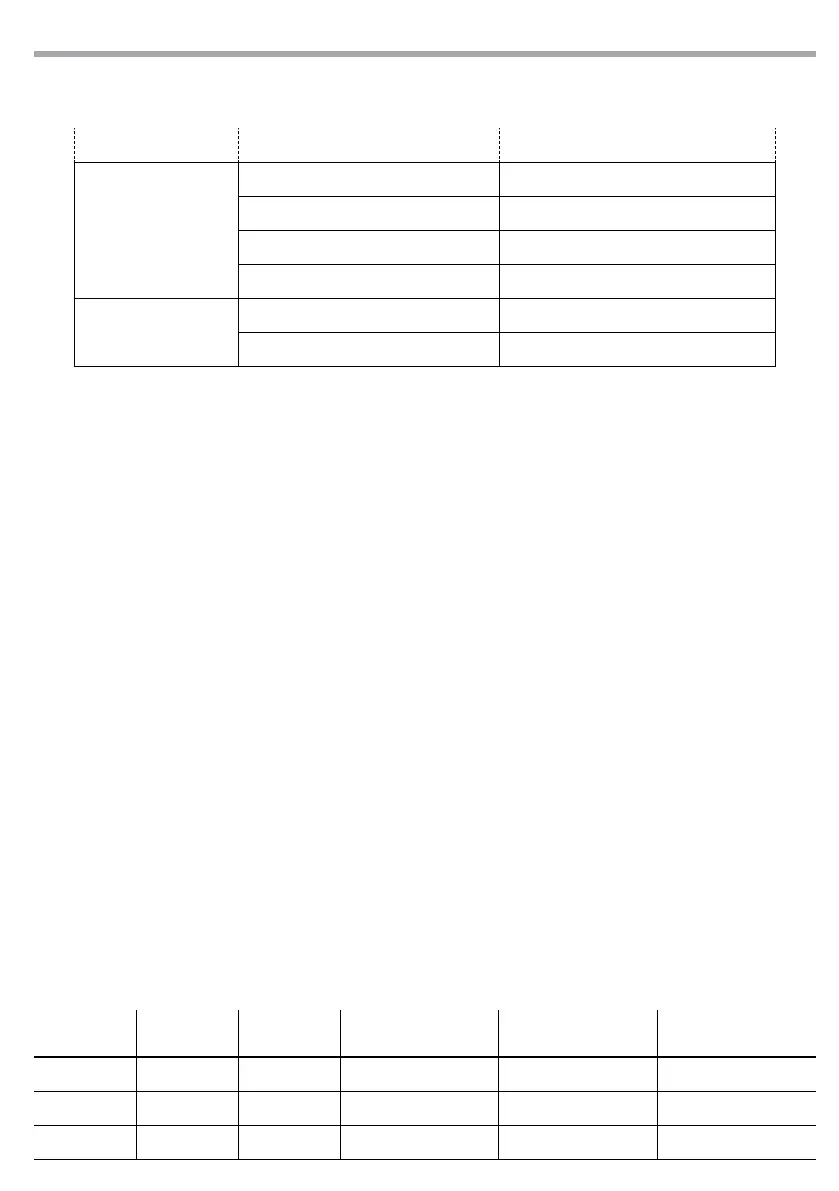
RESET FUNCTION
Color No / Yes
Gobo No / Yes
Zoom/Frost/Focus No / Yes
All No / Yes
SPECIAL FUNCTIONS
Fixture Maintenance Interval / Remain Time
Factory Settings No / Yes



 To Next Page