UNICO
14
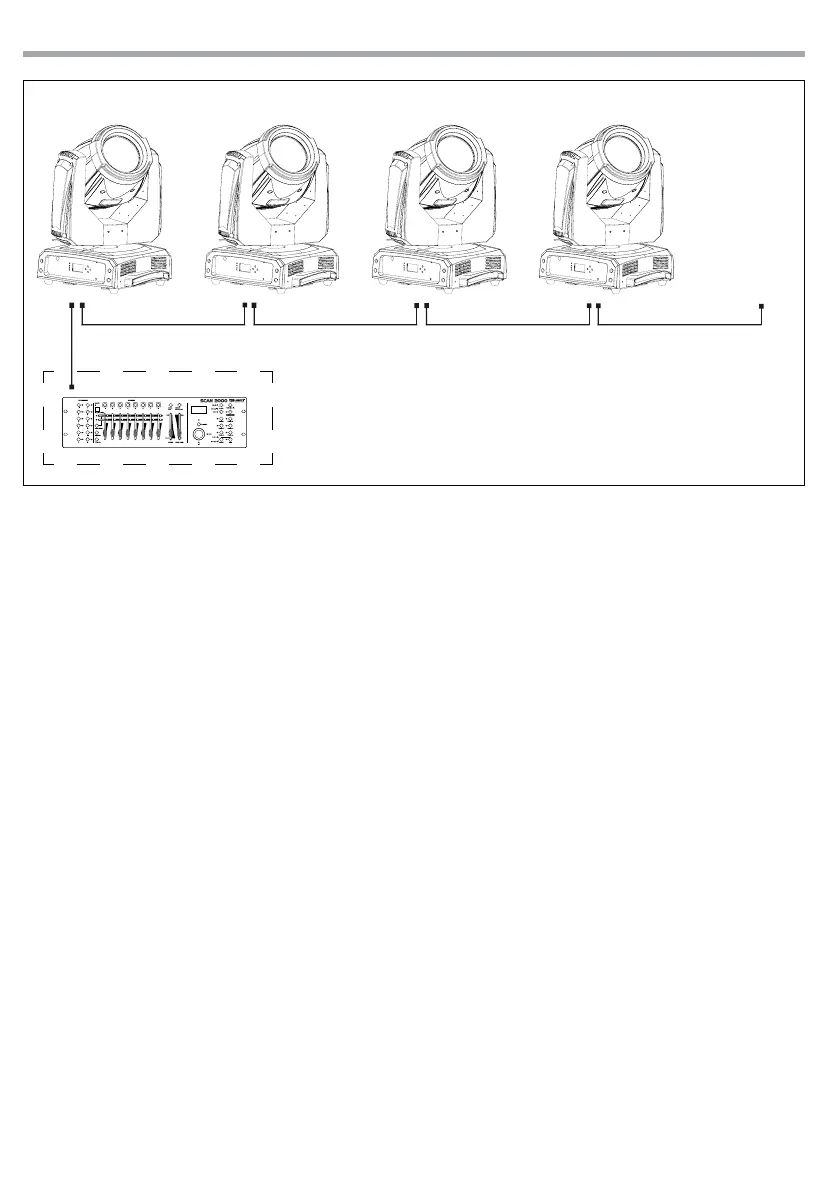
Fig.8 - Example 16 DMX channels conguration
3.6 VIEW DMX VALUE
It is possible to view the DMX value and the relative function on the LCD display in the following way:
• Press the MENU button, select the [DMX FUNCTIONS] menu voice and press the ENTER button to conrm
the choice.
• Select the [View DMX Value] menu voice and conrm the choice by pressing the ENTER button.
• Use the directional buttons to view all the menu voices.
• Press the MENU button to go back or wait for one minute for automatic exit from the menu.
DMX Address: 33 DMX Address: 81DMX Address: 49 DMX Address: 65
DMX512 Controller
. . . . . . . . . . . .



 To Next Page