H150UFC
8
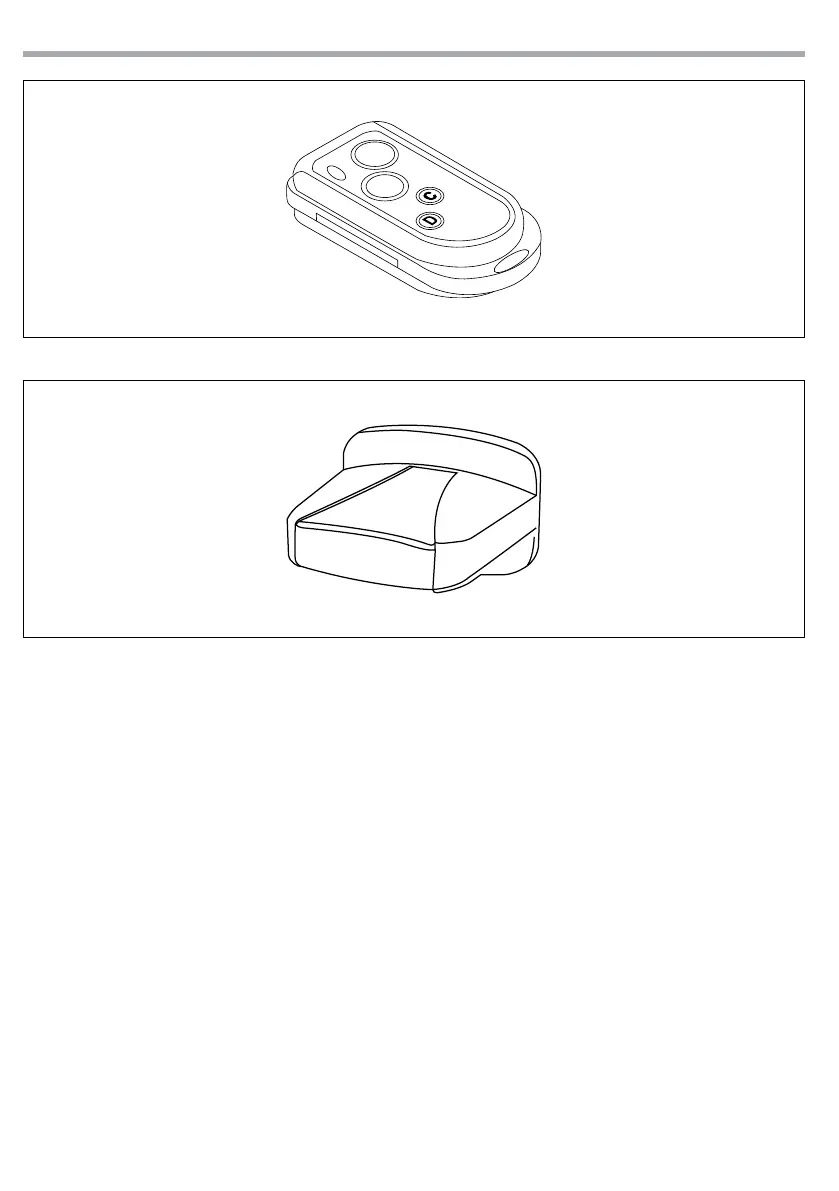
Fig.3 - Transmitter
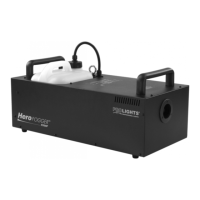
Fig.4 - Receiver
A
B
2.5 REGISTERING TRANSMITTERS
To operate the machine with a dierent transmitter than the included one, or to operate it with up to 10
dierent transmitters, each transmitter must be registered rst.
Refer to the guide below to associate or delete a transmitter to the receiver.
1. Turn o the H150UFC.
2. Press and hold the DOWN button located on the control panel of the unit.
3. Turn on the H150UFC and release the DOWN button when the LCD display ashes.
4. Hold down the A button located on the transmitter.
5. To attach the transmitter to the receiver, press the UP button located on the control panel of the unit
and then the STOP button whilst to remove the transmitter from the receiver, press the DOWN button
located on the control panel of the unit and then the STOP button.
2.6 BATTERY CHANGE ON THE TRANSMITTER
Make sure that the wireless receivers do not exceed the maximum distance from the transmitter. If the
range of the transmitter decreases, the battery is probably exhausted and must be replaced. For this pur-
pose remove the rear cover by removing the three screws and insert a new battery of the same type and
with the same specications as the old one (27A 12V).



 To Next Page