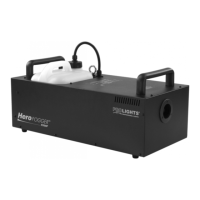
H150UFC
16
• Press the MENU button until the display shows the voice LED Fade Out.
• Press the UP/DOWN button to select the desired interval Delay: 0 Sec - Delay: 5 sec.
Press the STOP button to exit the setup menu.
2.26 RUN LAST SETTING
To set the machine in order to run the last setting, refer to the following procedure.
• Press the MENU button until the display shows the voice Run Last Setting.
• Press the UP/DOWN button to select the ON or OFF.
Press the STOP button to exit the setup menu.



 To Next Page