11
2) Choose the contact and click on “SMS”;
3) Edit your short message, and then click on “Send”.
Delete
1) Select “Contacts”;
2) Choose the contact and click on “Delete” to remove your contact;
3) In the confirmation box, click on “OK” to proceed.
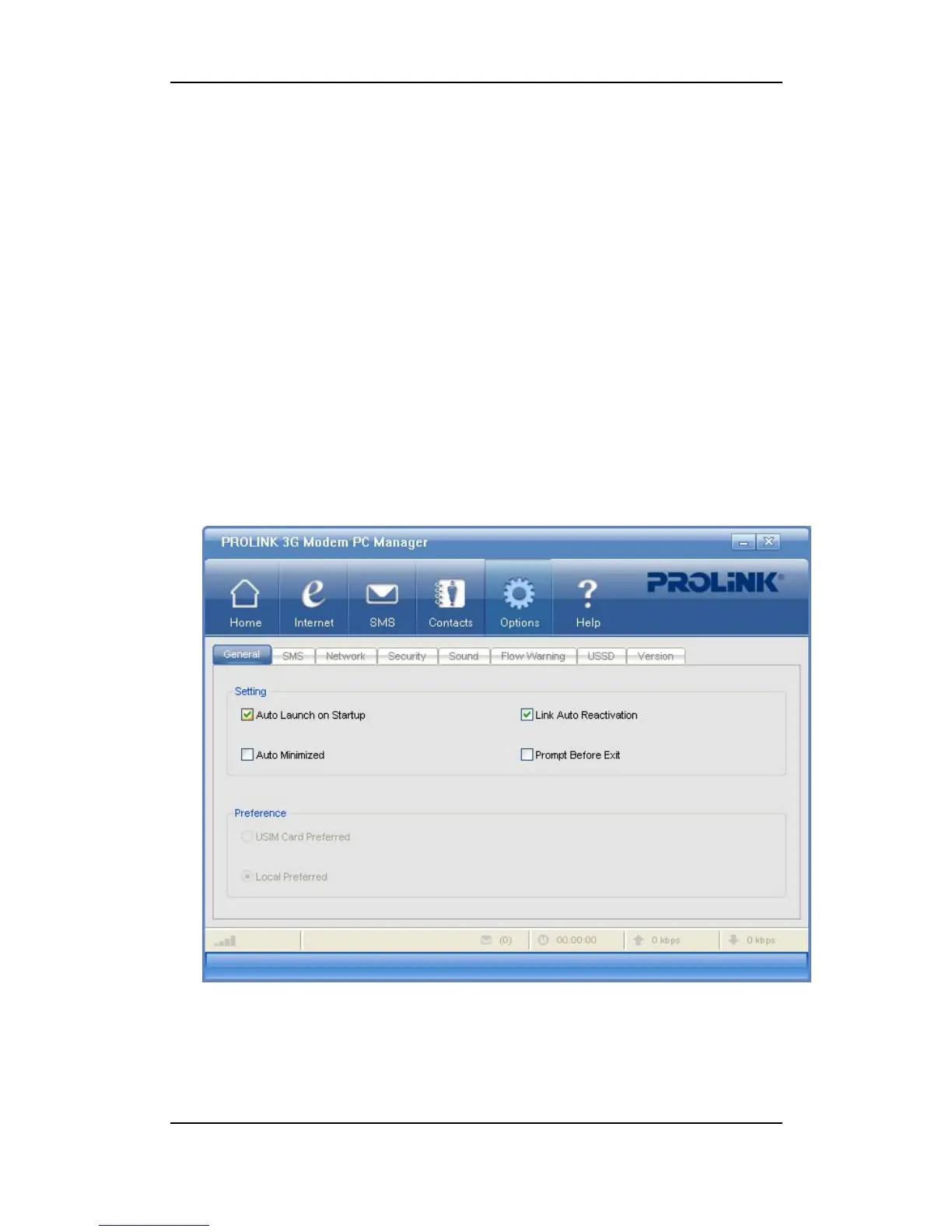
Options
In “Options”, you can set all the necessary features or configure the data card.
Auto Launch on Startup
If selected, PROLINK HSDPA Modem PC Manager will come up and running after
Windows startup. Otherwise, you have to do it manually (either by clicking on a shortcut on the



 To Next Page