NOTE:
08
www.proofcam.com
1. The recording will stop automatically and the screen will show Micro SD card is
full if the Micro SD card is full of protected files. To continue recording, please do
this in three ways:
a. Change another Micro SD card;
b. Format Micro SD card in dash cam or computer;
c. Delete the protected files in computer;
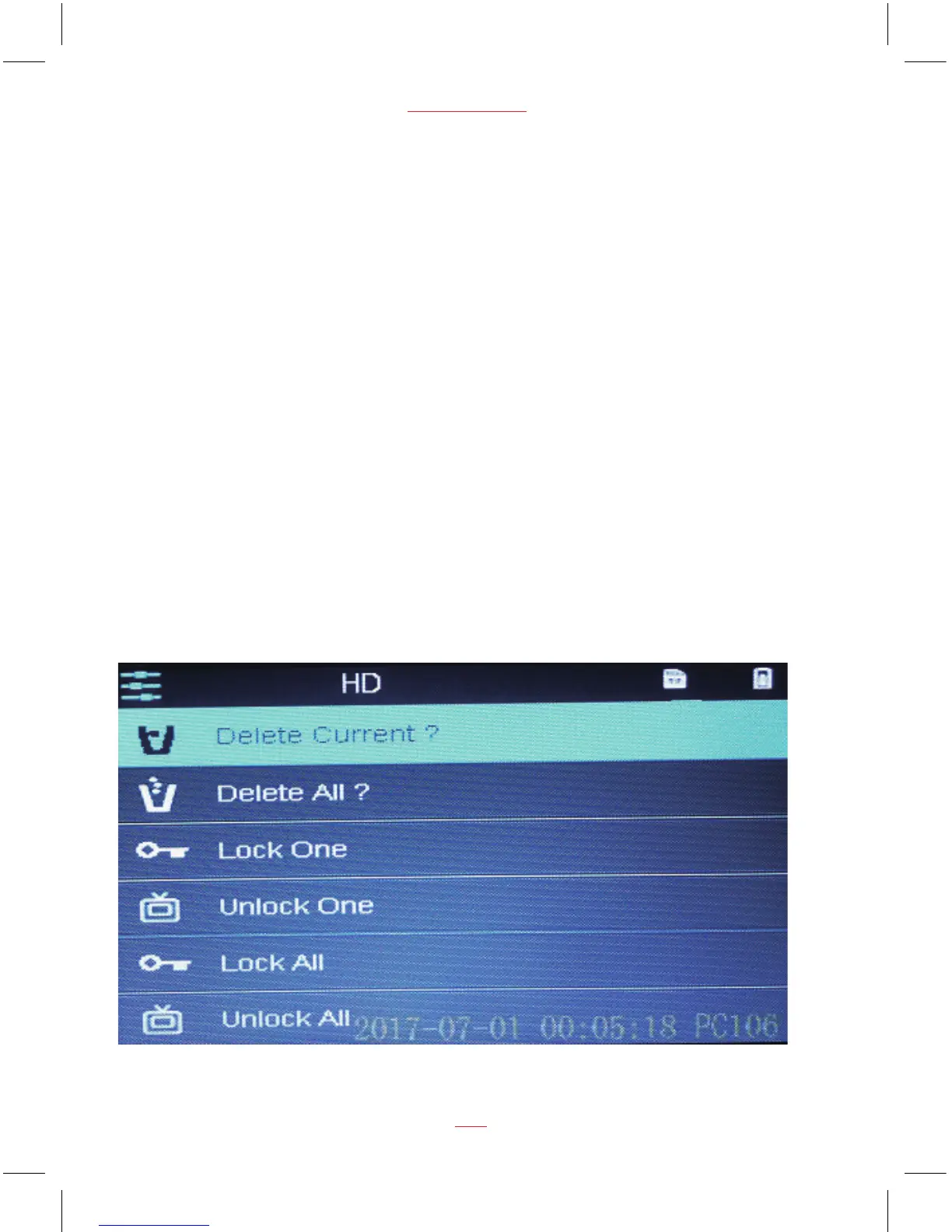
2. If unlock protection is required for all files, please choose Unlock All.
3. Follow similar steps to protect videos, pictures.
Recovery the video to the protection video:
During Playback menu, press UP and DOWN buttons to select “lock One” or
“lock All”, then press
OK
button to recovery the current protected video or all the
protected videos.


 To Next Page