Function List Description Available Option
Setting for video resolution.
1080FHD 1920×1088
720P 1280×720
Select the picture quality/resolution.
2M is the default one
1M / 2M
Setting for enabling automatic loop
record and the video clip time.
1 Minute / 2 Minutes / 3 Minutes - Select
segment recording time. For example, the
recording time is 3 minutes. If 21 minutes
of video is recorded, then 7 segments each
of 3 minutes in length will be created. The
default setting is 3 minutes.
1 Minute / 2 Minutes /
3 Minutes
Manual compensation for low or bright
light levels. The more negative “-“ in scale,
the darker the recorded video appears. The
more appears. 0 is the neutral setting for
this option and is the default value.
-3 / -2 / -1 / 0 / 1 /2 /
3
Setting for activating the motion detection
and the sensitivity.
Off - Disable the motion detection.
On / Off
Setting to enable / disable the recording
video voice.
Off - Disables to record video without voice.
On - Enables to record video with voice. This
is the default one.
On / Off
Menu Settings Mode
11
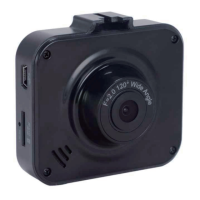
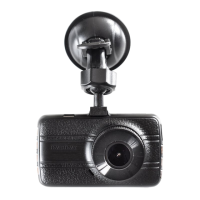
PC 106 HD Dash Cam
Resolution
Picture Quality
Loop Recording
Exposure
Motion Detection
Audio Record
Setting to stamp the date on the video.
Off - No date shows on the screen.
On - Date shows on the screen and this
is the default one.
Date Stamp On / Off
Setting for the sensitivity to detect collision
to protect the recording video.
Off - Disable the G-sensor function.
High - The collision will be detected at the
easiest.
Medium - The collision will be detected
easier.
Low - The collision will normally be
detected. This is the default setting.
G - Sensor
Off / High / Medium /
Low


 To Next Page