Still
Capture
Mode
SD
Card
Status
Battery
Status
Remaining
Numbers to
Take Photo
Photo Value Date and Time
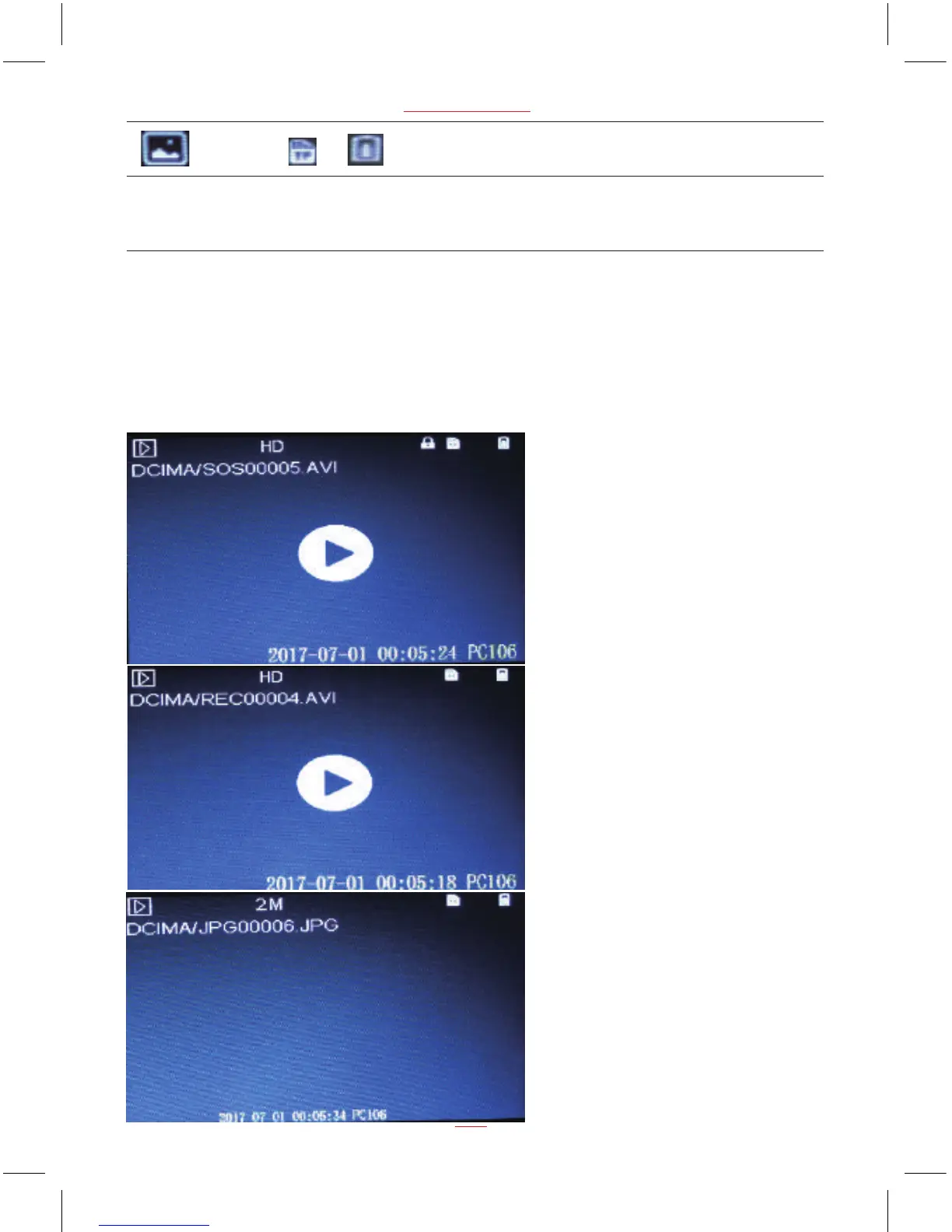
Playing Back Videos and Photos
Press MODE button switch to playback mode, press UP and DOWN buttons to
select the videos and photos, then press REC/OK button to view video and
photo.
14
www.proofcam.com
2M 2017-07-01 03:14:06 07905
Resolution
Play Video and Photo Screen


 To Next Page