16
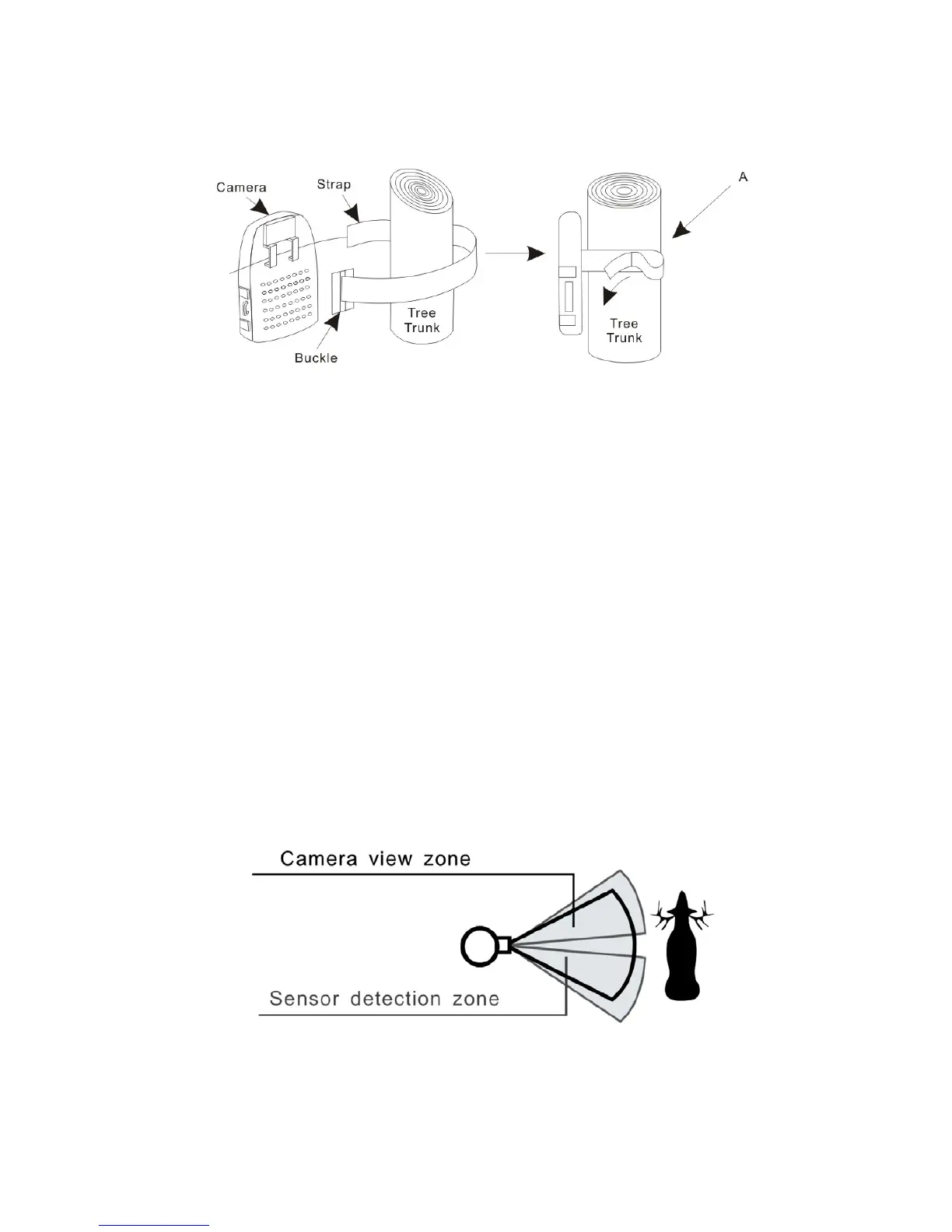
a) Insert the strap through the strap slots on the rear housing.
b) Wrap the strap around the mounting surface. Secure the strap and tighten the buckle in
order to secure the camera.
▲ In order to obtain proper weather resistance, please make sure that both door latches are
securely locked in place.
Testing the camera coverage area
One of ProStalk Digital Nature Camera’s features is the ability to test the coverage area.
• After mounting the camera, open front housing and slide the “Power” switch to “Set”
position and close the front housing.
• A red indicator light on the front will blink when you have intruded the coverage area.
• Adjust the camera position as needed and repeat testing until the desired coverage area is
achieved.
▲ Make sure to switch the “Power” to “On” after setting is over. Otherwise the camera will not



 To Next Page