17
take any pictures or movies.
Secure Your Camera
ProStalk Digital Nature Camera has a lock hole to have a lock on it.
Read the Current Information and Setting of the Camera
Whenever the camera setting is finished, the system will enter the standby status for 30 seconds
and then taking pictures or movies after that.
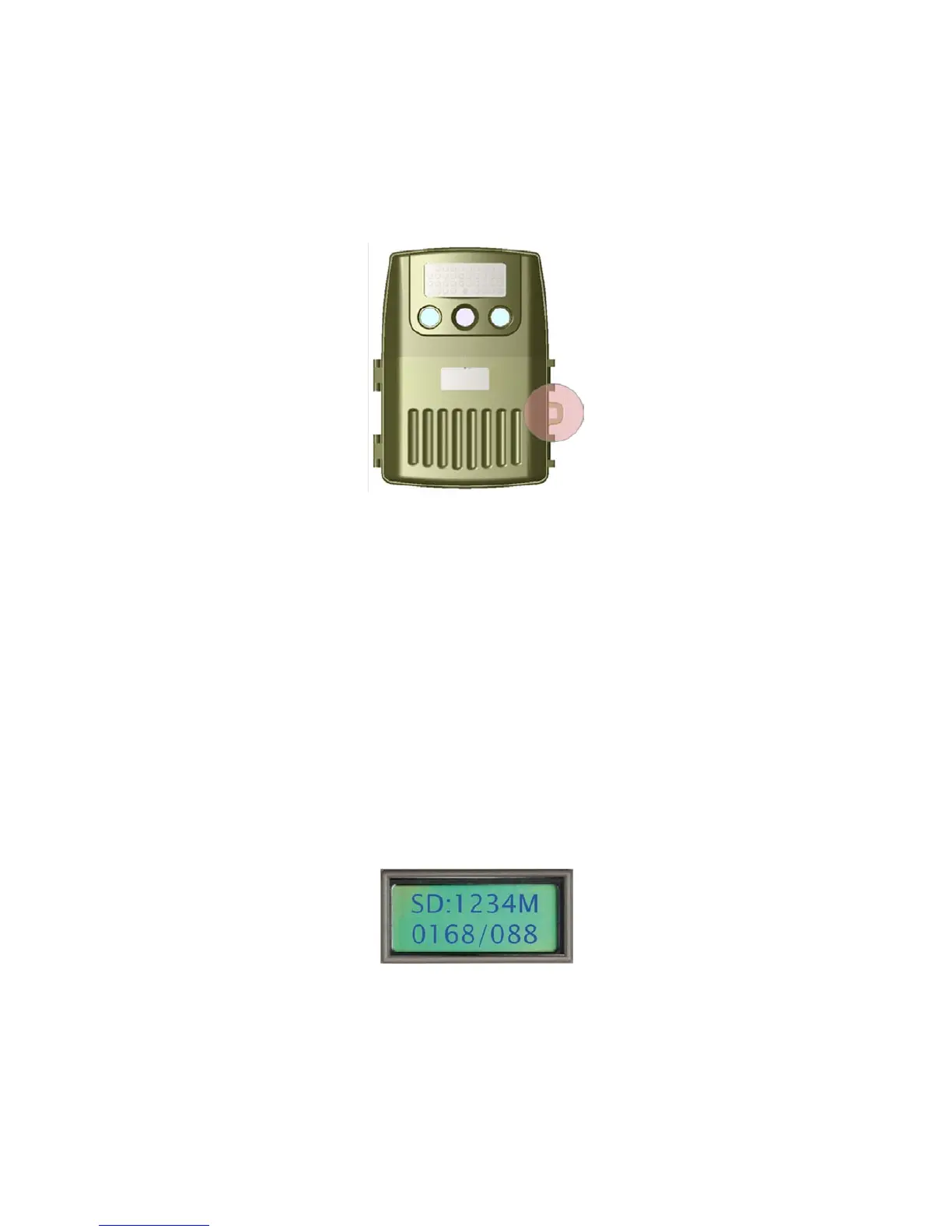
In a general working status, the display will indicate the remaining size of the SD card, image size,
movie length, the photo and movie number taken already in the camera if the user presses any
button of the camera, then press “UP” or “DOWN” button to rotate the current information and
setting of the camera.
“SD: 1234M” means there is 1234 MB capacity remain on the SD card
“0168/088” means there are 168 pictures and 88 movies taken in the SD card



 To Next Page