9
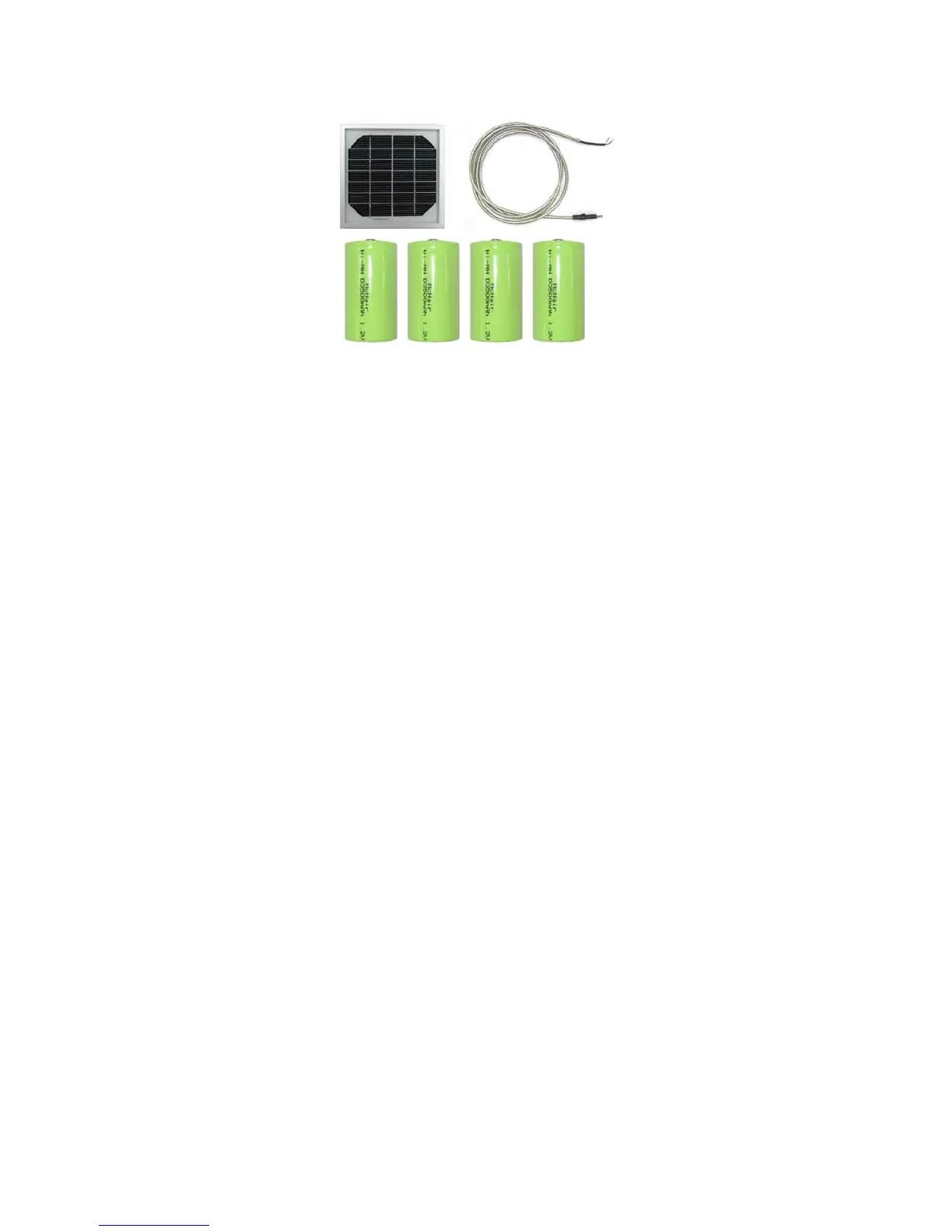
Solar Charging Panel and D Cell NiMh Rechargeable Battery
• Make the solar panel to be positioned facing UPWARD, to collect solar energy to power
rechargeable NiMh “D” batteries (sold separately) installed in the camera.
• Insert the solar charging plug into the solar charging jack of the bottom of camera housing
• Please make sure the voltage and polarity (+/-) are correct before connection. Incorrect
voltage or polarity (+/-) will damage the camera. Make sure using the solar panel supplied
from the authorised dealer.
Memory
Your ProStalk Digital Nature Camera works with an expendable media card slot capable accepting
up to 2GB SD card (supplied).
Inserting SD card
Make sure camera is in the OFF position whenever adding or removing memory.
• Insert SD memory card in to the SD card slot completely and in the correct direction as
shown by the sticker located at the side of the housing.
• To remove the SD memory card, depress the SD card and pull out the card gently.
▲ SD cards must be clean (no images from other sources), if you are using the SD card from
other cameras, please make sure to format the SD card prior use in the camera. New cards
are good to use straight from the package.



 To Next Page