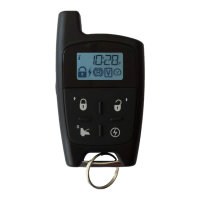
P.16 User Guide
MultiLevelFeatures
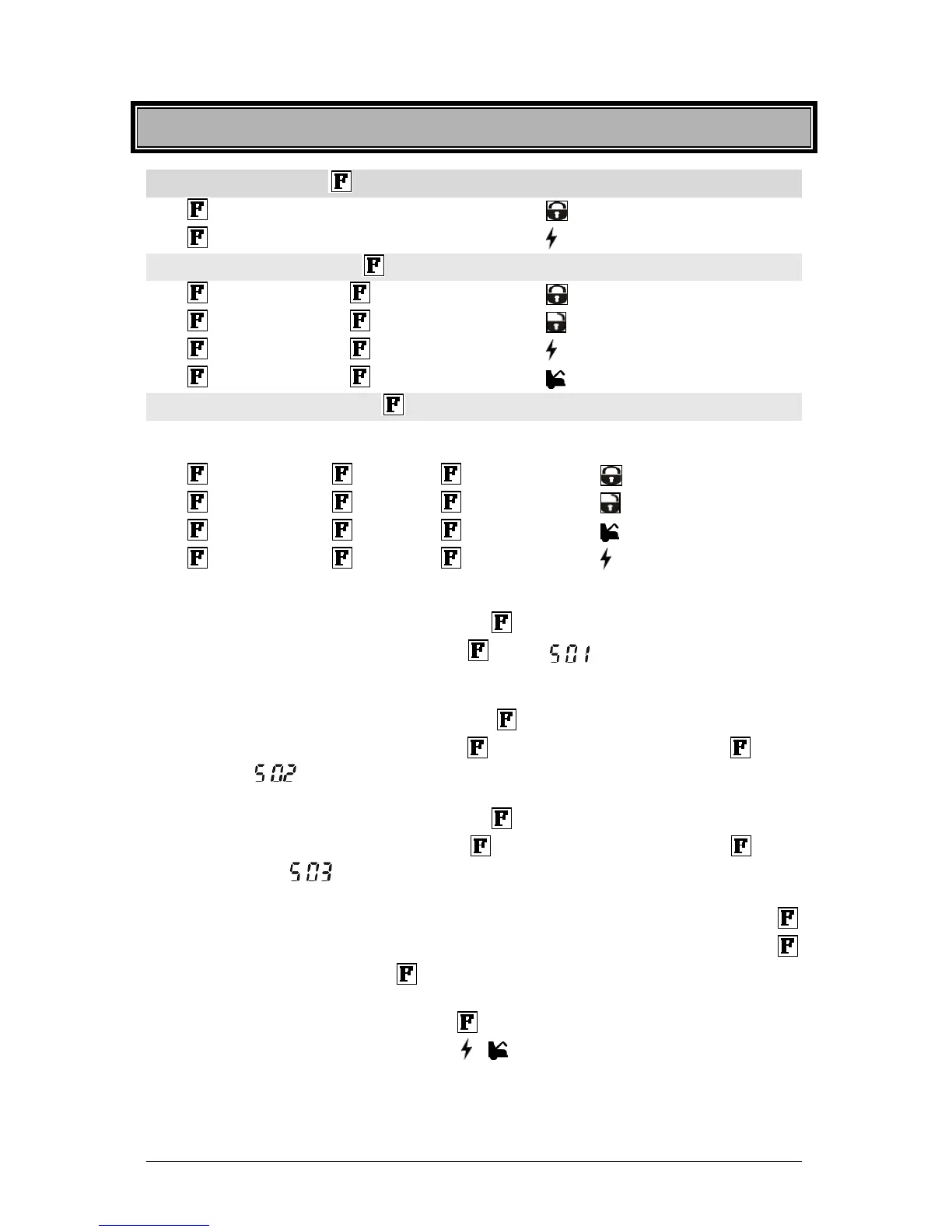
Basic Features (press the button 1X) Level 1
¾ ............................................................. aux 2
¾ ............................................................. cold weather
Multi-Car Operation (press the button 2X) Level 2
¾ ¾ ............................... : 2
nd
car lock
¾ ¾ ............................... : 2nd car unlock
¾ ¾ ............................... : 2
nd
car start/stop
¾ ¾ ............................... : 2
nd
car trunk
Customized Features (press the button 3X) Level 3
(May not be compatible with some vehicles)
Your installer can add customized features such as turning on the radio, opening sliding doors, etc.
¾ ¾ ¾ ...................... : customized feature 1
¾ ¾ ¾ ...................... : customized feature 2
¾ ¾ ¾ ...................... : customized feature 3
¾ ¾ ¾ ...................... : customized feature 4
Accessing the Multi-Level Features and Other Transmitter Functions
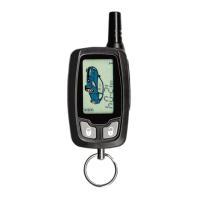
x To access a Level 1 feature, press and hold the button until you hear a “beep”; within three
seconds of hearing the “beep”, release the
button. will be displayed. This display
means that you are now in Level 1. Simply press the corresponding button to access the
desired feature.
x To access a Level 2 feature, press and hold the button until you hear a “beep within three
seconds of hearing the “beep”, release the button and press and release the button
once more. will be displayed. This display means that you are now in Level 2. Simply
press the corresponding button to access the desired feature.
x To access a Level 3 feature, press and hold the
button until you hear a “beep”; within three
seconds of hearing the “beep”, release the
button and press and release the button
two more times.
will be displayed. This display means that you are now in Level 3.
Simply press the corresponding button to access the desired feature.
x To access the transmitter functions (clock and alarm adjustments), press and hold the
button until you hear a “beep”; within three seconds of hearing the “beep”, release the
button and press and release the button three more times. There will be two quick “beeps”
indicating that you are now in the transmitter functions adjustment menu. The Hour position will
be flashing. Simply press and release the
button until you reach the desired location and
proceed with the adjustment by pressing the
or buttons.
Your installer can customize the system as to personalize these multi-level features in an order that
best suits you. Your options are:


 To Next Page