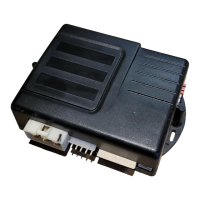
User Guide P.5
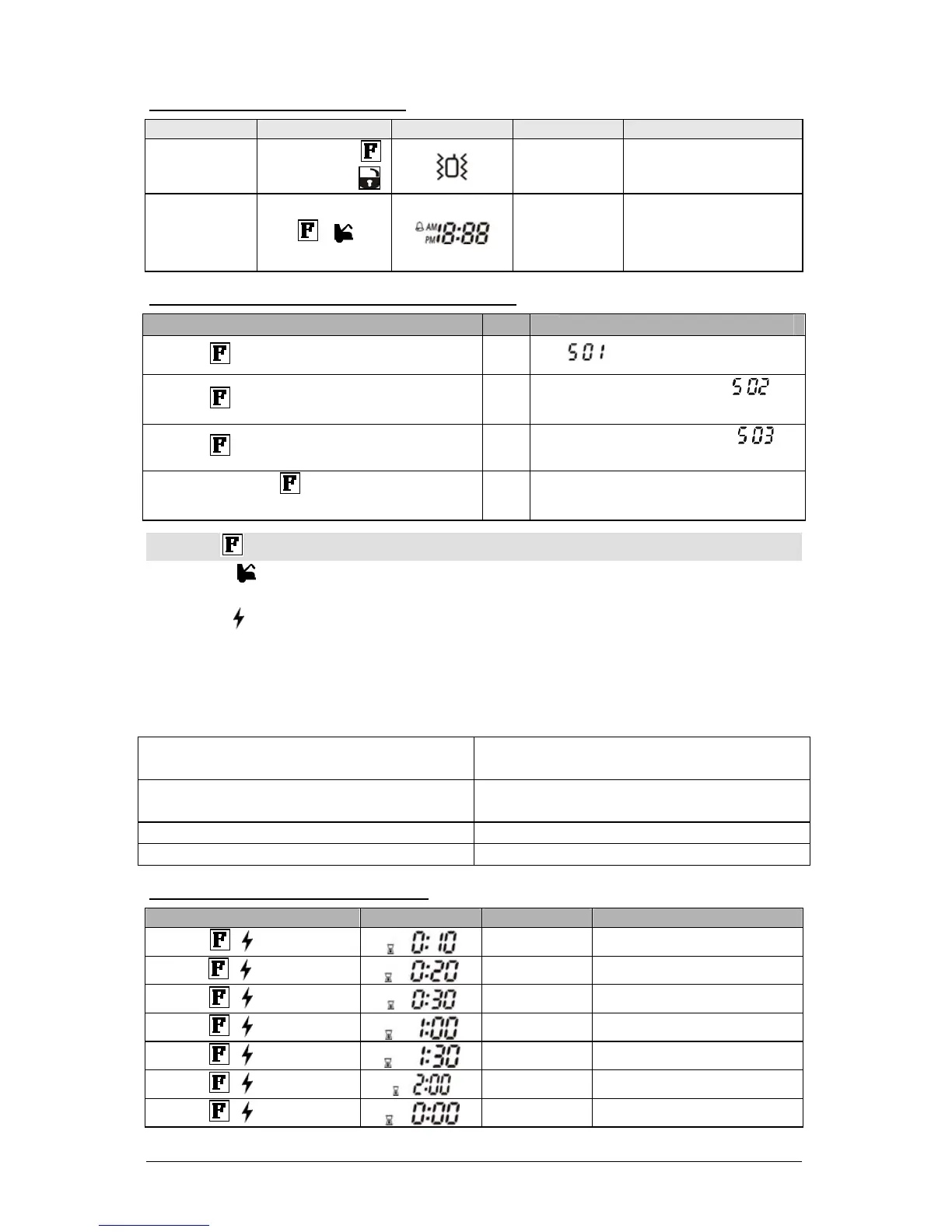
TransmitterModeSelection
Function
Instructions /description
Vibration mode
Press and hold
and then press
Vibrates 4x
larm clock mode
on/off
+
Melody
z Press once to have
alarm clock on
z Press twice to have
alarm clock off
Howtoaccessremote’sfunctionmenus:
User
1. Press until the remote beeps once
Î
appears on screen.
2. Press a 2
nd
time for 2 second and release
Î
Remote beeps once and
appears on screen.
3. Press a 3
rd
time for 2 second and release
Î
Remote beeps once and
appears on screen.
4. Press and hold button a 4
th
time until 2
beeps are heard.
Î
You have now accessed the first
function of the remote.
Press the button to toggle between remote’s functions menu:
a. Press the
button to increase the value or to activate or deactivate a function or to toggle
through the melodies.
b. Press the
to decrease the value or to activate or deactivate a function or to toggle through the
melodies.
c. To save modifications, do not touch any buttons for approx 5 to 10 seconds. There will be a
beep and the display will return to the time.
Function Menu Table:
Function 1:
djust clock time (hour and
minutes)
Function
djust alarm clock (hour and
minutes)
Function
Melody selection for timer
countdown
Function 3:
Melody selection for the alarm
countdown
Function 4: Turn ON/OFF alarm cloc
TimerCountdownAdjustment
By pressing Icon
Instructions / description
+ 1
st
time
Melody 10 min parking countdown mode
+ 2
nd
time
Melody 20 min parking countdown mode
+ 3
rd
time
Melody 30 min parking countdown mode
+ 4
th
time
Melody 60 min parking countdown mode
+ 5
th
time
Melody 90 min parking countdown mode
+ 6
th
time
Melody 120 min parking countdown mode
+ 7
th
time
Melody Parking countdown off mode



 To Next Page