RDM0012 Issue 1 AA Page 15 of 35 © Protec Fire Detection PLC 2017
Downloading Responsible Person and Installer Information
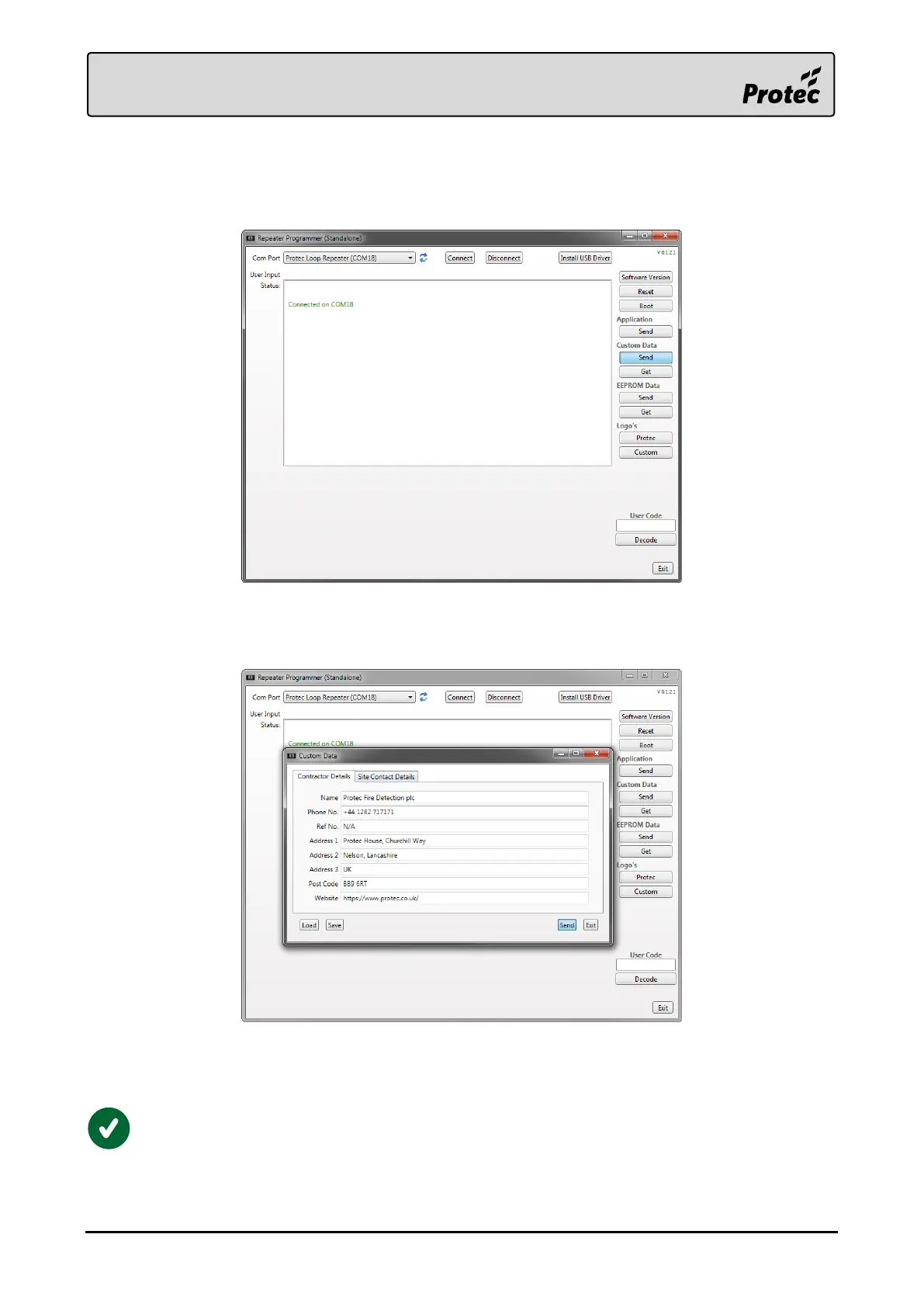
Press the ‘Custom Data Send’ button to open a window to enter the Premises Management Named
Person, and Installer information.
Fill in the fields of the form under the ‘Contractor Details’ and ‘Site Contact Details’ tabs.
Then press ‘Send’ to download the information to the device.
A progress bar will appear on the main window to show the transfer progress.
The information has downloaded successfully once the status window reports ‘Transfer Completed’.
To check the current custom data stored in the device, press ‘Custom Data Get’ in the
programming software.



 To Next Page