RDM0012 Issue 1 AA Page 25 of 35 © Protec Fire Detection PLC 2017
7.0 User Guide
7.1 Controls
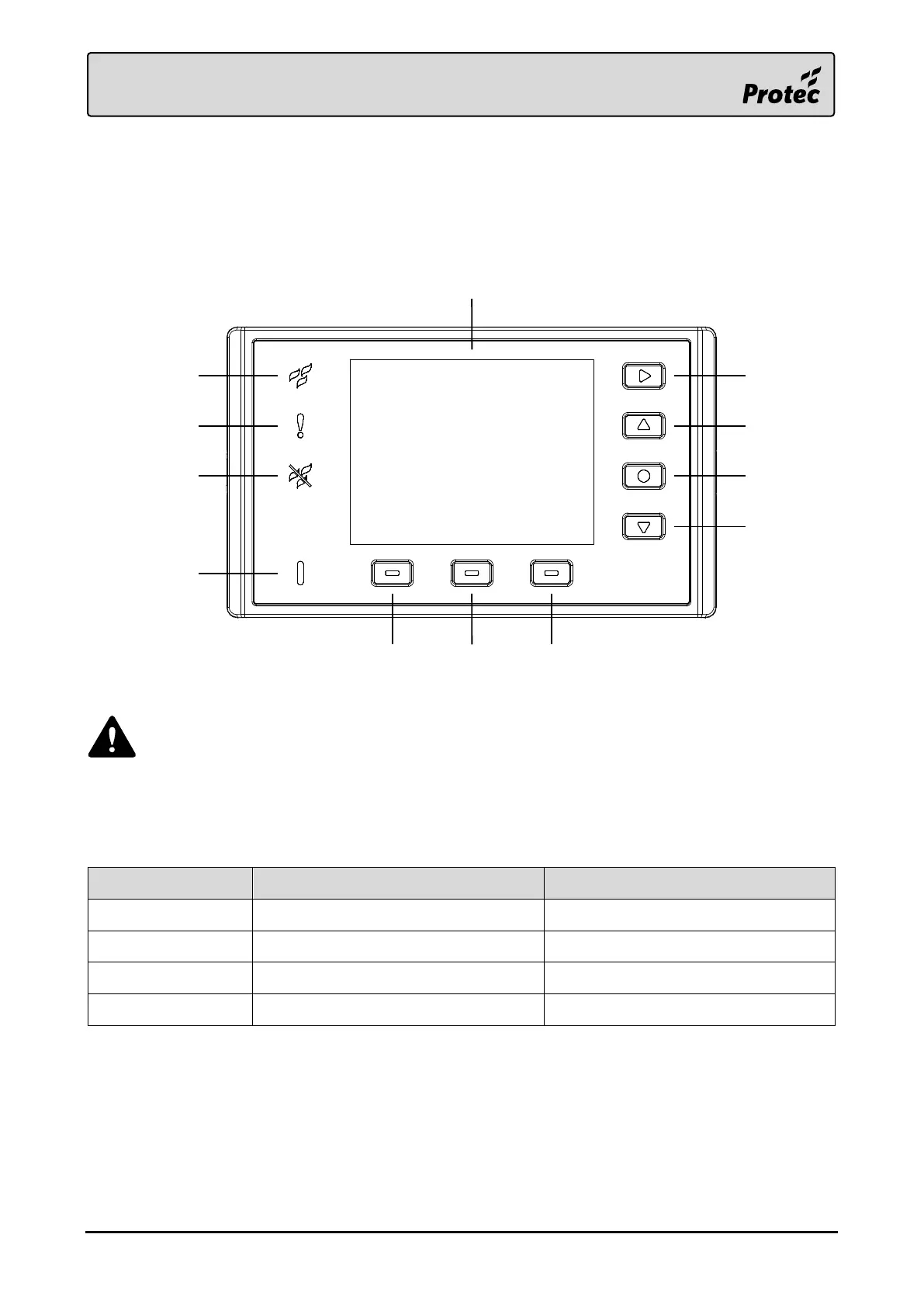
The 6000/LOOP/REPEATER status indicators and controls are shown below.
During normal operation, the LCD picture will be inverted for a short period of time at
regular intervals. This is implemented to extend the lifetime of the LCD and reduce
burn-in.
7.2 LED Indicators
The LED indicators display the following general system statuses.
Accepted Disablement Event/s
4.4”LCD
Next
Up
Select
Down
Context 3Context 2Context 1
Fire LED
Fault LED
Disablement LED
Power LED



 To Next Page