RDM0012 Issue 1 AA Page 22 of 35 © Protec Fire Detection PLC 2017
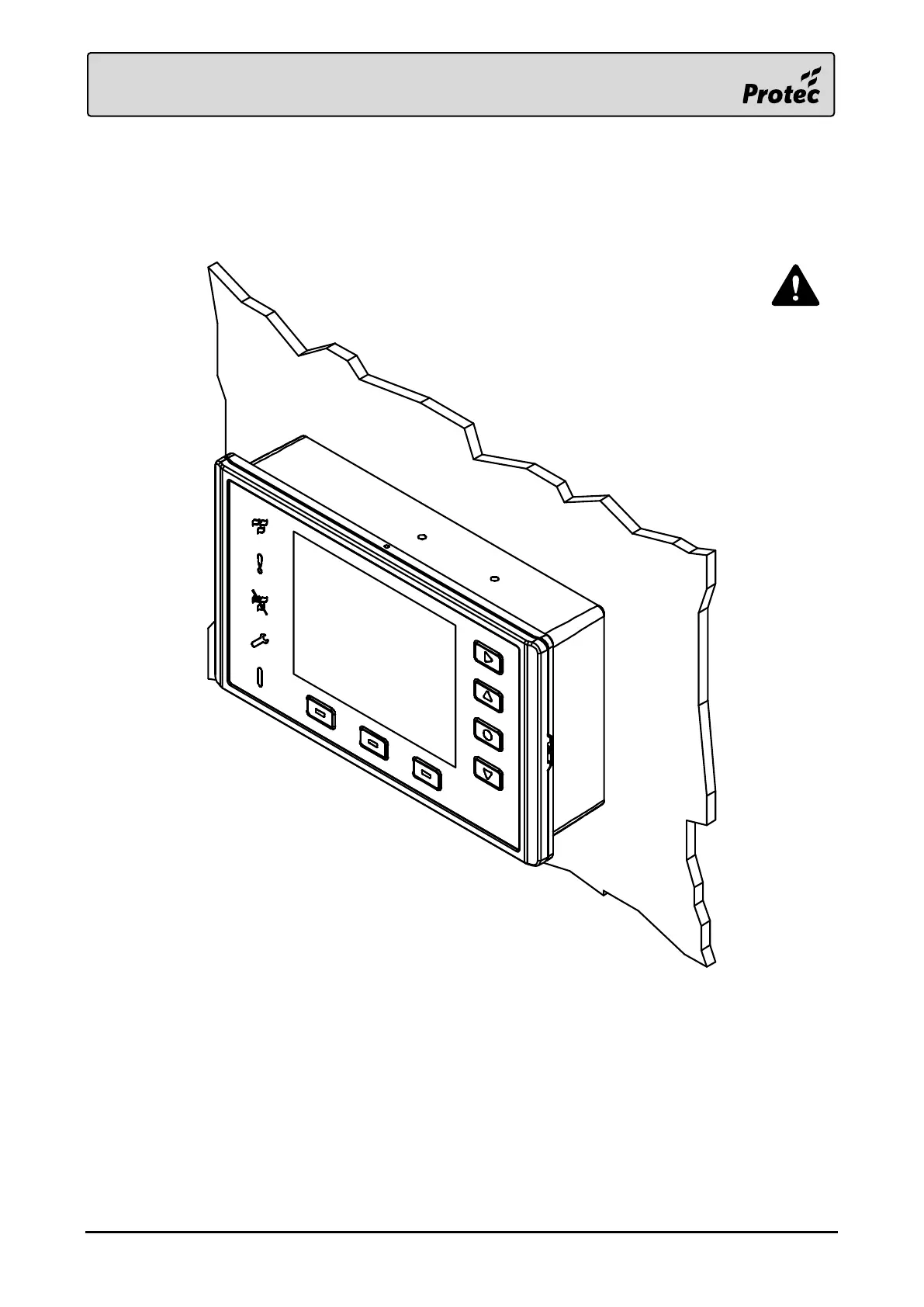
4.6 Fitting the Front Panel
Once the ribbon cable is connected and the loop continuity switch is in the running position, push the
front panel onto the back box. An audible click should be heard from both sides of the enclosure as
the clasps engage. A light tug on the front panel confirms that it has fully mated with the back box.
Do not apply pressure to the LCD as
damage may occur. Push the front
panel using only the plastic bezel.



 To Next Page