RDM0012 Issue 1 AA Page 7 of 35 © Protec Fire Detection PLC 2017
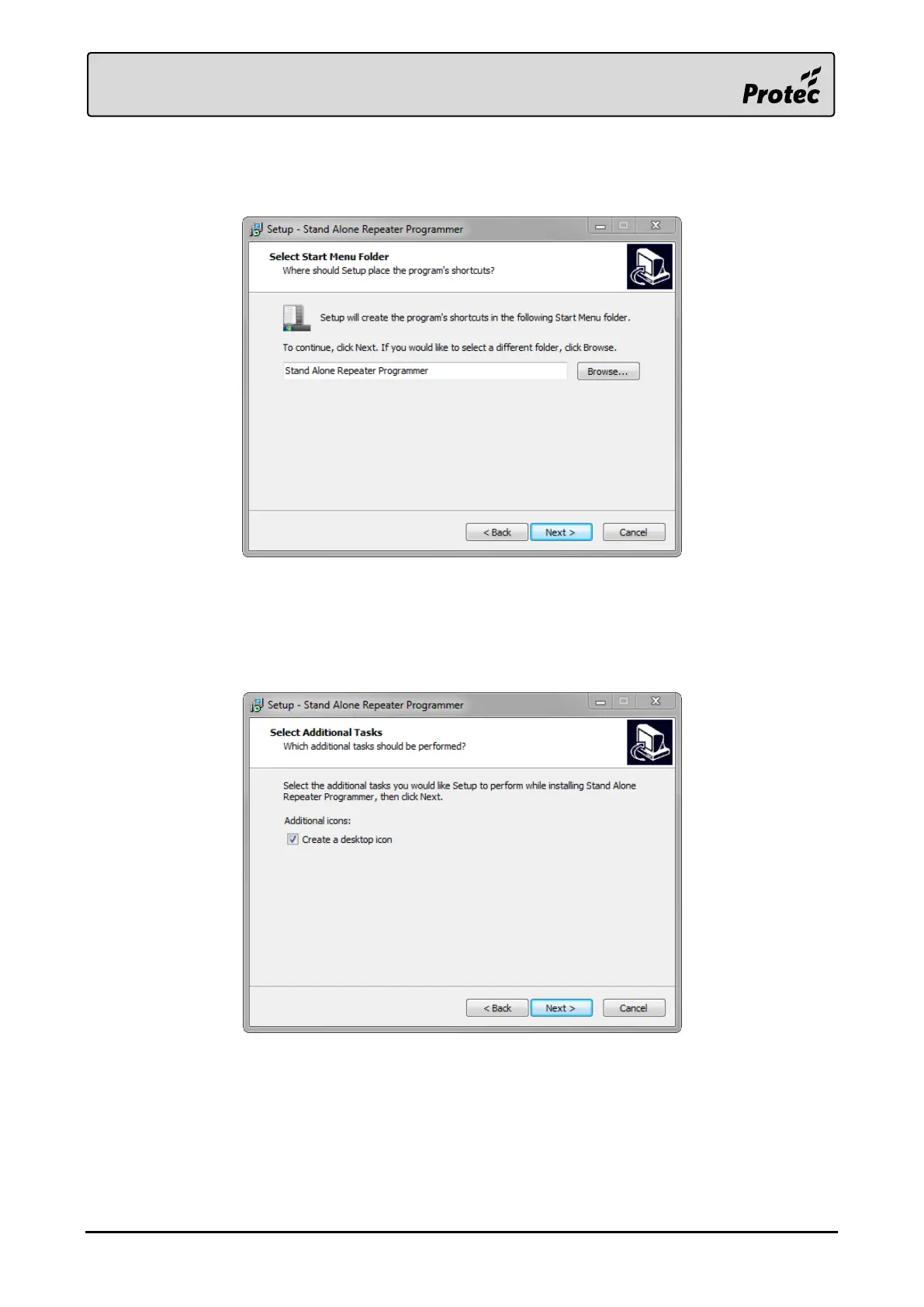
3.4.3 Start Menu Folder
It is possible to change the default Start Menu folder if required.
It is recommended to keep this as the default value set by the installer. Press ‘Next >‘ to continue.
3.4.4 Additional Tasks
It is possible to create a desktop icon for the Stand Alone Repeater Programmer.
It is recommended to create a desktop icon.
Tick ‘Create a desktop icon’ then press ‘Next >‘ to continue (this will begin the software installation).



 To Next Page